
Participant
November 9, 2018
Question

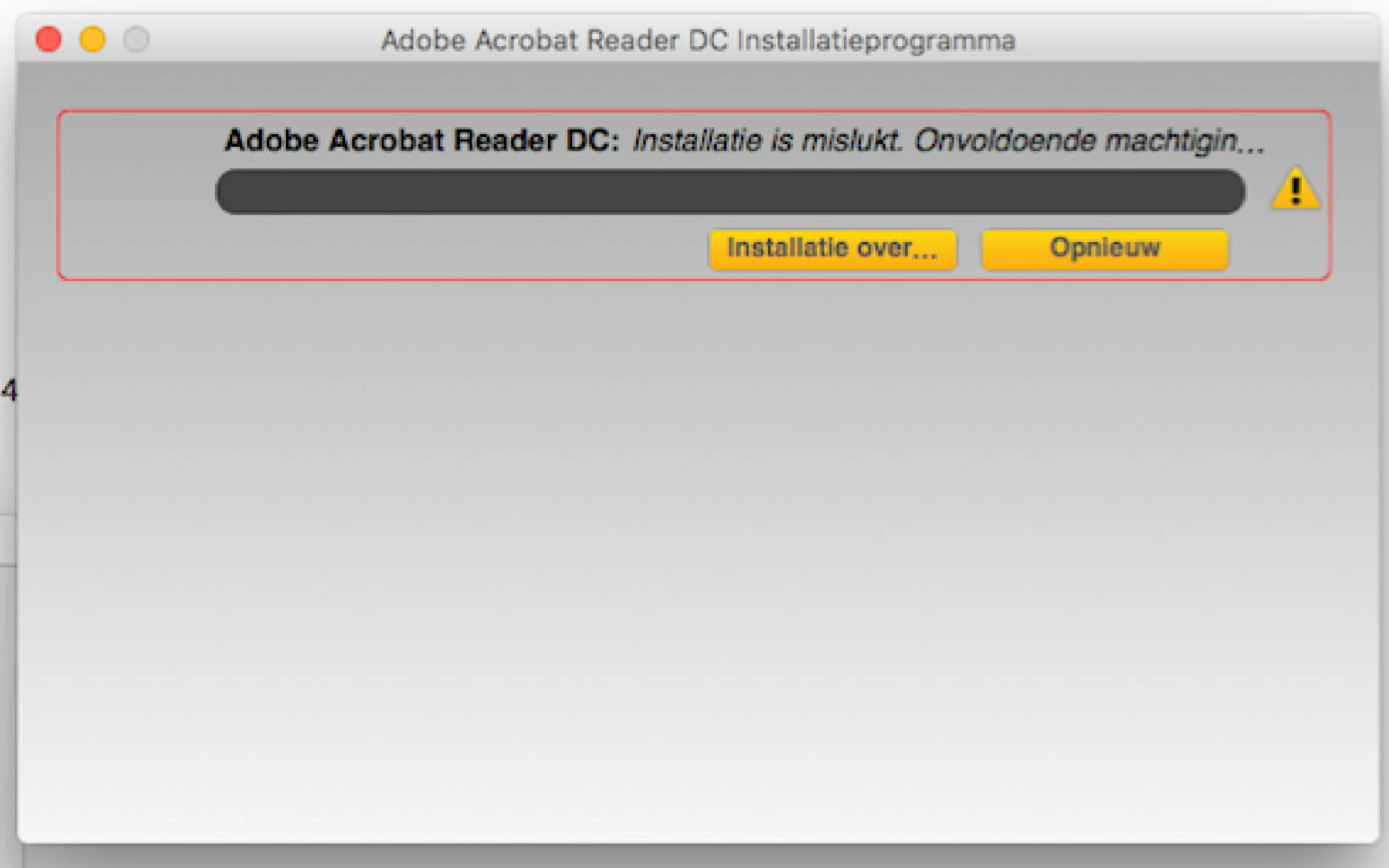
Installation Acrobat Reader on Mac failed "not enough permissions", how to solve?

  • November 9, 2018
  • 1 reply
  • 1388 views

Hi, after lots of googling and trying, I can still not install Acrobat Reader on my Mac (OS X El Capitain v 10.11.6 late 2013). Disk Space can't be the problem. I temperorarely put my Firewall down. No succes. Who has an suggestion how to solve? Kind regards, Marc.
    This topic has been closed for replies.

    1 reply

    AkanchhaS8194121
    Legend
    November 30, 2018

    Hi there,marcus g

    We are sorry for the delay in response to your query.

    Since the error message reflects that there is "Not enough permission" to complete the application. So, is this a work computer on which you do not have enough of privileged to install any app?

    You may try the following steps-

    • Check if there is any previous version of Adobe Reader installed on your computer? Not directly, but this might be causing interruption in further installation. So run cleaner tool to remove the old traces- Download Adobe Reader and Acrobat Cleaner Tool - Adobe Labs
    • Enable a "Root"  account on your Mac and try installing the application. As "Root" accounts have the full access to the system, so if there is any permission issue that should be rectified.

      Steps to create Root account: How to enable the root user on your Mac or change your root password - Apple Support

    Regards,

    Akanchha

    marcus_gAuthor
    Participant
    November 30, 2018

    Thanks Akanchha!

    Yes, it’s my work computer, but I have all the rights (I’m owner).

    Meanwhile I installes OS X Mojave on my Mac.

    After that Installing was possible.

    I encountered problems using, but also on other software (MS Word, Excell).

    It might be a problem of bug fixing.

    I look in to it coming week.

    met vriendelijke groet,

    Marc van Broekhuijsen

    AkanchhaS8194121
    Legend
    January 4, 2019

    Sure! Let us know if you still experience the same issue.

    Also, you may install the latest patch released for Acrobat in Dec- DC Release Notes — Release Notes for Acrobat DC Products

    Akanchha