
Question
Interface / Menu & Display Glitch
Hello,
I am having some graphics / display issue with Adobe Acrobat reader.
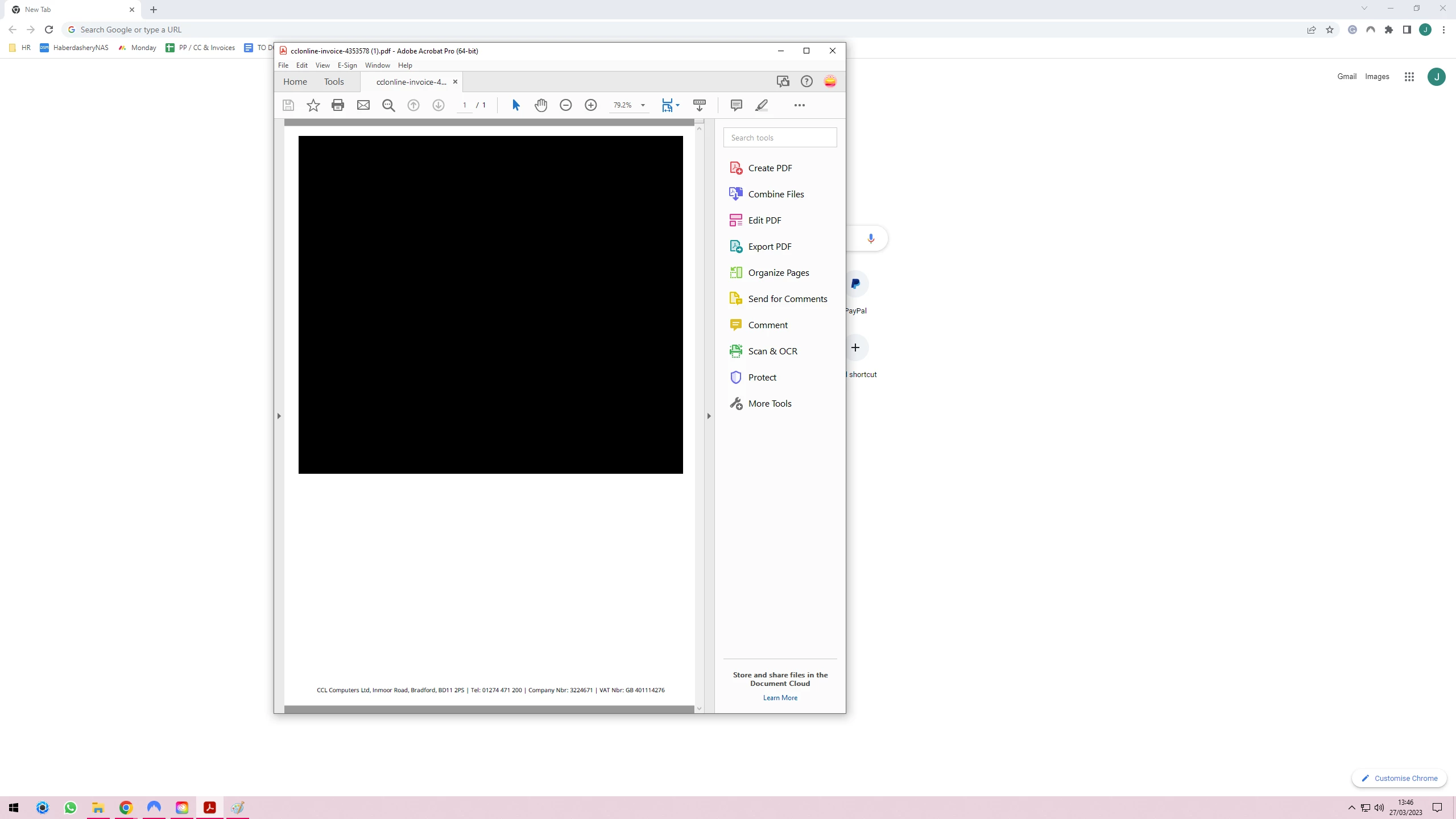
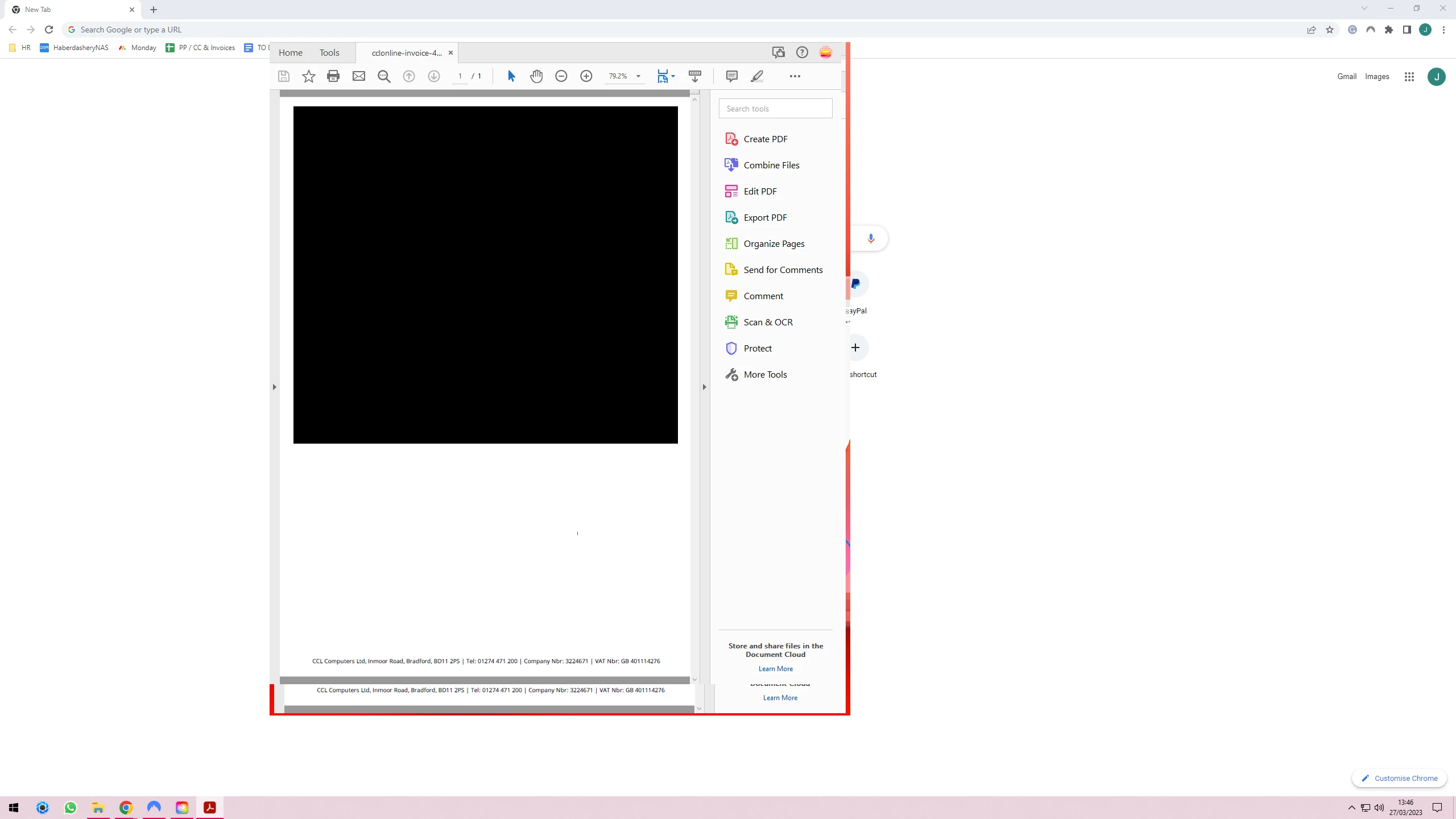
As I hove over the top menus, the menu disappears and there is a graphics bug around the edge of the window. I lose the top menu completely and cant drag, minimize, close or resize the window. See images below for it before and after the bug happens.
Pressing F9 and clicking around the window a few times is a short term fix, but I want a permanent solution.
I have uninstalled & reinstalled a few times. Repaired the installation, and altered my graphics card settings, but the issue persists.
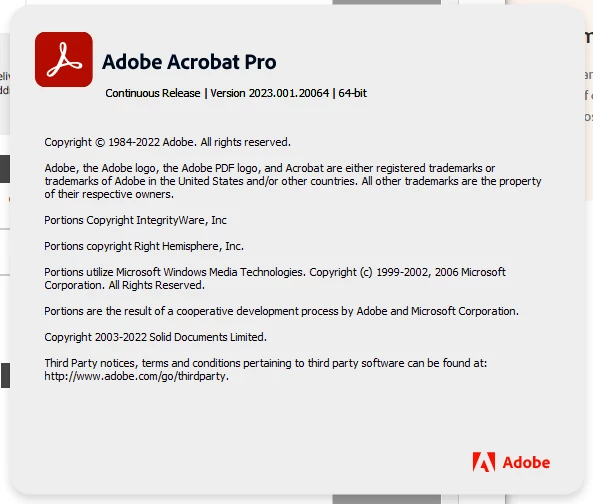
Running the latest version through Creative Cloud on Windows 10.
All help greatly appreciated.
Thanks in anticiaption.


 AdChoices