
Participant
February 10, 2017
Question

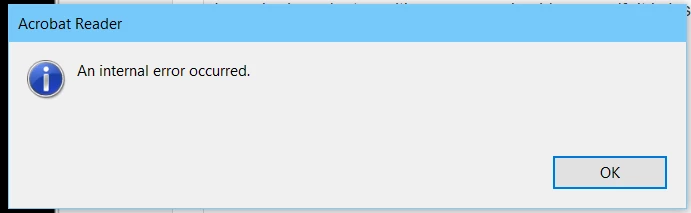
Internal Error

  • February 10, 2017
  • 3 replies
  • 432 views

HELP!

I am sharing a laptop with one other person besides myself with an installation of the latest version of Adobe Reader DC with the latest version of Windows 10. The installation is also available on my logged in @account. When I try to start Adobe Reader DC on my account I get an immediate "An Internal Error Occurred" error.  No matter what I have done, there is no way to get it to startup, except if I go to the other account. I have spent hours troubleshooting, uninstalling, reinstalling, the Adobe Reader installation. When I try to click on a PDF file which is supposed to be opening up on Adobe Reader, I get the same problem.

This should not be a problem....  HELP! IDEAS?
    This topic is closed to new replies. Start a new post to keep the conversation going.

    3 replies

    Participant
    February 11, 2017

    The other shared programs on this computer share nicely and don't have this error.

    Participating Frequently
    February 10, 2017

    Hi Ibezdechi2,

    Please try the Adobe cleaner tool for uninstallation and reinstallation of the application.

    You may refer to the link below for the same:

    Download Adobe Reader and Acrobat Cleaner Tool - Adobe Labs 

    Once installed, restart your machine and let me know how it goes.

    Thanks,

    Supriya

    Participant
    February 10, 2017

    Thank you for your response. I've already done this three times!