
Internal Error when I right click the taskbar
Hello Everyone,
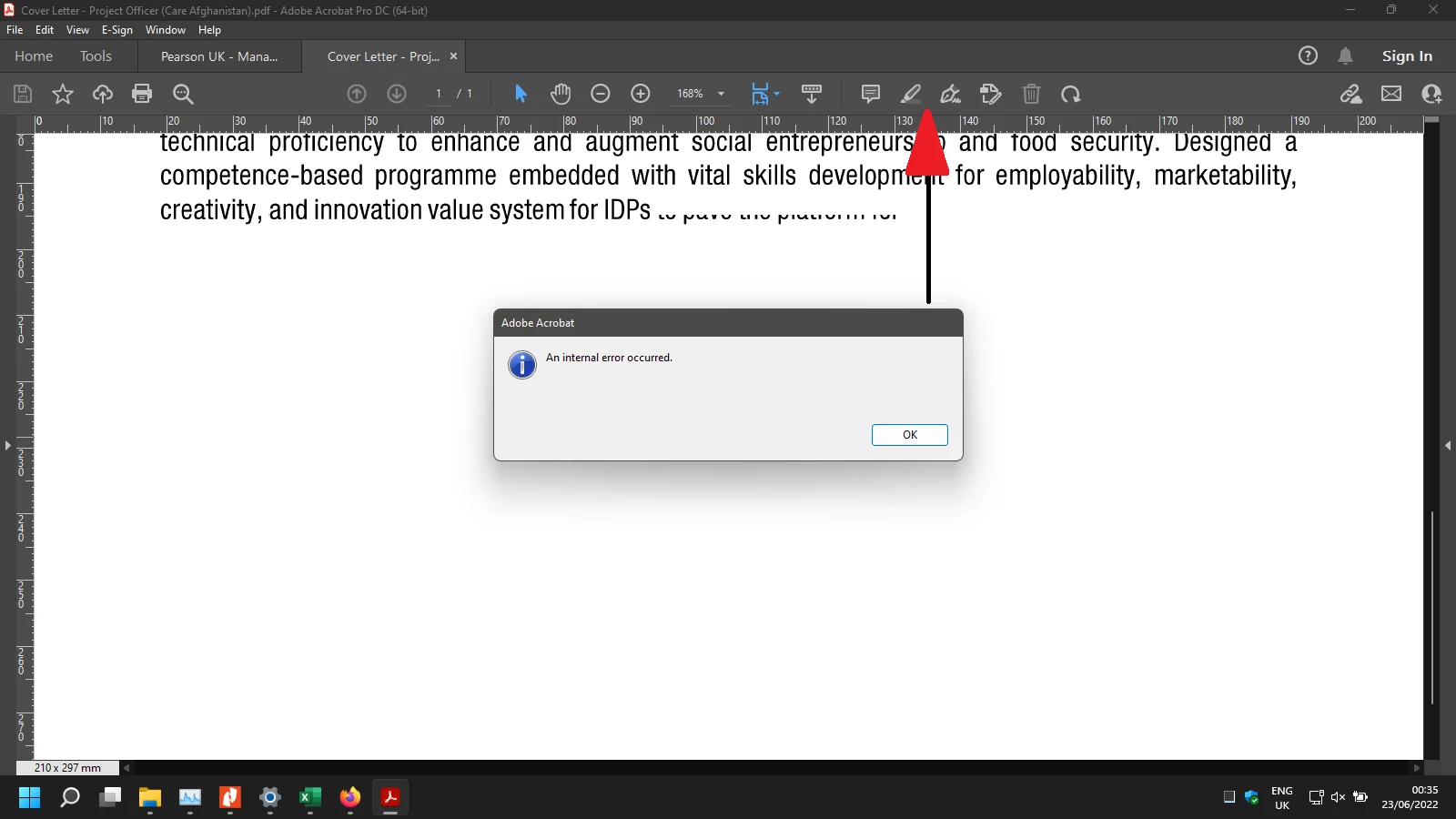
I recently installed Windows 11 and followed by Adobe Acrobat Pro DC 64Bit including the latest patch (22.001.20142) released by Adobe.com. While I want to click on any option (Deatil in Screenshot) the (An Internal Error) Message come across and it perseistently coming no matter as much as i try to close it, until I am forced to close it through Task Manager.
The following the attempts proved to be a failure:
1- Repairing
2- Restart / Reboot
3- Give persission Abobe folder in App Data/Roaming
4- Changing multiple settings from Adobe Acrobat Preference.....
Note: In attached screenshot I only depicted one example while in fact by clicking most of the above icons i get this message.
Thanks in advance and please do feel free to ask any question in case you would like more details related to the case


 AdChoices