Participant
October 7, 2024
Question

Issue with adding signature to Document

  • October 7, 2024
  • 2 replies
  • 686 views

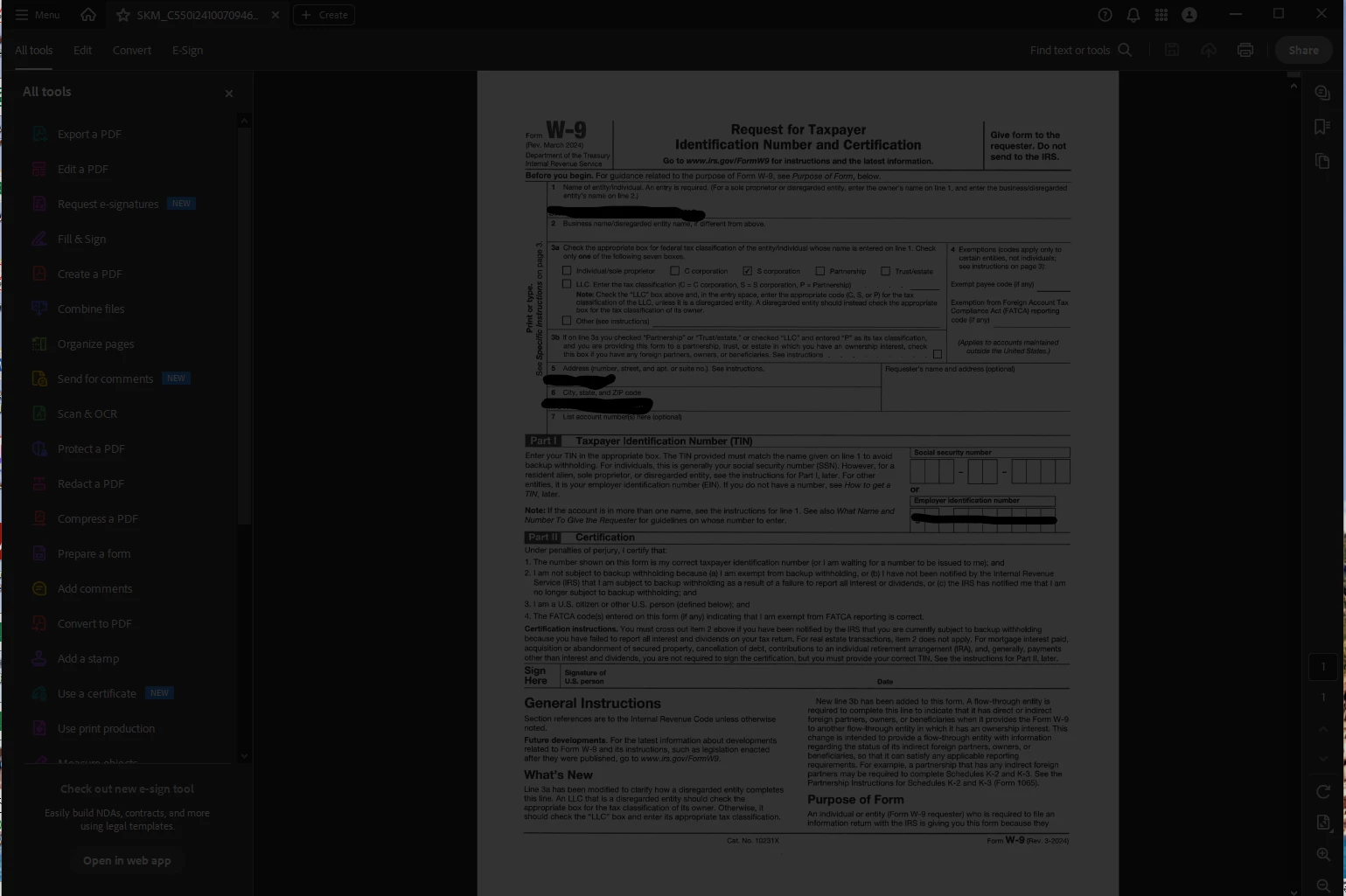
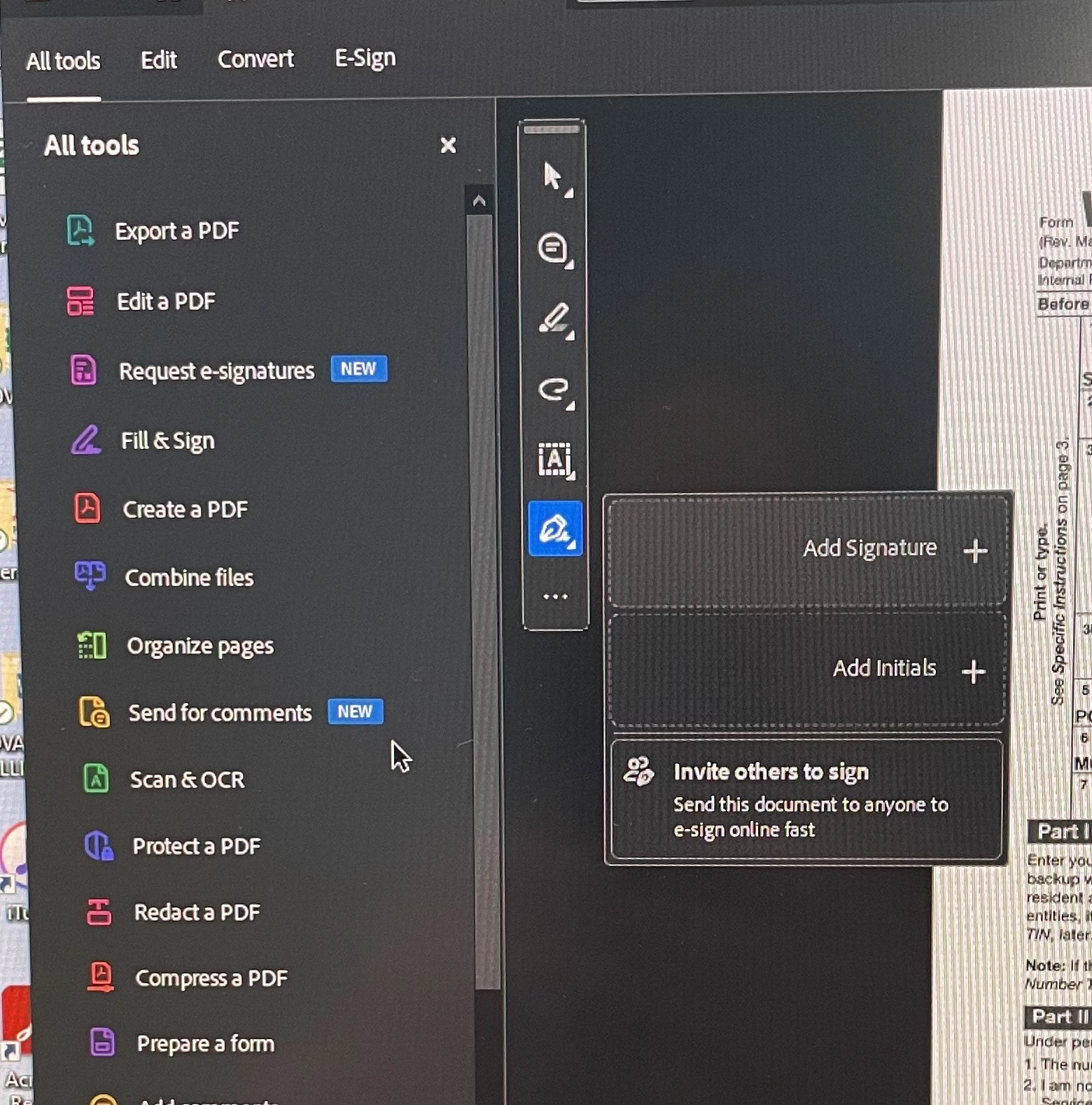
I have spent way too many hours over way too many months trying to figure this out. I have not found anything specific to my problem in the discussions. I have used Adobe on my desktop for many years to edit and sign pdfs. Since the update, sometime earlier this year, I can no longer click add signature and add a signature to a document. When I click on the shortcut next to my document to add the signature I had saved it is now blank. When I click to add a signature the entire app goes black and freezes. This is incredibly frustrating and makes paying for the program completely useless. Has anyone had this issue and found a solution?


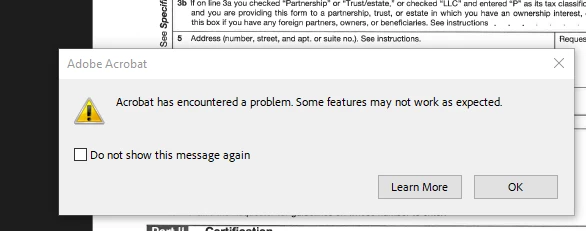
In addition, almost EVERY time I do anything with a document I get the error message below (4th photo). Any ideas why that keeps happening and why Adobe is not addressing these issues?
 

This topic has been closed for replies.

2 replies

Adobe Employee
October 17, 2024

Hi rs_3673,


Sorry for the inconvenience!

Can you please try following steps:

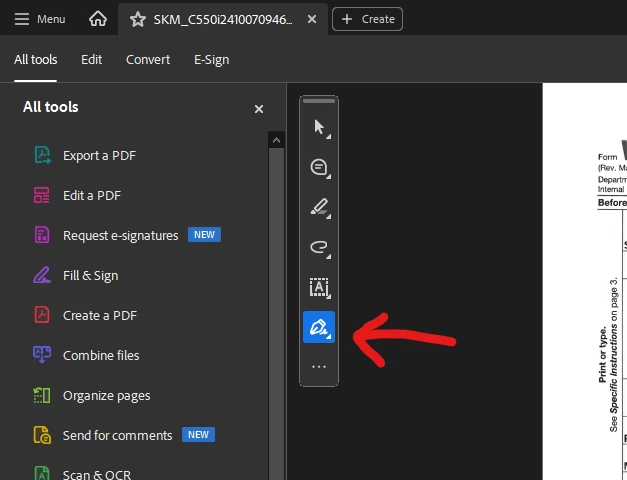
1. click on E-sign verb showing in top left.

2. There , you will get same options. Try from there.

Few quries:

1. Acrobat version.

2. Since how long are you getting this issue?

3. Can you please kill all the Acrobat processes from Task manager and then try.

4. Can you please tell whether your signatures were already present or were you going to add it first time?

5. Please update to latest version and try.


Thanks

Sanchi

Participant
October 16, 2024

I am not sure if our issue is related but I had to do the following to correct the Signature issue after it updated. Kepp in mind, this will remove preferences that you may have saved as well as delete your signature; if you have a DigitalID, I beleive it will remain but will need to add back in the appearance. It may be beneficial to just move the 2 folders into your downloads folder in case you need anything moved back.


  1. Close Acrobat
  2. Navigate to and delete content within: C:\users\YOURusername\AppData\Local\Adobe\Acrobat\
  3. Navigate to and delete content within: C:\users\YOURusername\AppData\Roaming\Adobe\Acrobat\
  4. Relaunch Acrobat
  5. Edit>Preferences>Signatures>(under creation and Appearance)select More
  6. Under Appearnaces, select New and add back in your signature graphic if used.


The issue we have now after doing that, is that randomly, we cannot sign a PDF multiple times. Some documents require 8 signatures spanning 8 pages and we will have to save the PDF with a new name each time. After signing the document a cipule times, it will fail to add a 3 signature (or fourth or fifth); its random. So basically, we will place the signature maybe 12 attempts just to get it to sign 8 times.

Hope some/all of that helps.