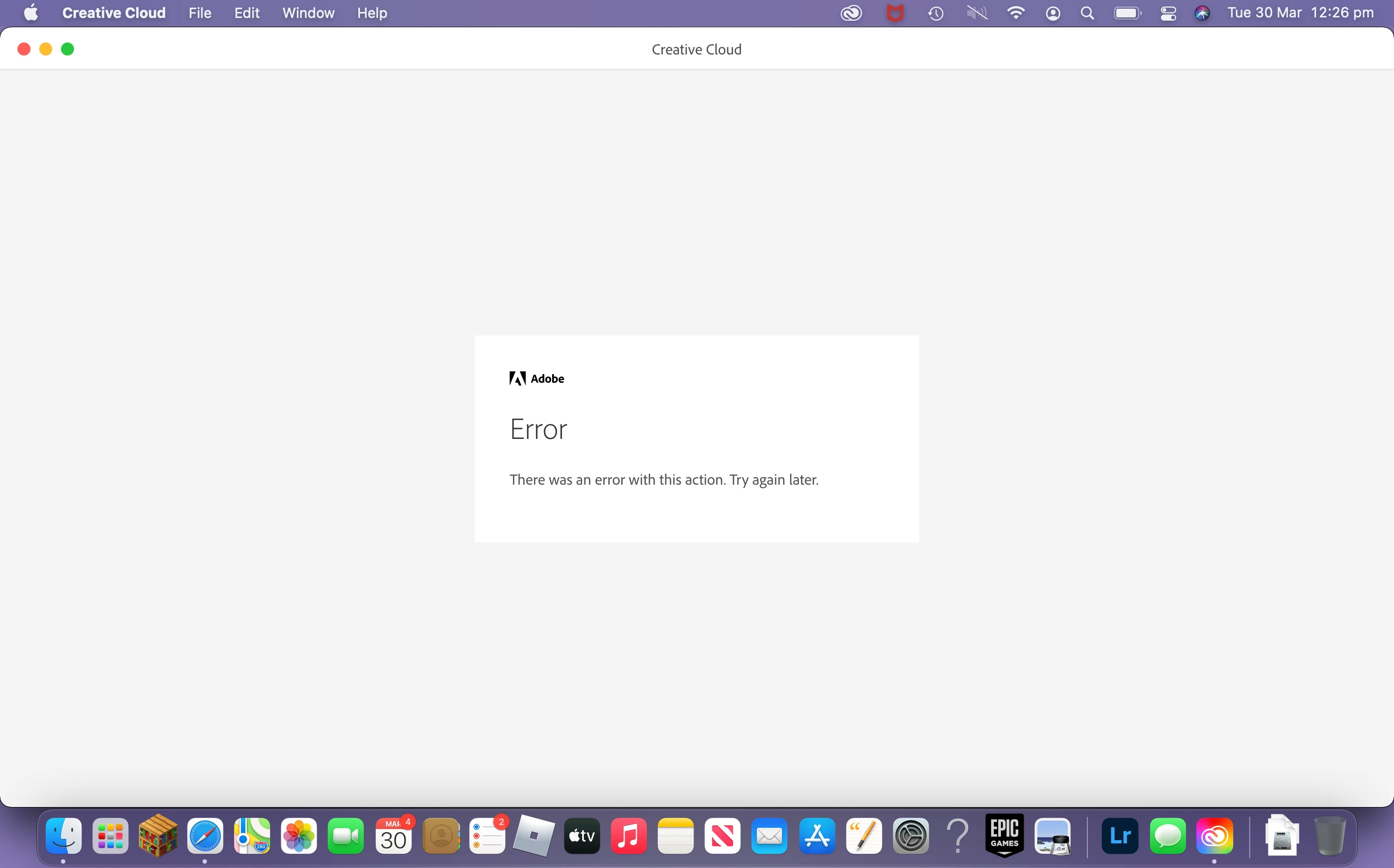
This topic has been closed for replies.

1 reply

Amal.
Legend
March 30, 2021

Hi there,


We are sorry for the trouble. As describe dyou are getting the above error message.


Please try the steps below and see if that helps.


1) Close all adobe related processes in activity monitor (Creative cloud, Core sync, CC library, services for adobe desktop app, adobe desktop service, Adobe IPC broker, AAM updater)

2) Navigate to following locations and assign the current user full permissions to adobe folders. To navigate click go from menu bar at then click goto.. type /Library/application support/   and click go.

3) To assign the permission right click on adobe folder and click Get info.. A property window will open. Then click on lock symbol to enable editing. Then click + sign to add your username. Then change read only to read and write. Then click gear symbol at the bottom and click apply to enclosed items and click ok.. Proceed to next step then.

3) Navigate to following location /Library/application support/adobe and Delete Slstore and slcache .

4) Navigate to ~/Library/application support /adobe/oobe and delete opm.db and restart your cc desktop application and check.


You may also look at the correct answer marked in a smilar discussion https://community.adobe.com/t5/download-install/creative-cloud-error/td-p/8782872 and check.


Regards

Amal