
Participant
September 20, 2023
Answered

Keep Adobe Acrobat Reader tools collapsed - do not unfold all the menus!

  • September 20, 2023
  • 3 replies
  • 1454 views

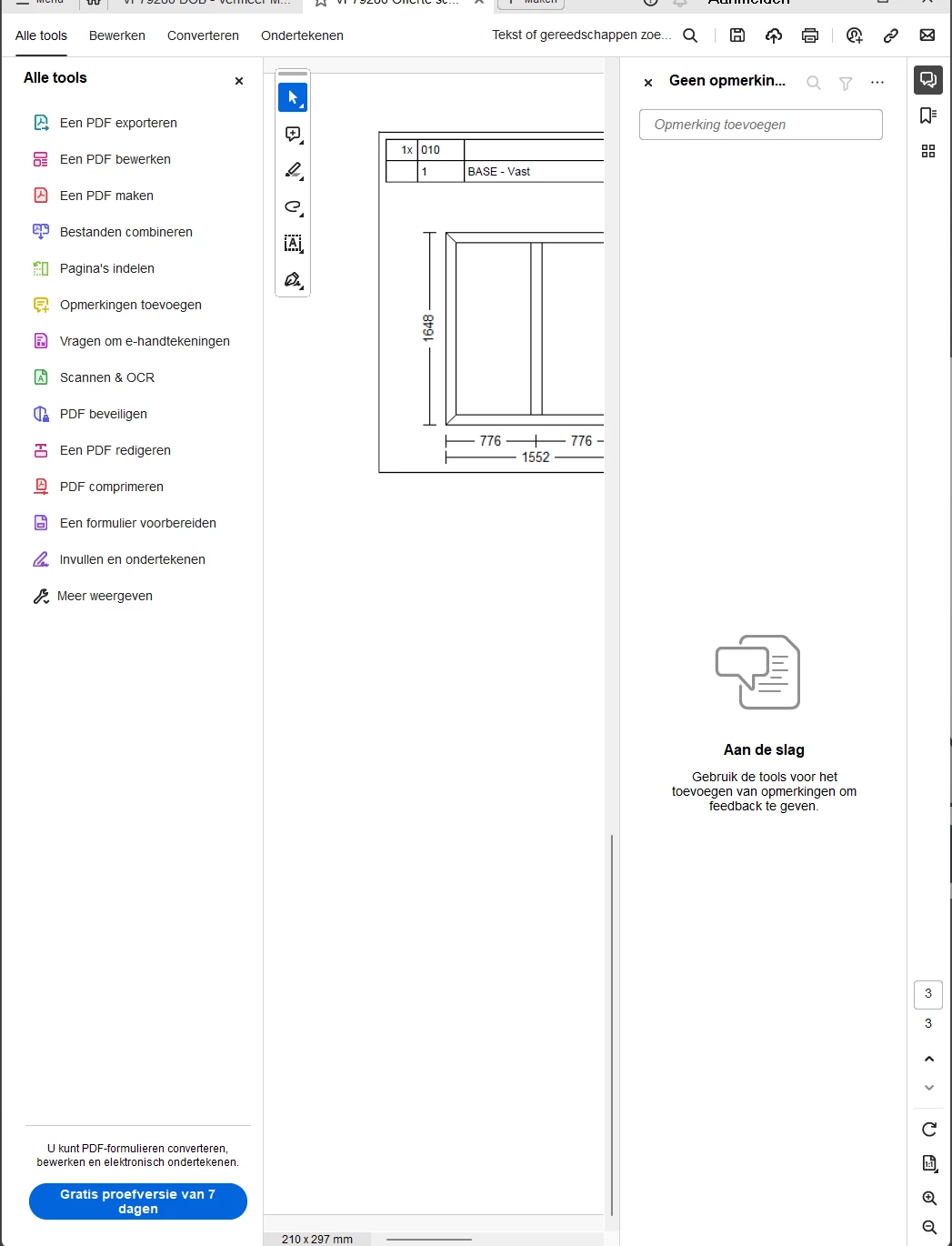
When i open up adobe acrobat reader, and i have the remember check on, it unfolds the tools and the notes tab. really anoying. see pictures ↓↓ 


what i want is to open a .pdf file and see its contents. and if i have to see the notes/ which page im on, or want to modify with the tools. then i want to click on the menu and it opens up on me. 

now i am forced to close them down first !! every time!!!!! 


seems unneeded and bugs me out ALOT!!   

if this is a repost of the same kind, i'm sorry, but i could not find this topic as i only find, checking the box in preferences.


if there is a solution, i would love to hear it, with kind regards, Martin


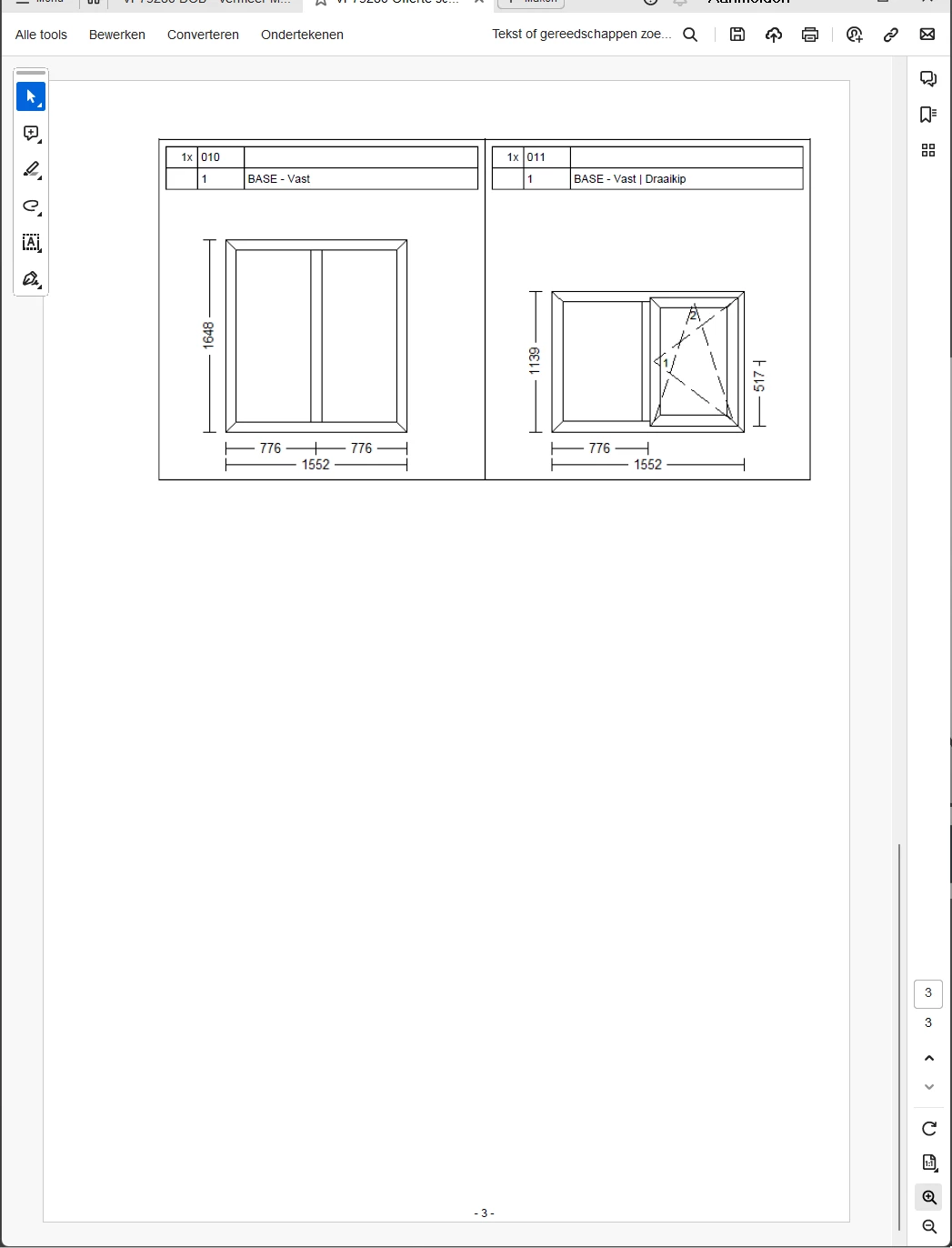
positive opening up the program:
 

negative opening op the program:
This topic has been closed for replies.
Correct answer JR Boulay

[MOVED TO THE ACROBAT READER DISCUSSIONS]

3 replies

Participant
January 22, 2024

Edit: Since the last update it happens like 90% less.  
so for now the problem is solved for me.  

Participant
September 21, 2023

I have the same issue!! The solution I got from Bwana was to check the Restore Last View setting. I did. NO CHANGE. The damn menu tab opens EVERY TIME. It is SO annoying!!


JR Boulay
Community Expert
JR BoulayCommunity ExpertCorrect answer
Community Expert
September 20, 2023

[MOVED TO THE ACROBAT READER DISCUSSIONS]

Acrobate du PDF, InDesigner et Photoshopographe
Participant
November 2, 2023

Dear  JR Boulay, it still stands as "correct answer" but only the topic is moved. 

Do you have the correct answer for the, standing above, problem?