Participant
March 24, 2025
Question

Konfiguration von Adobe Acrobat Reader DC

  • March 24, 2025
  • 1 reply
  • 395 views

Hallo!

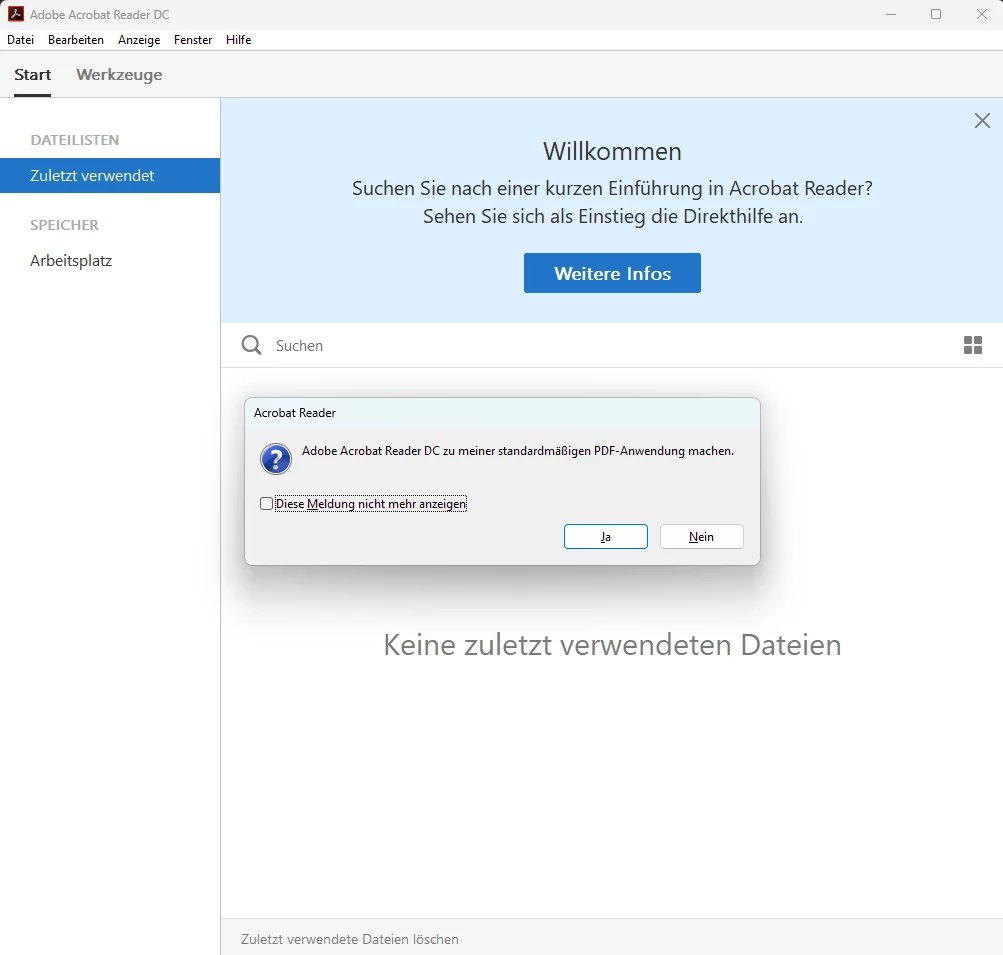
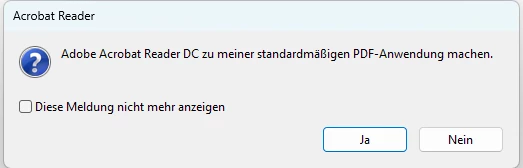
Ich möchte den Adobe Acrobat Reader DC auf ca. 100 Clients installieren. Ich habe soweit die Konfiguration über den Adobe Customization Wizard abgeschlossen. Jedoch wird immer wieder das Fenster angezeigt. Dieses soll einfach ausgeblendet werden. Wie mache ich das?


Kann mir dabei eine Person helfen?


Vielen Dank für die Hilfe!
 

1 reply

AnandSri
Legend
March 25, 2025

Hello Philipp!


I hope you are doing well, and thanks for reaching out.

Could you please share the message from the screenshot? It looks like you're receiving a prompt while deploying Acrobat Reader to user machines.

You can refer to this article for guidance on suppressing specific user settings: Advanced Configuration for Acrobat Deployment.

If you share the exact message, we can provide more specific recommendations on which settings can be modified using the Customization Wizard.


We're here to help, just need more info.

Thanks,

Anand Sri,

Participant
March 25, 2025

hello Anand

Thank you for your reply.
When I start the reader, the window always appears: “Make Adobe Acrobat Reader DC my default PDF application”.

I would like to hide this completely.

Unfortunately I have not found the right setting in the customization wizard to hide this window.


Thank you for your help!

Participant
March 28, 2025

Hello, 


is this the right information? 

Or do you need futher information?