Question
Line spacing issues when converting docx to pdf
Hi,
I have created several large technical manuals in Word that encounter two issues when converting to PDF.
- Word is unable to convert to PDF when I select 'save as PDF' to my hard drive, giving up this error message:
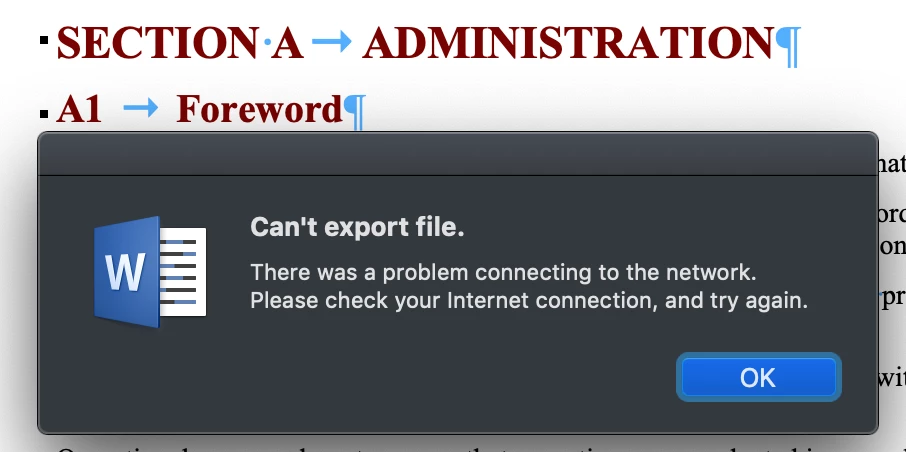
- When I try the Adobe 'Document Cloud' the line spacing expands from 1.0 in Word to 1.32 in the PDF and the layout is then completely wrong.
I think the problem with saving as PDF locally is due to some conflict with the Table of Contents in the document being in the wrong format (I saw that online somewhere: but that doesn't help as there was no detailed description of exactly what is wrong with the TOC).
And I cannot find how to change the default setting for line spacing to 1.0 in the Document Cloud.
I am using Office 365 on a Mac and have a full subscription to Adobe.
The solution I'm after is to set the default line spacing in Acrobat to 1.0 during conversion if someone can tell me how?
Cheers.
 AdChoices