July 19, 2017
Answered

Lines go thick when exporting as PDF

  • July 19, 2017
  • 1 reply
  • 3169 views

Hi Support,

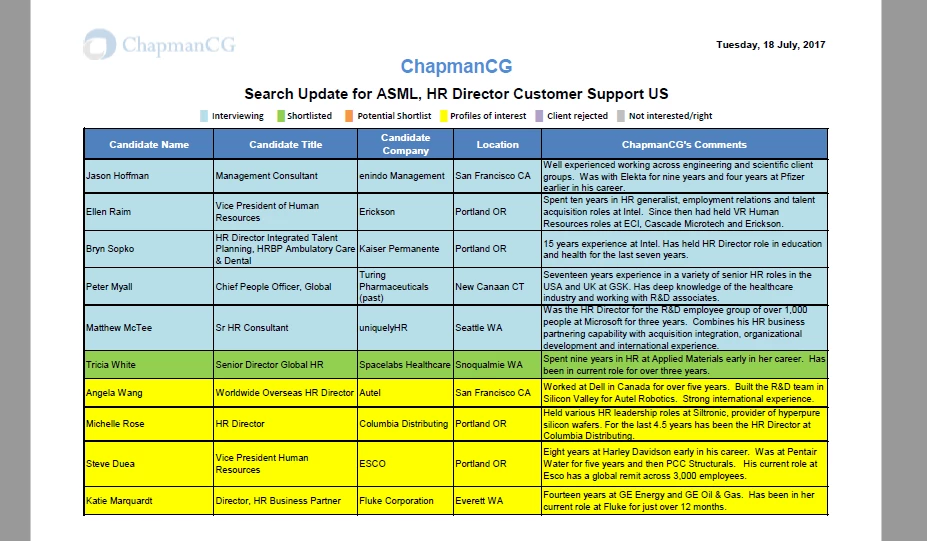
Every time I tried to convert an excel file to pdf file this happens the lines go thick when exporting as PDF. We already run repair the Microsoft office365 and re-install the adobe acrobat reader to the latest version on my pc but still same issue.

Kindly see attached screenshot for more details about the issue.

Thank you and looking forward to working with you.
    This topic has been closed for replies.
    Correct answer Bernd Alheit

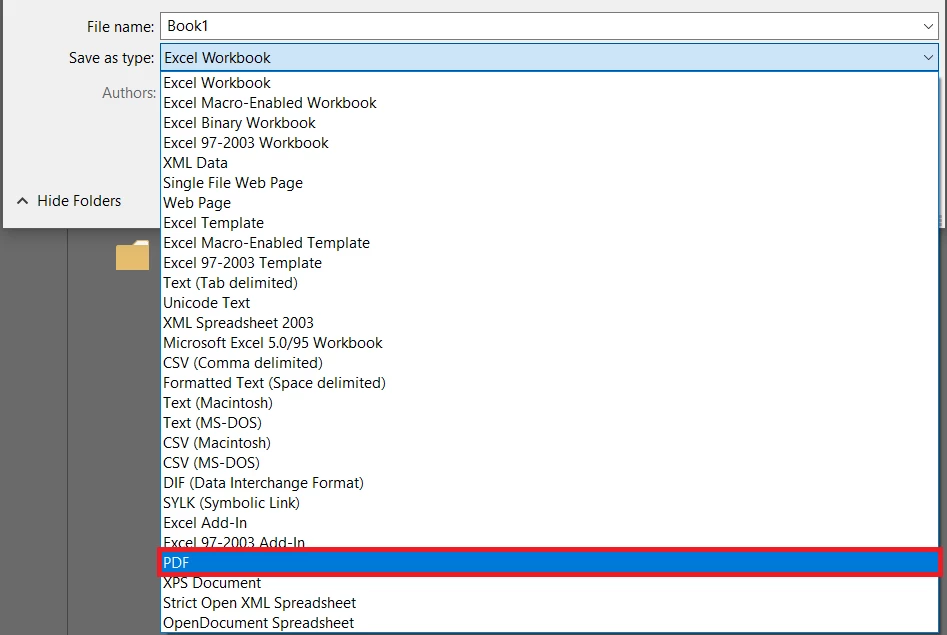
    The original file is excel. Then I save the file as PDF. Please refer to the image below.


    Microsoft software creates the PDF. You can contact the support of Microsoft.

    1 reply

    Bernd Alheit
    Community Expert
    Community Expert
    July 19, 2017

    How did you create the PDF file?

    July 19, 2017

    Created as original excel file then convert to pdf

    Bernd Alheit
    Community Expert
    Community Expert
    July 19, 2017

    How did you convert?