
Participant
April 19, 2019
Answered

LiveCycle Designer 8.0 Form in Reader DC

  • April 19, 2019
  • 2 replies
  • 935 views

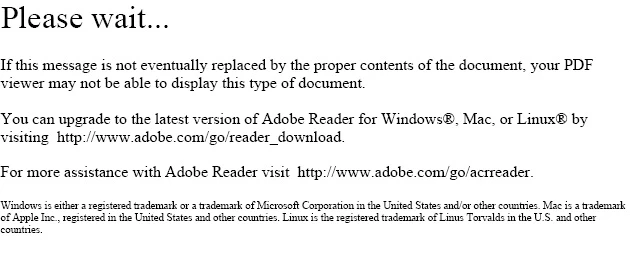
We've got a pdf file that was created circa 2009 that's used for data entry.  This file/form is opened in Windows 10 Pro64 and Reader DC, filled out, and saved with a new name.  The information in the form saves successfully, unfortunately the thumbnails in the file explorer preview pane no longer represents what's in that form.  Instead it's a Please Wait... message that never updates.    These forms/files are used to upload into a webapp that also utilizes the previewpane/thumbnail file feature for faster browsing of records.   All other *.pdf files get their previewpane thumbnail images successfully.  Only this file.  I've tried both Reader DC and Pro DC and they both have the same effect.  I don't know much about building forms in Adobe.  Anyone have suggestions how to fix this problem?

Thanks in advance,

                                   Raoul
    This topic has been closed for replies.
    Correct answer try67

    Almost no PDF viewer beside Adobe's can process such files, as they are not really PDFs, but XML files displayed as PDFs.

    You need to make sure you only open this file in Reader (or Acrobat) if you want it to work.

    2 replies

    try67
    Community Expert
    try67Community ExpertCorrect answer
    Community Expert
    April 20, 2019

    Almost no PDF viewer beside Adobe's can process such files, as they are not really PDFs, but XML files displayed as PDFs.

    You need to make sure you only open this file in Reader (or Acrobat) if you want it to work.

    Legend
    April 19, 2019

    This isn't surprising. You also see this message in most browsers and mobile devices and email apps. Did it ever work for you (for this form)?