


Low quality when opening 3D File
Hello all,
I've got a problem in Acrobat when I open a 3D file, the quility of the files in sudenly much lower. This morning it seems that I had a update or something, because all my setting where gone and back to the standard settings. Before that i didn't had any problems or what so ever.
I tried "Enable Protected Mode at Startup" but also that isn't working. Also tried to reinstall Acrobat, but the problem seems to stay the same.
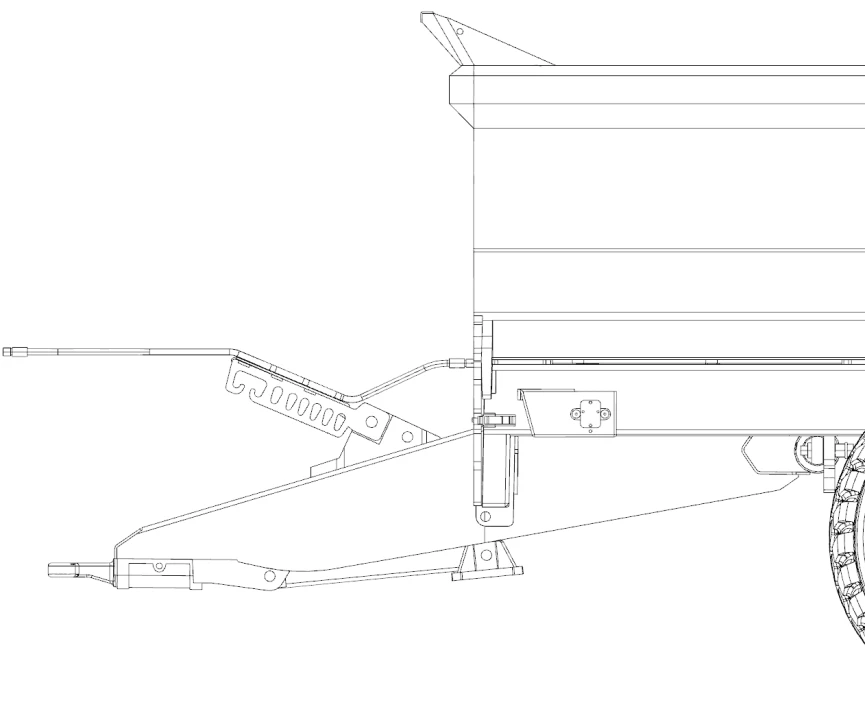
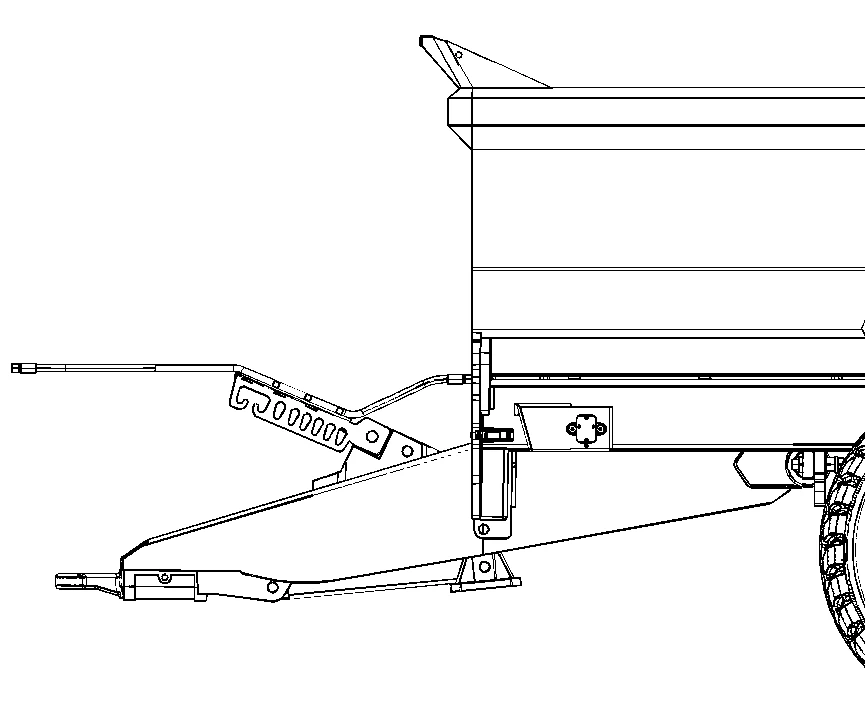
Here is an example, maybe not the best, but the only one i've got, the first one is before the update and the second photo is after the update. As you can see the lines are much more pixeled now than before.
PC:
Windows 11
NVIDIA GeForce GTX 1060
Intel Core i7-8750H CPU
If someone knows what to do or what i'm doing wrong, please let me know!
Thank,
AJ


 AdChoices