
Missing Characters when combining files or editing files
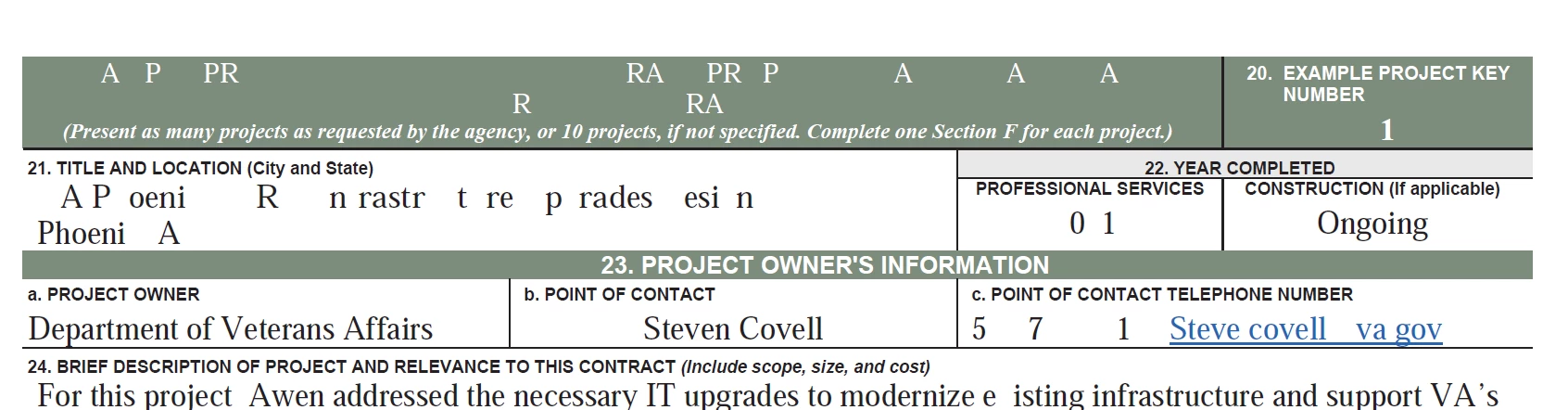
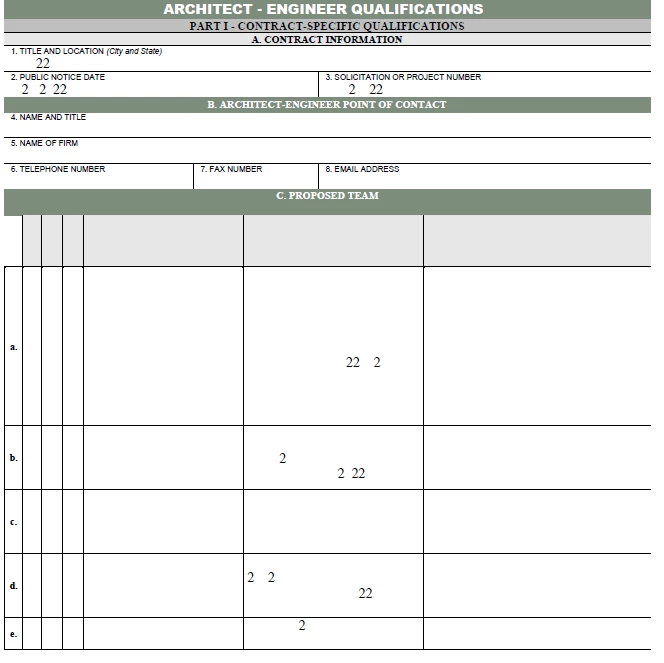
Using Lenovo ThinkPad and Adobe Acrobat DC to create my files/proposals. I have made templates so I will either combine files, or I will edit a previous proposal if it requires nearly identical documents with minor changes and save as a new file. HOWEVER, the images below (the second image is actually a page full of text if you can believe!) keep happening to my files - especially when I Reduce File Size in order to be compliant. I only use Arial or Times New Roman (as that's required). If I select the text box and change the style to Bold or Italic and back again, it typically brings the characters back. But I don't want to do that to every text on every page...
**I'm not the most tech saavy and (I think) I've tried the embedding fonts, but maybe I'm not doing it correctly. Can someone please help save me/my sanity??


 AdChoices