


Participant
November 21, 2021
Answered

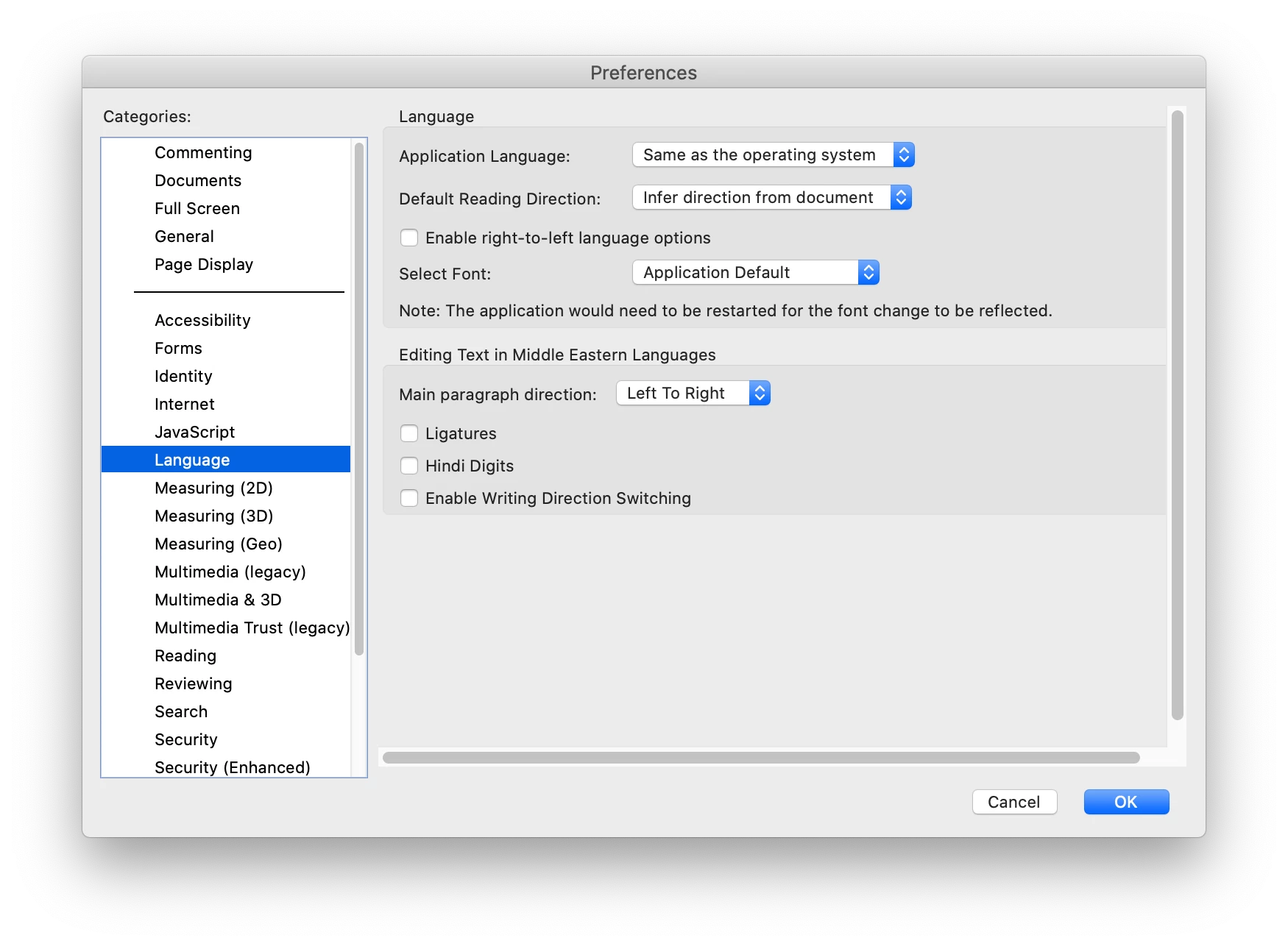
No options for changing language in Mac

  • November 21, 2021
  • 2 replies
  • 646 views

Hi,

in my Mac (OS 10.15), I cannot find an option to change the language. Preferences > Language > Application Language only gives me option to "Same as the operating system". Any ideas? I need this in order for my digital signature to appear in Spanish, not the OS language (English in my case). Thanks!

 

This topic has been closed for replies.
Correct answer try67

Download and install a localized version of Reader from here: https://get.adobe.com/reader/otherversions/

2 replies

JR Boulay
Community Expert
Community Expert
November 22, 2021

MOVED TO THE ACROBAT READER FORUM

Acrobate du PDF, InDesigner et Photoshopographe
try67
Community Expert
try67Community ExpertCorrect answer
Community Expert
November 21, 2021

Download and install a localized version of Reader from here: https://get.adobe.com/reader/otherversions/

Participant
November 22, 2021
unfortunately, that doesn’t help. Same result after installing the allegedly Spanish version from that page.
--
Daniel Castaño Díez
www.dynamo-em.org
+41(0) 6138 73214
Bio-EM Lab
Biozentrum, University of Basel