Non-descript printing error
I am running the latest version of Acrobat DC and Acrobat Reader side by side on a Windows 2019 remote desktop session host for 10 users. Two of those users have named licensing licenses for Pro, eight don't, thats the reason for having to run the two side by side.
When I install DC Pro the two users can print without any problems. When I install Acrobat Reader, I am getting quite a few errors. On the first run, I get a pop up of Quitting - Raise without Handler!
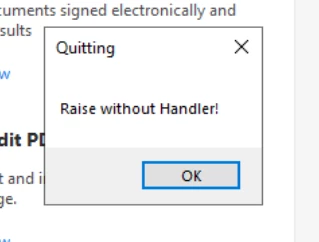
I click OK, program closes it. I reopen it everything seems to be working fine until I go to print.
I go through the normal steps to print a document and get the first error message, "The document could not be printed.
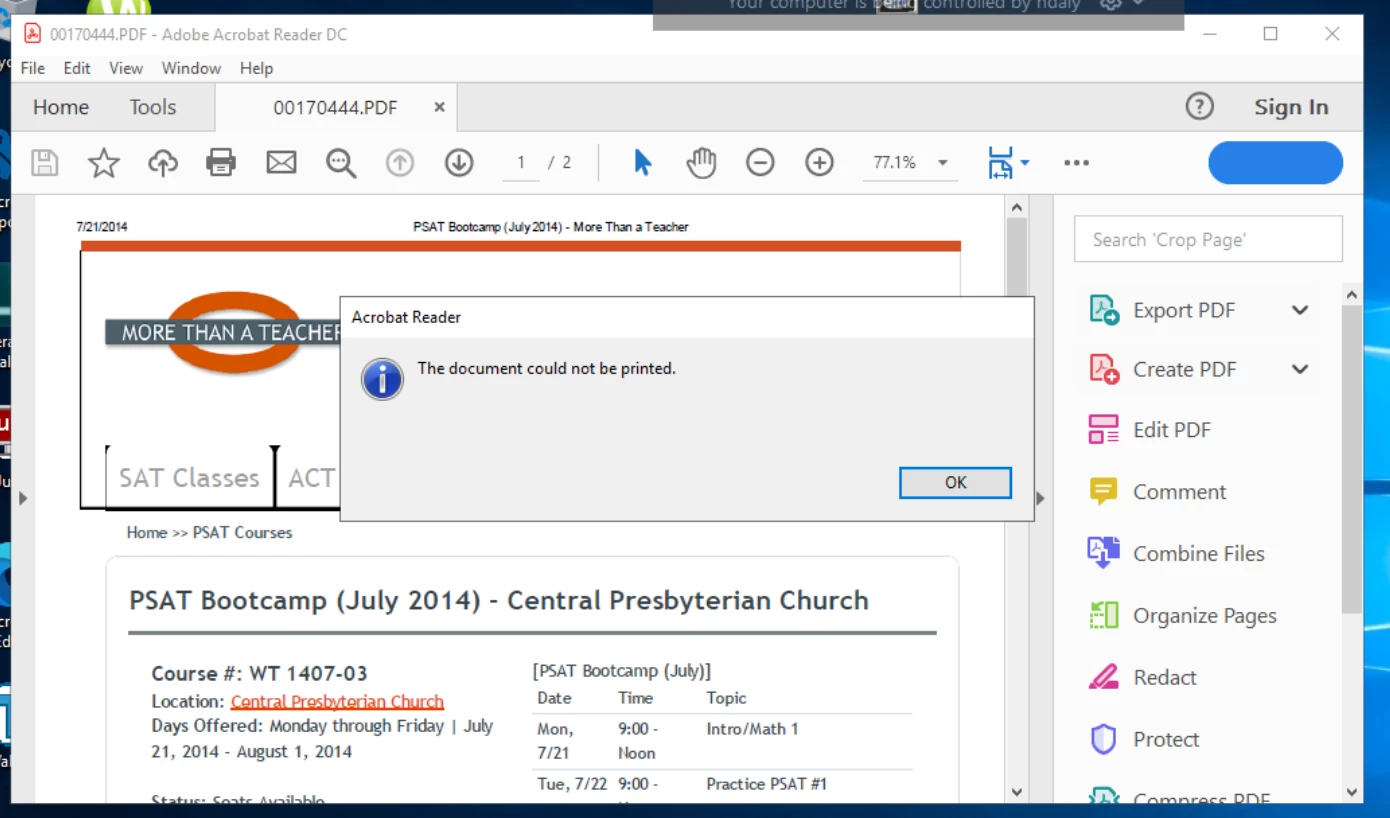 I click OK and this I get this pop-up. "An error occured while printing the document."
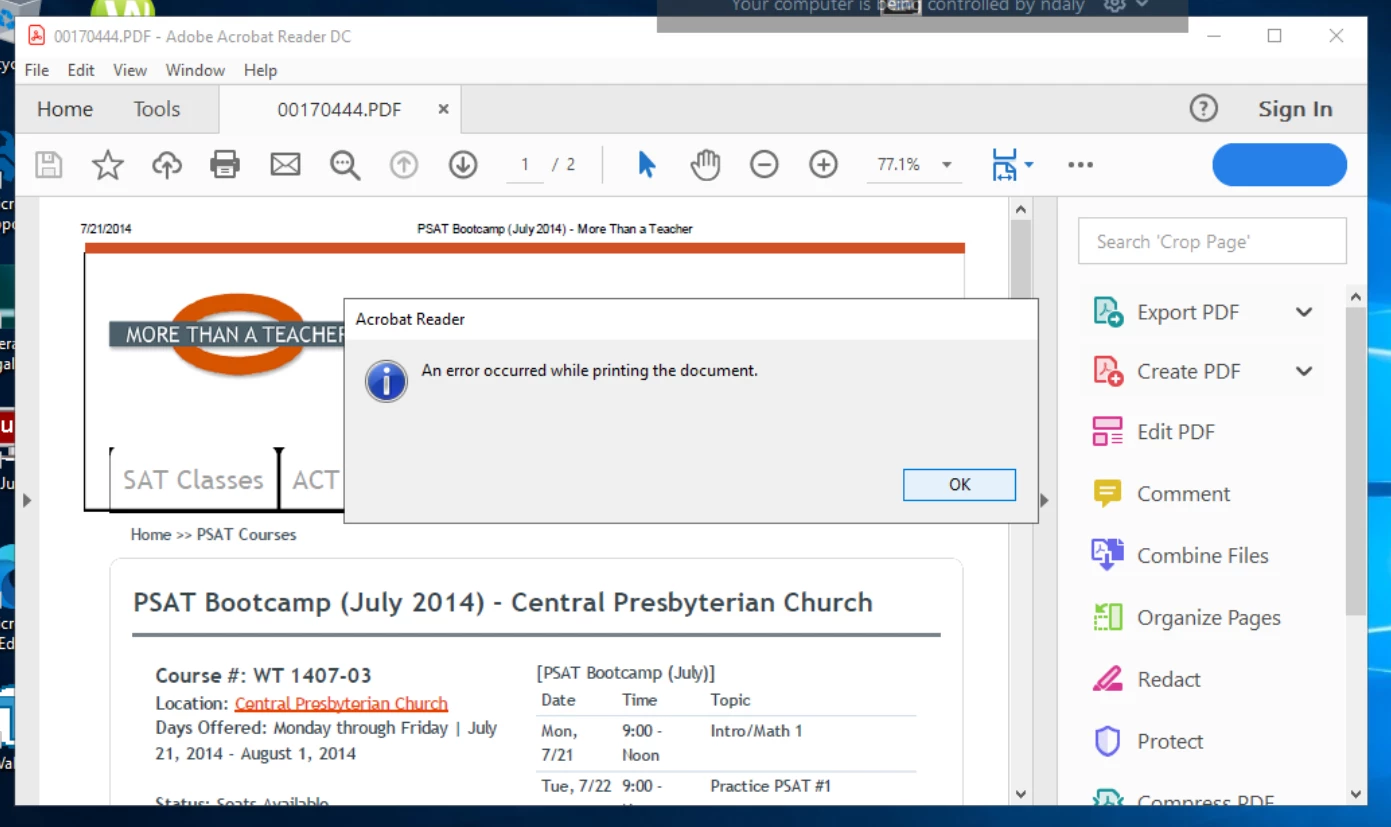
We are also running CopiTrakDesktop10.EXE to charge prints to the correct client. There are no errors or entries in the event logs related to this.
 AdChoices