Known Participant
Feb 9, 2017 2:29 AM UTC
Question

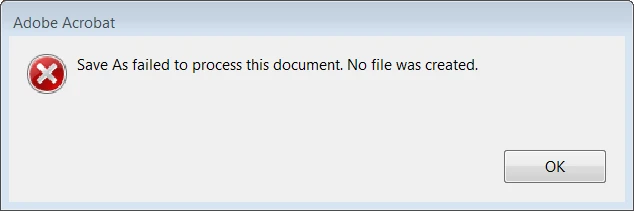
Not saving

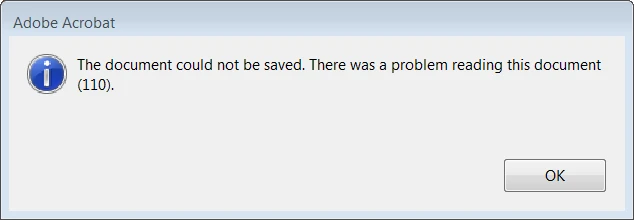
I made a few changes to a PDF, but I can't save or export to Word.

In preferences, protected view is set to off, ;;":ENABLE Enhanced security" is unchecked. In windows explorer, preview pane is off.

Version is Acrobat pro DC 2015.023.20053

Nothing saves or exports.
    This topic is closed to new replies. Start a new post to keep the conversation going.

    3 replies

    Participating Frequently
    Feb 9, 2017 1:27 PM UTC

    Hi LightofHeaven7,

    Please confirm if its happening with a particular file or all files.

    Also, if you are exporting PDF to other formats and your PDF is a corrupted file, then you might end up with anything only remotely assembling your PDF file.

    If the issue exists with all the files, then try the repair installation of the application or try uninstalling and reinstalling the application lastly.

    Let me know how it goes.

    Thanks,
    Supriya

    Translate
    Known Participant
    Feb 10, 2017 5:36 AM UTC
    Well, I was able to export one other PDF I have to a .docx file.

    Don't know if this would cause issues in Acrobat, but the PDF giving me grief was extracted from an ACSM file and DRM was removed with Calibre.

    A repair install didn't help.

    Translate
    Known Participant
    Feb 10, 2017 8:09 AM UTC

    I think it may have been an issue with the fonts. See this post I found:

    Re: there was an error processing a page. there was a problem reading this document (110)?

    After following what that user did, export worked. My "gathering font info" was stuck at 4%

    Translate