
Participant
October 20, 2020
Answered

PDF not selecting text properly (huge selection)

  • October 20, 2020
  • 1 reply
  • 7009 views

Can someone tell me why is this happening? I have a regular pdf file with text on, but whenever I try selecting a portion or highlighting it, it selects a giant portion as if the font size was giant. I tried the "recognize text" tool (OCR) but did nothing. It's also not the first file I encounter this problem with.
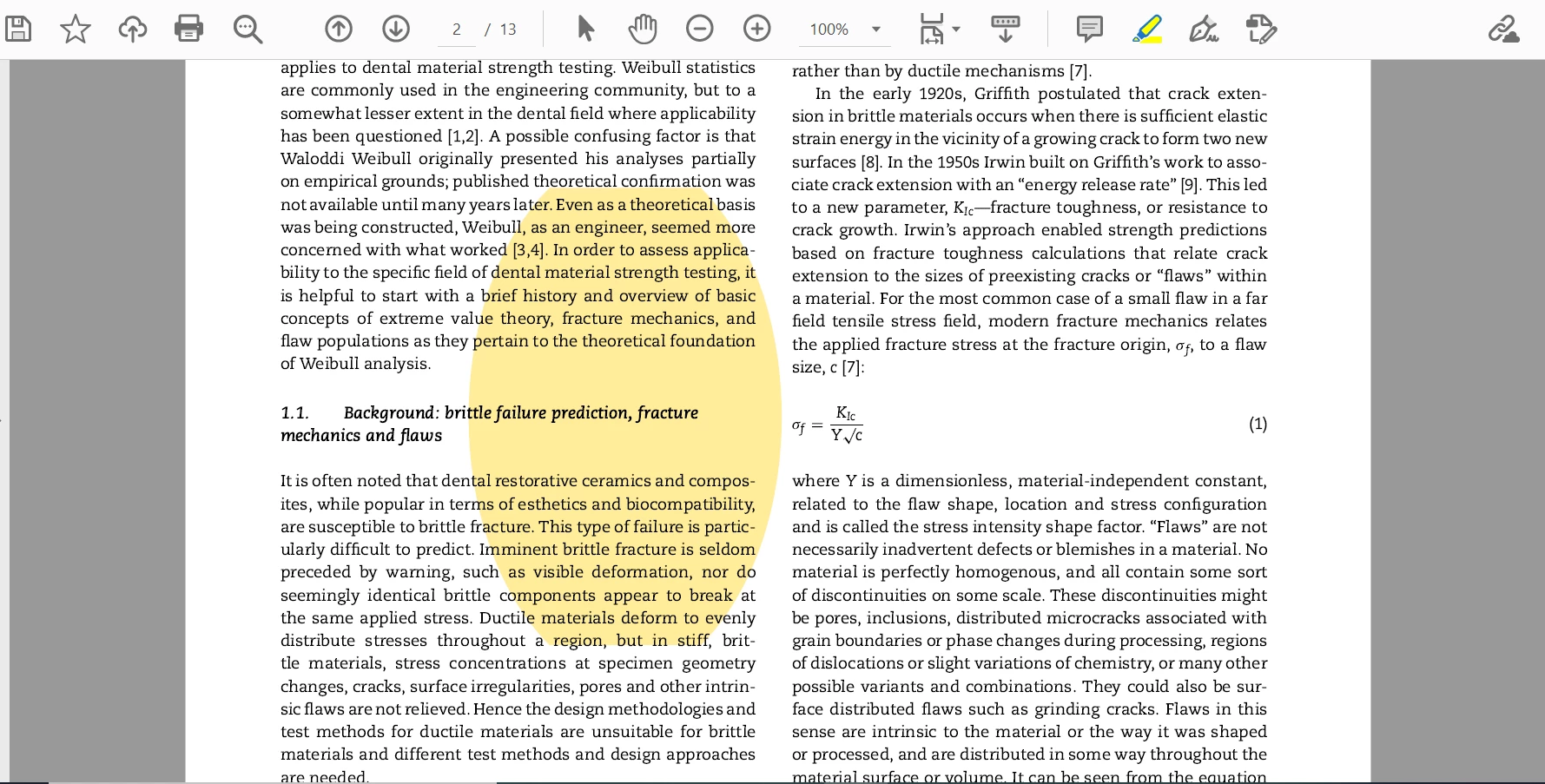
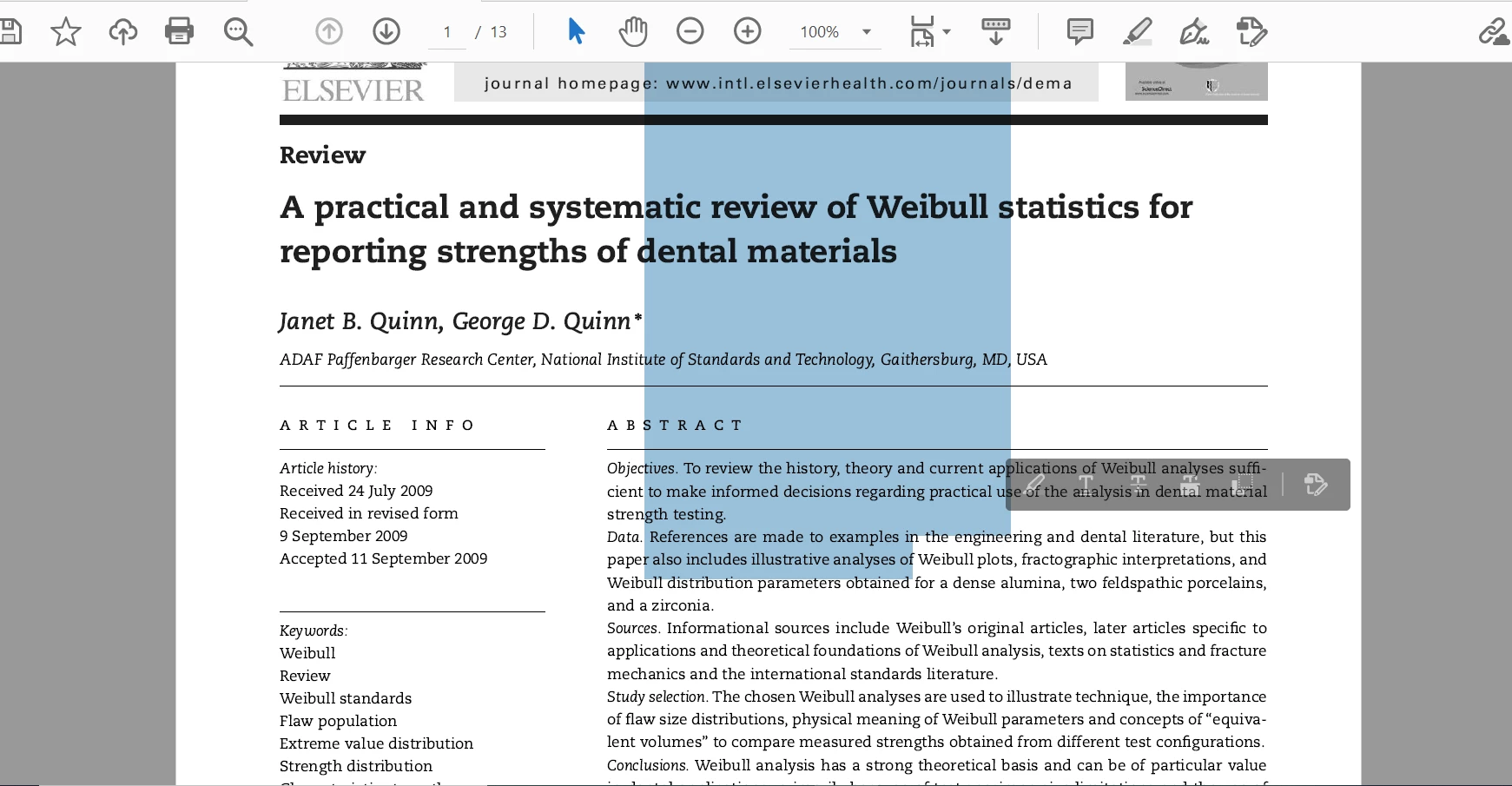


Thanks in advance.

Correct answer try67

This is usually the result of an incorrect font encoding when the file is first created. I assume you have Acrobat because Reader can't do OCR. If that's the case one possible workaround is to re-create the file. Export all pages as images, then create a new PDF from those images and run Text Recognition on it. Hopefully that will solve it. You should also report this issue to the authors of the PDF file.

1 reply

try67
Community Expert
try67Community ExpertCorrect answer
Community Expert
October 21, 2020

This is usually the result of an incorrect font encoding when the file is first created. I assume you have Acrobat because Reader can't do OCR. If that's the case one possible workaround is to re-create the file. Export all pages as images, then create a new PDF from those images and run Text Recognition on it. Hopefully that will solve it. You should also report this issue to the authors of the PDF file.

Participant
October 23, 2020

Thank you! It worked as you said, now I can finally select text properly. The quality dropped a little bit, but I guess that's because of the conversion from pdf to image file.