Participant
May 9, 2021
Question

PERMISSION ISSUES

  • May 9, 2021
  • 2 replies
  • 817 views

Dear Sir/Madam 


please be so kind to provide me with your best knowledge about the following issue.

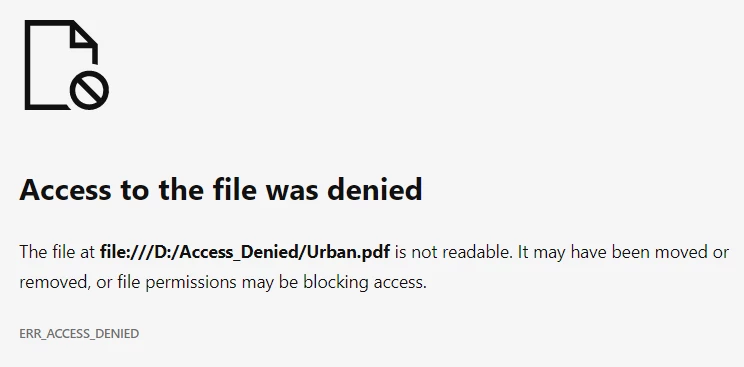
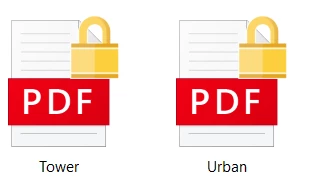
The files that are included in the attached file , are located to an external HDD. While I am trying to open or copy these files an error message appear. I have tried all the solutions that are described in the internet regarding security issues. No change. Is it possible that the files are corrupted?

Due to the fact that there are 2 GB of such files but also .doc , .xls file and have the same behaviour,  your help is very critical. 


This topic has been closed for replies.

2 replies

Legend
May 9, 2021

 You need to fix the Windows permissions. This is not solved in Adobe software, and is not a problem with Adobe software.

radzmar
Community Expert
Community Expert
May 9, 2021

The Protected Mode in Reader may block the opening of files from mounted drives. You can try to turn it off. But, if you even can't copy those PDF files to your local hard drive from the operating systems file browser, the problem lays somewhere else. Damaged external hard drive or a security policy in the operating system etc.

Participant
May 9, 2021
It is not download