


Participant
October 25, 2021
Question

PPT to Adobe PDF conversion issues

  • October 25, 2021
  • 1 reply
  • 672 views

I think this is technically a Microsoft issue but... 


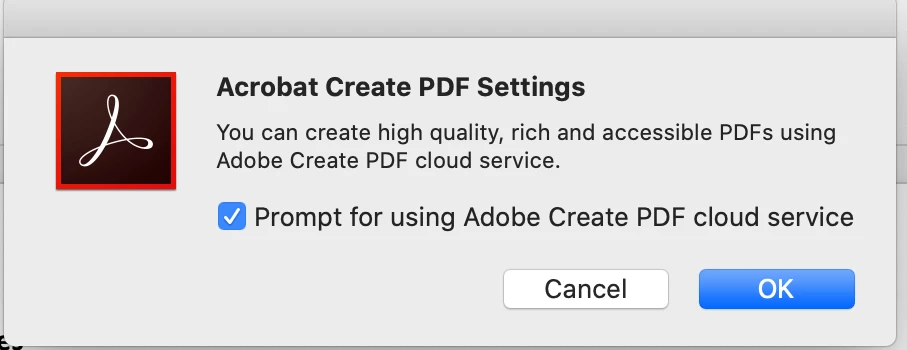
When I convert a PPT to an an Adobe iPDF using "Create and share Adobe PDF" button, the fonts are being replaced in the process. A suggested fix to the problem was to update the settings in the "preferences" menu of the "Acrobat" settings from the main PPT window. In attempting to do this, I am offered no actual settings or preferences. Just the message in the attached screen shot. Any idea why that is the case and how I can access the settings? Thanks! 
This topic has been closed for replies.

1 reply

Ria Tagra
Inspiring
November 24, 2021

Hi 


We're sorry for the delayed response and inconvenience caused. Try converting the PPT to PDF using the URL https://cloud.acrobat.com/convertpdf with your Adobe ID and password on a browser like Chrome, or Firefox, or Safari and see if this brings any difference.


To convert any document to PDF, you need to subscribe to Adobe Document Cloud PDFPack services or Acrobat Pro. For detailed information, please refer to https://helpx.adobe.com/document-cloud/faq/adobe-pdfpack-faq.html and Answers to some of the most frequently asked questions about Acrobat DC

For plan and pricing of Acrobat, refer to Plans and pricing | Adobe Acrobat DC


You can also refer to Text is garbled in a converted file | Adobe Export PDF


Feel free to update this discussion for any further assistance.


Regards,

Ria