


Participant
September 21, 2020
Question

Print Dialogue Not Opening

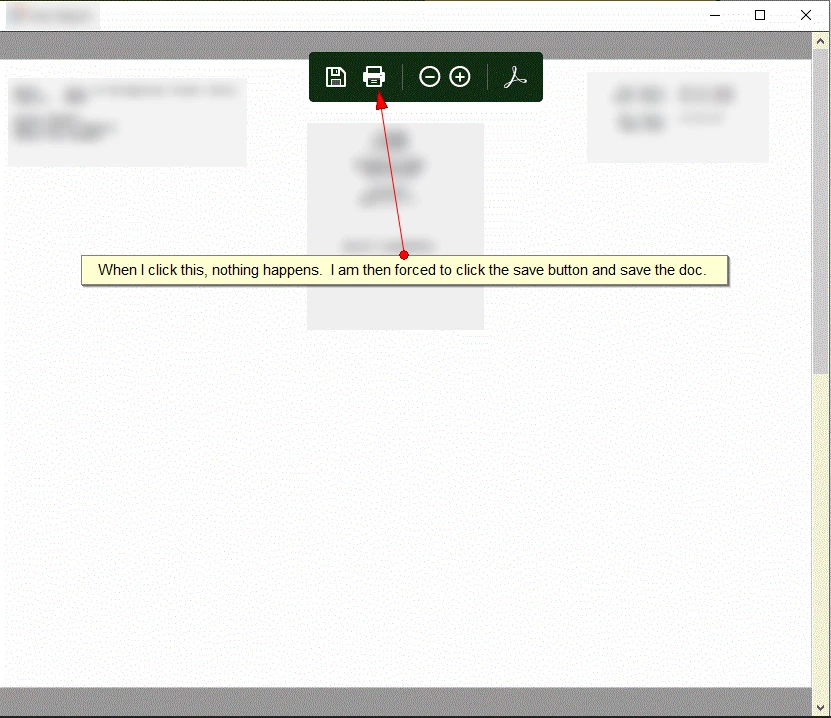
If I open a pdf document directly in Adobe Reader, I can print from there.  However, there are a few programs on my machine that (presumably) embed adobe reader in their software as the default reader.  When I click the print logo (or CTRL+P) nothing happens.  I am then forced to save the document and open with Adobe Reader.


P.S. I don't know what to call the embedded adobe viewer software.
Ce sujet a été fermé aux réponses.

12 commentaires

Participating Frequently
October 8, 2020

So we definitely know that it's Windows 10 version 2004.

Do we have to wait for another update from Windows or Adobe reader or could there be a manual fix for this?


Does anyone have an idea?


Kind regards.

try67
Community Expert
Community Expert
September 22, 2020

You need to contact the developers of those applications. Maybe they did it on purpose, maybe it's a bug...

Jam5CB8Auteur
Participant
September 22, 2020

The programs allow print on some other machines.  It is working with some and then isn't working with others.  All the machines are Win10 machines.

Participating Frequently
October 3, 2020

Hi,


I have the same problem but I think i narrowed the problem down to Windows version 2004?

Can you check and confirm if desktops running on latest windows 2004 have this issue and if computers with older verions still show the print dialogue?


I can confirm that printdialogue still works with W10 v1903, v1909, v1803

and on 5 computers with W10 v2004 the printdialogue doesn't work.


Please help confirm this so the problem can be, with any luck, manualy solved.


kind regards.