


Participant
February 8, 2021
Answered

Print is not centered as in preview

  • February 8, 2021
  • 1 reply
  • 1017 views

Hey everyone,


We have a HP Desingjet T790 that is shared with our server (windows server 2019). Since we updated driver and firmware, we have the following issue:


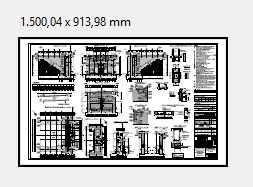
In the print preview, the dokument is centered on the sheet:
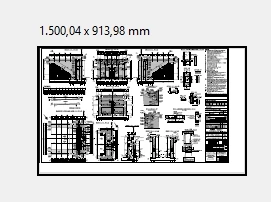
The actuall print however looks like this:
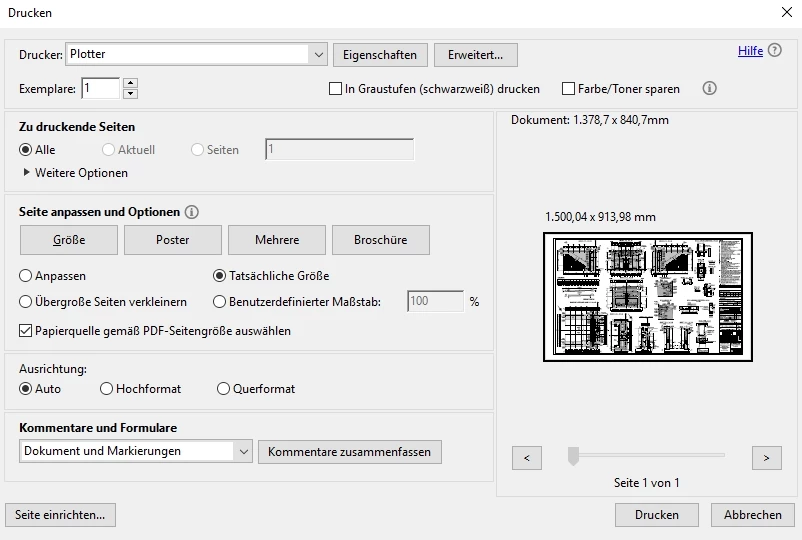
These are the print settings used:
First I thought this was a printer issue, but the strange thing is, that if I print the same file on the same printer with the same settings form Foxit Reader, the print looks like it should.


I'm really greatful for any help or hints!

-Tobi

This topic has been closed for replies.
Correct answer tobiQDK

In case anyone has the same issue, we solved it by using a different driver.

The problem is limited to the PCL driver. The PS as well as the HPGL2 driver work as expected.

1 reply

tobiQDKAuthor
Participant
February 9, 2021

In the HP forum I found out that if I deselct "choose paper size based on document size" the print tunrs out as expected.


But that is a very useful feature for us, printing large scale plots in different sizes.


Is there a way to keep this feature and have the print turn out centered?

tobiQDKAuthorCorrect answer
Participant
February 10, 2021

In case anyone has the same issue, we solved it by using a different driver.

The problem is limited to the PCL driver. The PS as well as the HPGL2 driver work as expected.