

Printing from Adobe Reader DC after Win10 Anniv. update prints streaks
Hello,
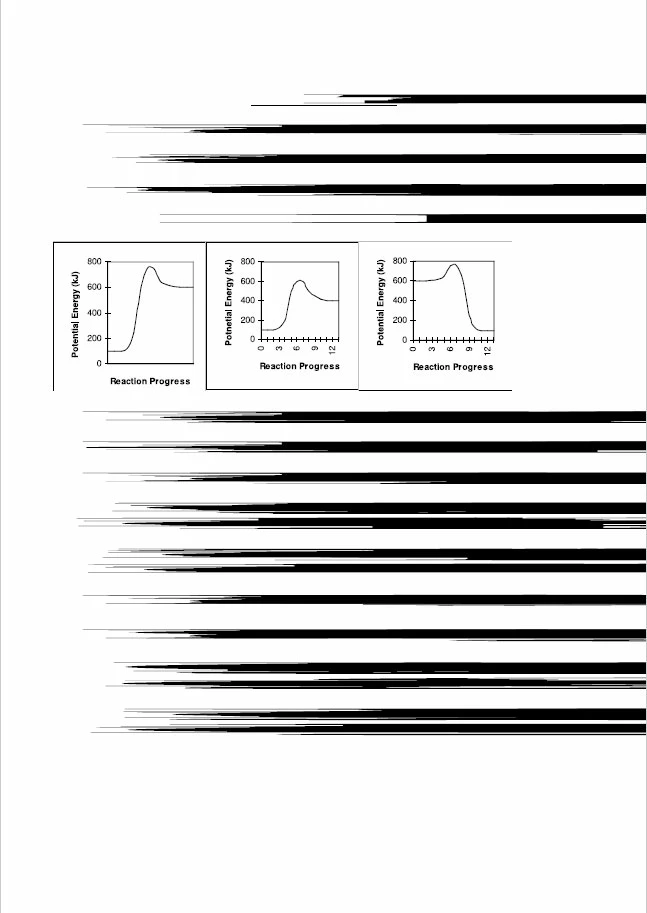
I updated to Windows 10 Anniversary update today (on 4 computers), and I noticed that when I try to print some pdf documents (both to my HP printer and Microsoft print to pdf) from all four computers that instead of text all I get are black streaks. It worked fine before the update (I printed this same doc yesterday) and it prints the same from all four computers to two different printers (well, one printer, one pdf printer). I uninstalled Reader DC and downloaded a fresh copy and installed it. I also uninstalled the HP printer driver (though the fact that it prints the same to the pdf printer tells me that its not the printer driver). I would appreciate any assistance.
I have attached a print screen of the original pdf and of the printed version.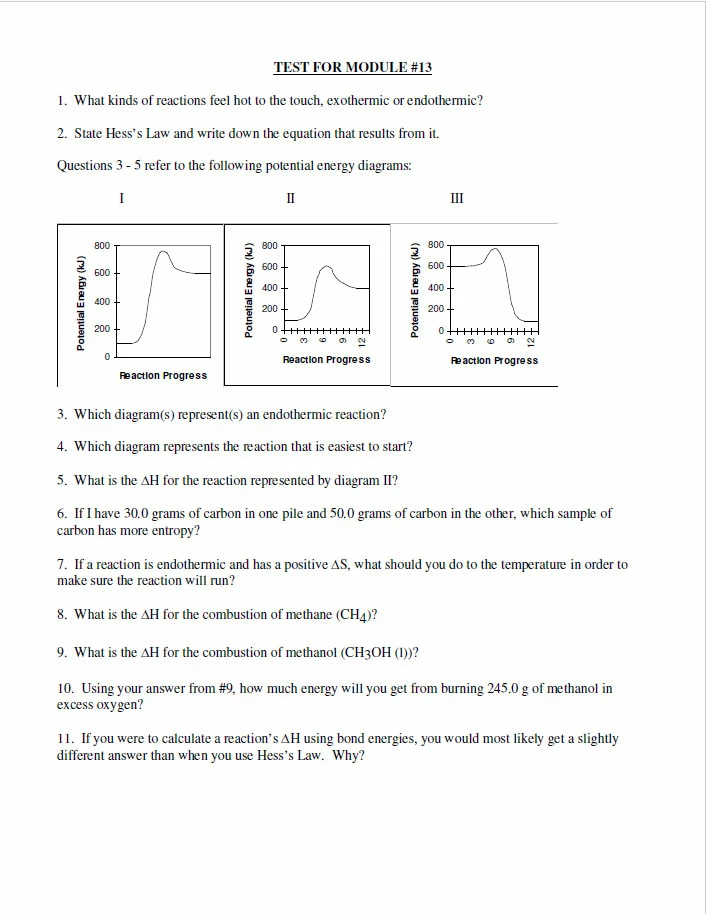


 AdChoices