
Printing PDF - There were no pages selected to print
Hi There,
I have a Server 2016 RDSH (Terminal Server) environment that uses GPO (Group Policy Objects) to create network shared printers to users.
Intermittently random users are unable to print PDF documents through Adobe Reader DC V17.009.20044.25828
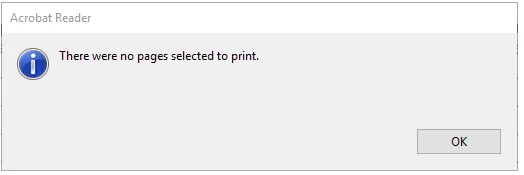
Sometimes users will not get an error message, other times they will get a box saying "There were no pages selected to print" either way nothing comes out of the printer.
At the time this happens, users are able to print to the same network shared printer using MS Office, all browsers etc.
Sometimes a logoff and login fixes the issue, sometimes it does not. If they choose a client printer (Microsoft easy print) if they have one, they can print the PDF. This only happens using network shared printers.
What I have tried that hasn't worked
- Print as image
- Disable protected mode at start-up
- Set view documents in PDF/A Mode to never
Results from searching online suggest that I am not the only person experiencing this, and it has been around for a while including Server 2012.
Does Adobe, or anyone have any ideas on why this might be happening?
Thanks,
Jarod
 AdChoices