


Known Participant
July 22, 2021
Question

Problem with creating digital signature in Acrobat Reader DC (32 bit) on Windows 10

When I try to create a digital signature and get to this stage to choose a file, the only file type it allows to browse are pdf type. I've saved signature image in jpg format. How can I change it to allow insert graphic from an image file?
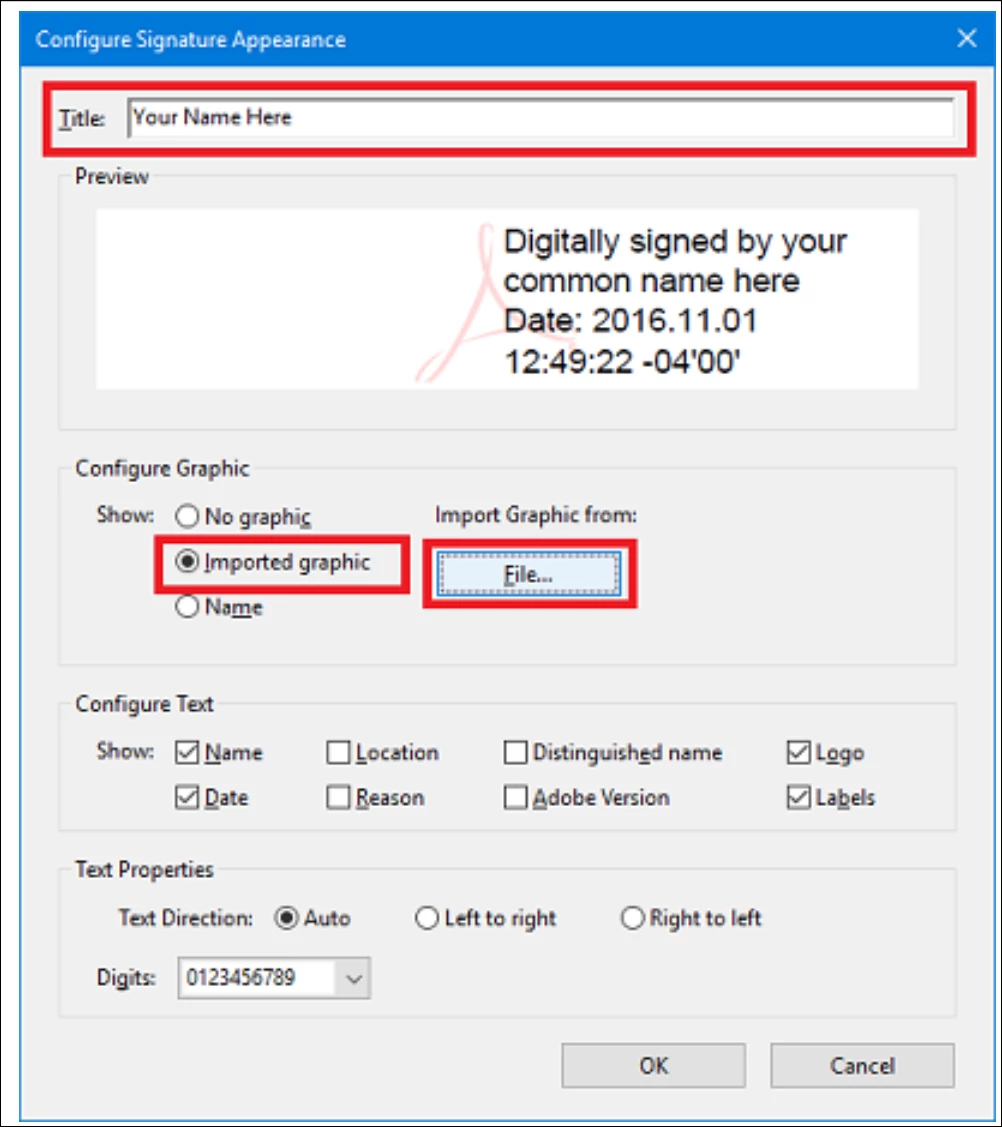
 

This topic is closed to new replies. Start a new post to keep the conversation going.

5 replies

Bernd Alheit
Community Expert
Community Expert
July 23, 2021

Convert the image file into a PDF file and use the PDF file.

Translate
Malik5E2EAuthor
Known Participant
July 23, 2021

It is my understanding that Acrobat Reader offers the option to import graphic is either  pdf or jpg formats. My request for assistance is about "how can I change it to allow insert graphic from an image file?"

Translate
Bernd Alheit
Community Expert
Community Expert
July 23, 2021

Why does you assume this?

Translate