


Quick print of pdfs from outlook email attachments not working
We have been having issues with this issue for 3 days on all PC in our office.
No updates or changes have happened that i'm aware of to cause it.
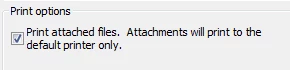
When printing emails from the right-click quick print option in the context menu, or printing without actually opening the email up into its own window, using this tick box to print the attachments.
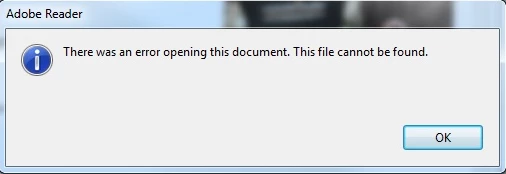
we receive this error message. other file types work fine its just pdfs that dont. We are running office 2010 and reader version 11.0.8. updating to version 11.0.10 doesnt change any thing. It happens on windows 10 as well as windows 7 machines.
working around the issue isnt an option as we need to be able to print multiple emails and their attachments without opening each one up individually.
there are lots of examples of this happening ive found but non have solutions that work.
 AdChoices