
Reading a PDF with everything hidden in Read Mode?
To give you some context:
I switched from a pretty old ASUS UX305CA to a Lenovo T480 Thinkpad. All's good, but there is one problem with the Adobe Acrobat Reader DC v2019.021.20049. So, the software for viewing a PDF file should be completely identical, but some preferences are different, and I suppose the problem arises from that.
So here's the problem:
On my old laptop, when I enter read mode, this occurs: 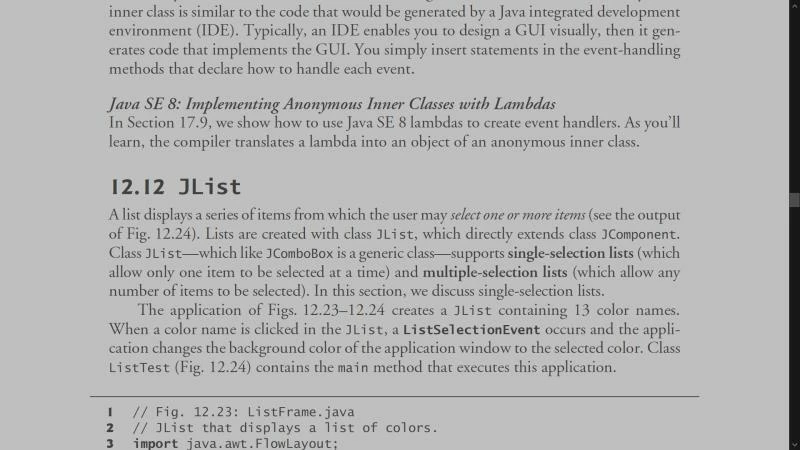
but on my new laptop, again, when I enter the read mode (not full screen mode!): 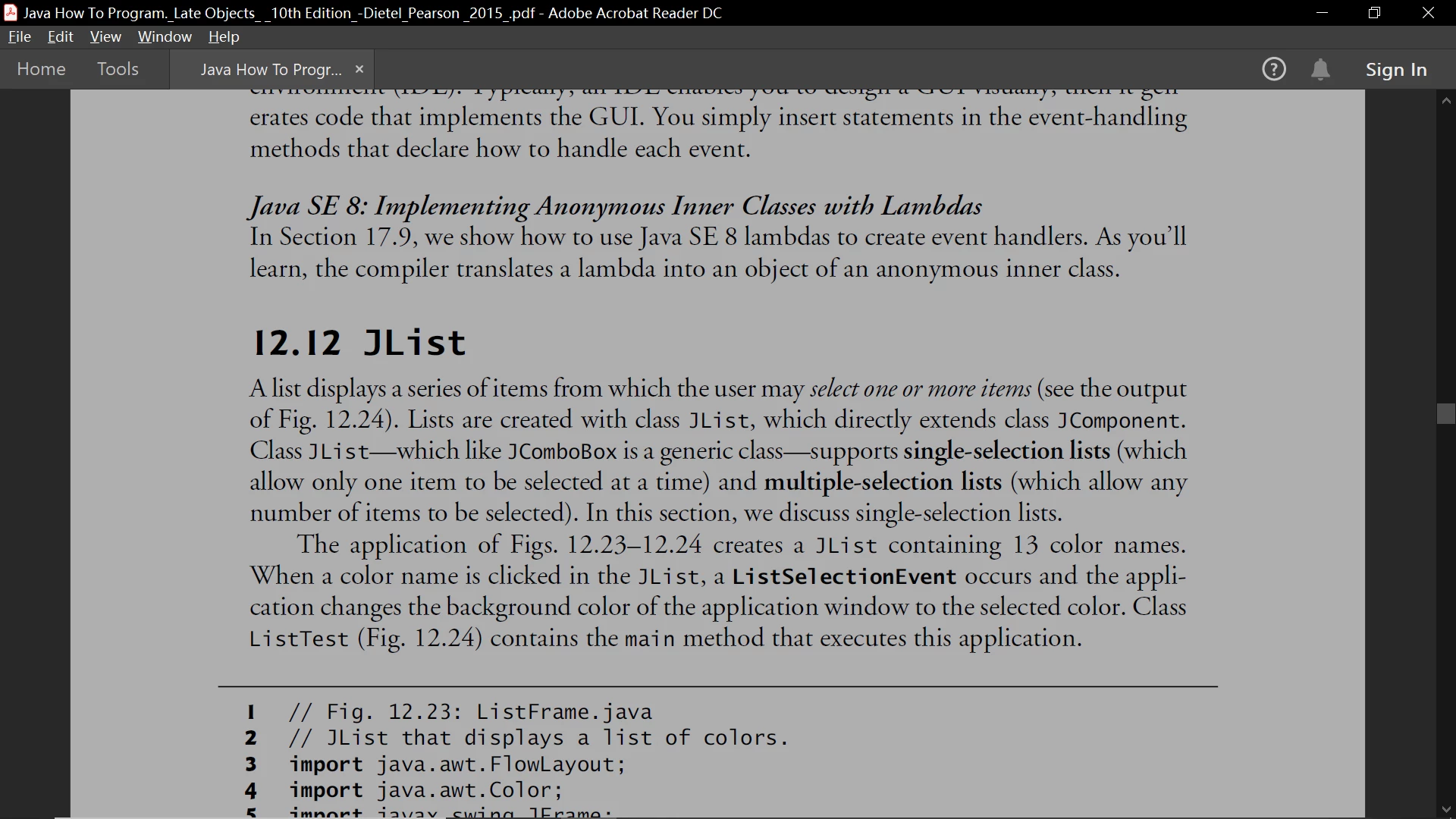
It is apparent that the title bar, menu bars, and etc. are not hidden anymore. I'm sure I configured it that way on the old laptop, but now I can't find this option in the preferences. Can anyone tell me how to display like full screen mode despite entering read mode? The reason for this is I want to enable scrolling, and full screen mode doesn't allow that. Thanks!
 AdChoices