


Participant
September 12, 2017
Answered

Remove Google Chrome Plugin Prompt

  • September 12, 2017
  • 4 replies
  • 10835 views

Hi,

Everyone who uses our Windows 10 computers is seeing this when they run Adobe Reader DC.
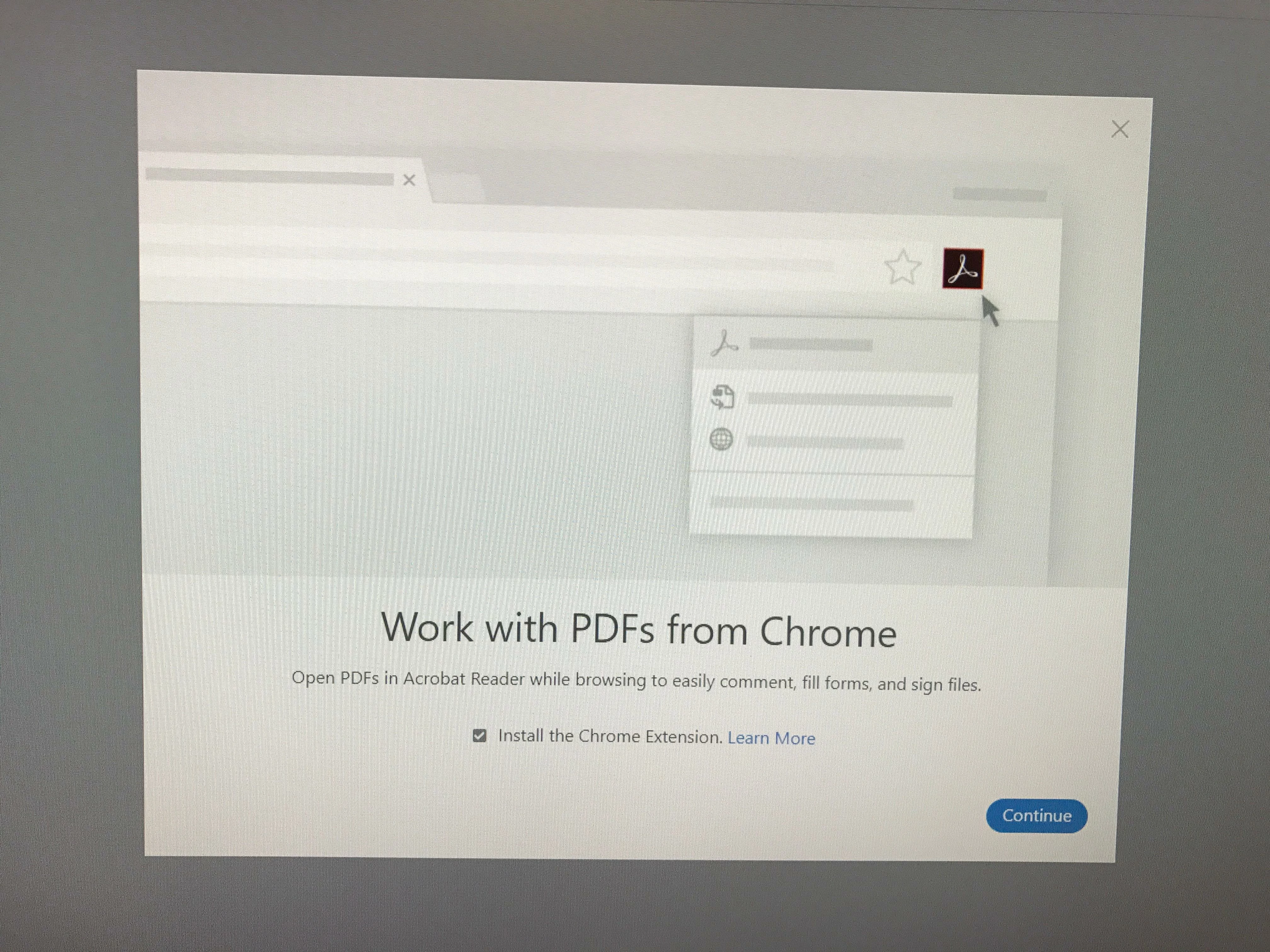
Is there a way I can disable this completely? When users run Reader, they want to view PDFs and not answer prompts. They really don't care that PDFs open in Reader while using Chrome. I tried running regmon and catching the key that this prompt modifies, but was unable to. Any help would be appreciated.

Thanks!

This topic has been closed for replies.
Correct answer Adorobat

Its a DWORD value.

Try navigating to HKEY_LOCAL_MACHINE\SOFTWARE\WOW6432Node\Adobe\Acrobat Reader\DC\Installer

If ENABLE_CHROMEEXT key is there, you can select the value > right-click > Modify and toggle its value.

If its not, right-click Installler > New DWORD Value.

Thanks,

Shivam

4 replies

witolds53662412
Participant
July 23, 2018

Thx Adorobat

Participant
October 23, 2017

I've just started deploying Reader DC to replace Reader 11 in my environment and this prompt has popped up on 2 out of 80 user's PCs. The odd thing is that the registry entry is blank for both of the user's who experienced this as well as everybody who hasn't.

N74JWAuthor
Participant
September 19, 2017

Adorobat,

Your suggestion worked! Many thanks

Adorobat
Community Manager
Community Manager
September 19, 2017

You're Welcome

Adorobat
Community Manager
Community Manager
September 12, 2017

Hi,

As per the issue description mentioned above, you want to remove the prompt which appears when you launch Adobe Reader, is that correct?

Could you please let us know if you have tried the troubleshooting steps given in the following link?

Open PDFs in Acrobat Reader from Chrome

-Shivam

N74JWAuthor
Participant
September 13, 2017

What does this mean exactly? DWORD or String?

boolean: DWORD value > REG_SZ

Thanks

Adorobat
Community Manager
AdorobatCommunity ManagerCorrect answer
Community Manager
September 13, 2017

Its a DWORD value.

Try navigating to HKEY_LOCAL_MACHINE\SOFTWARE\WOW6432Node\Adobe\Acrobat Reader\DC\Installer

If ENABLE_CHROMEEXT key is there, you can select the value > right-click > Modify and toggle its value.

If its not, right-click Installler > New DWORD Value.

Thanks,

Shivam