aryanabdolahi
Participant
July 19, 2019
Answered

Rename items in recent items

  • July 19, 2019
  • 2 replies
  • 768 views

Hello!

I wish I could RENAME the files even in the RECENT ITEMS. It would be really nice if you add this feature too, SOON!

Thanks!

    This topic is closed to new replies. Start a new post to keep the conversation going.
    Correct answer jane-e

    Hi

    Here is a work-around:

    • When you rename a PDFs then close and reopen it, Acrobat Reader will display the new name that was recently opened.

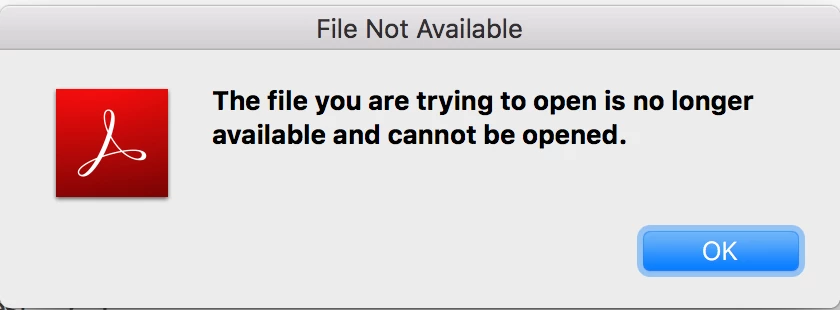
    • The second step is to try to reopen the file with the old non-existent name. It will give you an error message and disappear.

    This is a user forum. Feature requests go here: Share your feedback on Acrobat DC

    ~ Jane

    2 replies

    AkanchhaS8194121
    Legend
    July 24, 2019

    Hello,

    Renaming the PDF file under "Recent" tab would not be possible. This feature is currently unavailable.

    As suggested by jane-e  above, you can use this form to request new features or suggest modifications to existing features. Feature Request/Bug Report Form

    Thanks,

    Akanchha

    jane-e
    Community Expert
    jane-eCommunity ExpertCorrect answer
    Community Expert
    July 20, 2019

    Hi

    Here is a work-around:

    • When you rename a PDFs then close and reopen it, Acrobat Reader will display the new name that was recently opened.

    • The second step is to try to reopen the file with the old non-existent name. It will give you an error message and disappear.

    This is a user forum. Feature requests go here: Share your feedback on Acrobat DC

    ~ Jane