I hope you are doing well, and we apologize for the delayed response and the trouble.
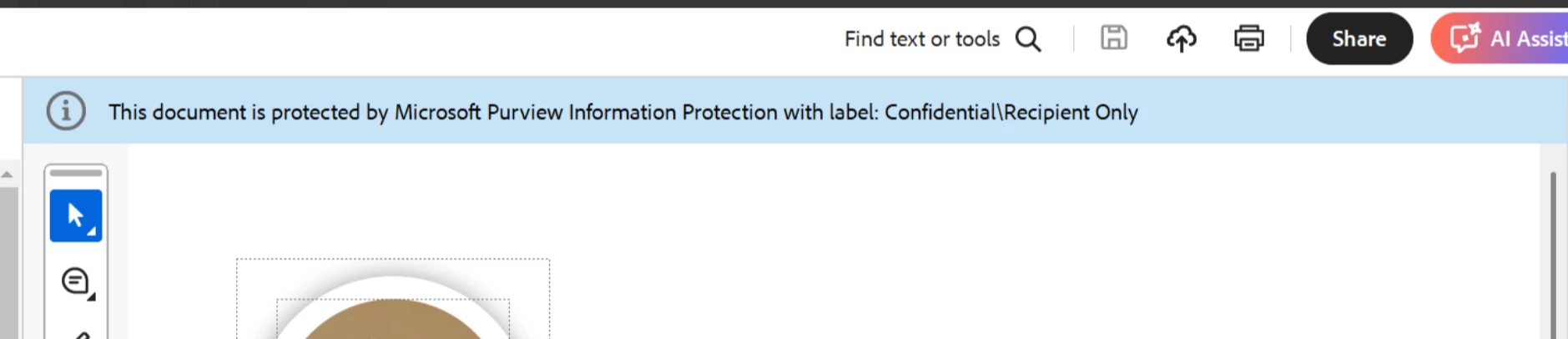
If your PDFs with RMS labels applied via Microsoft Purview (MIP) are not authenticating in Adobe Acrobat Reader, here are a few important things to check and steps you can follow:
1. Ensure MIP Plugin is Installed
Acrobat Reader requires the Microsoft Information Protection (MIP) plugin to open and authenticate RMS-protected PDFs.
Ensure you're using the latest version of Acrobat Reader: 25.001.20474 (Win) | 25.001.20476 (Mac), Apr 28, 2025. Check for any pending updates from the Menu > Help> Check for Updates, install the updates, restart the app and the machine, and try again.
Check that your version of Windows and browser (if involved in auth) are fully updated.
RMS-protected PDFs are not supported in browser preview mode — open them directly in Acrobat Reader.
Check Label Configuration in MIP
Make sure the label applied in the Purview compliance portal includes permissions that are supported by Acrobat.
Acrobat supports user-defined permissions. Ensure the policy is not restricted to Outlook or Office-only applications.
Sign In With the Correct Identity
Open Acrobat Reader.
Go to Menu > Help > Sign In or Account.
Make sure you're signed in with the same Microsoft 365 account that has rights to access the labelled PDF.



 AdChoices