WGill
Participating Frequently
March 22, 2017
Answered

Safari extension for Adobe Reader not working properly

  • March 22, 2017
  • 1 reply
  • 4877 views

I have generated a link to a specific page in an Adobe PDF document, which I am linking to from a website that I manage using Safari as my browser. Problem is it only opens the PDF document at page 1, not the specified page.

It works perfectly fine in Google Chrome. I need a fix for this, as other Safari users are experiencing the same problem. I've logged a job with Apple Support, and they've come back to me saying their engineers can't do anything, it's a problem with the Safari extension for Adobe Reader.

Can someone help me please / tell me how I can contact Adobe to log this as a problem with them?

Thanks,

Gill.

    This topic has been closed for replies.
    Correct answer soumik011

    Hi Soumik,

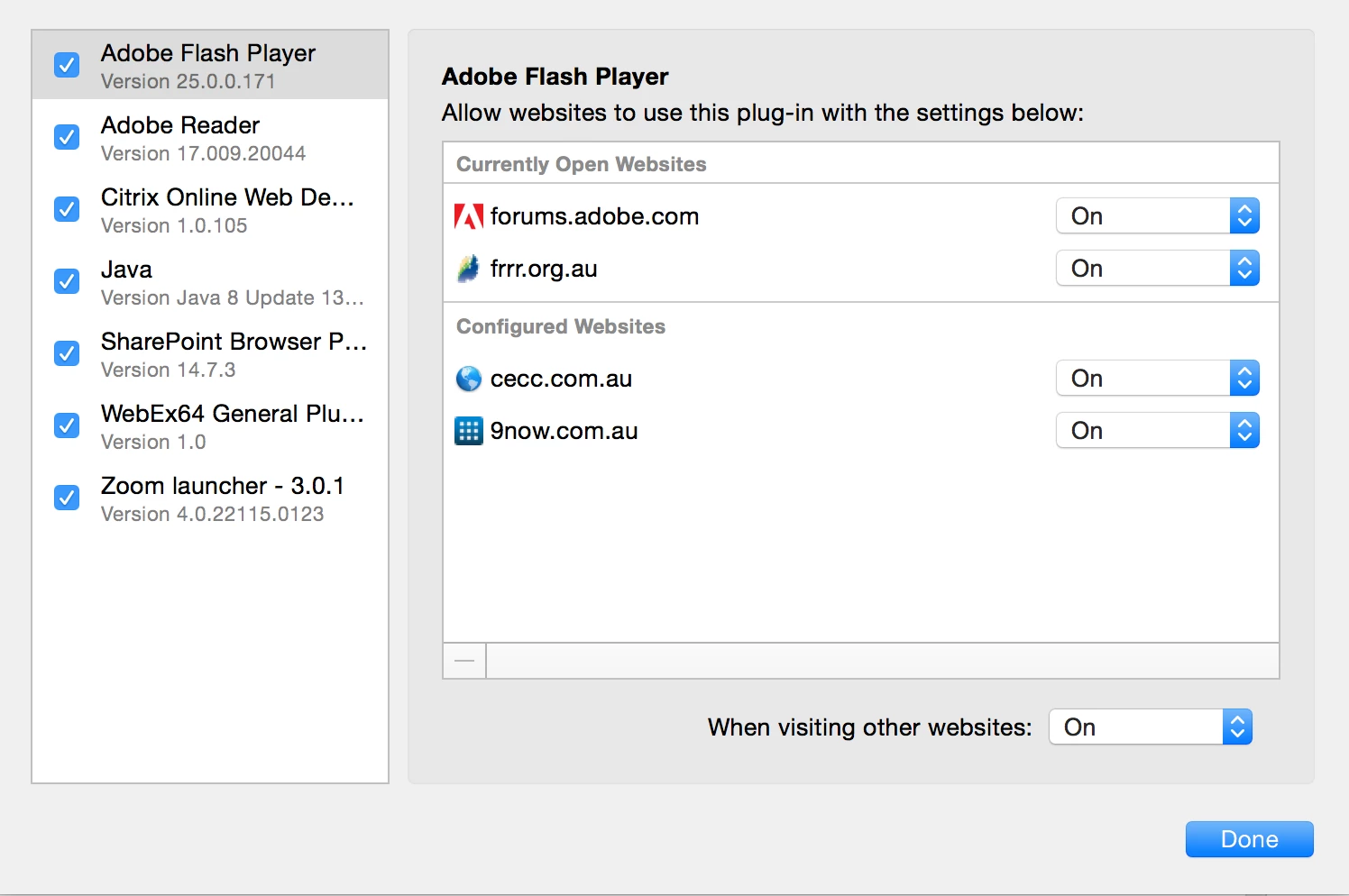
    All set to on, and still goes to page 1, not page 3. See image below re: plug-in settings.

    Gill.


    Hi GIll,

    The settings are for Adobe Flash Player. Can you check the same for Adobe Reader too and share the screenshot.

    Regards

    Soumik

    1 reply

    soumik011
    Adobe Employee
    Adobe Employee
    March 22, 2017

    Hi Gill,

    Can you share with us the link to the specific page in the PDF document?

    Also let us know your Reader, Acrobat(if any), safari versions.

    Regards

    Soumik

    WGill
    WGillAuthor
    Participating Frequently
    March 25, 2017

    Hi Soumik,

    Here's the link: http://www.frrr.org.au/resources/FRRR_AR-15-16-lores.pdf#page=17

    I'm using Safari 10.0.3, Adobe Reader version 2015.023.20056.

    But I'm talking about whatever the extension is that allows me to open PDF files within Safari, not separately in Adobe Reader.

    Cheers,

    Gill.

    soumik011
    Adobe Employee
    Adobe Employee
    March 30, 2017

    Hi,

    I have tried with Reader 2015.023.20056 on safari 10.0.1 and I can see the PDF opens at page 17. If I uninstall Reader and then try to open the PDF it starts at page 1. So I believe the plug-in is working correctly.

    OS - OS X El Captain 10.11.6

    Regards

    Soumik