
Sign Document option is "disabled/unavailable/greyed out" in PDF Forms and Files. Unable to Digitally Sign PDF Forms and Files.
Hello,
I'm facing a strange problem, I'm unable to sign any PDF Forms and Files downloaded from MCA Website (Ministry Of Corporate Affairs - Government of India ).
I have even followed the full instructions as mentioned here:
http://www.mca.gov.in/Ministry/pdf/MCA21_Settings.pdf
I was told by MCA helpline to use this specific version of Adobe Reader 11 Non-DC ( Version : 11.0.10 ). But I'm still unable to sign any PDF forms.
The thing is, I am not even getting the option to sign the PDF Form as you can see in the screenshot provided. The option to Sign is not even coming/enabled. When I'm clicking (left click) on signing box, nothing is coming up. And, when I'm doing the right click on Signing Box then also I'm not even getting the option to "Sign Document". While all form fills are working, but signature areas do nothing when clicked on it, and the Sign tool at the top remains disabled/greyed out.
I also tried to use Adobe Acrobat Pro DC ( Version : 17.012.20098 ), but still I'm facing the same problem as mentioned above.
As you can see in "Fill & Sign Tools" the option to "Place Signature" is greyed out (unable to click on it) in Adobe Reader 11 (Version : 11.0.10).
Also, the option of "Digitally Sign" is also greyed out (unable to click on it) in Adobe Acrobat Pro DC (Version : 17.012.20098).
I've generated screenshot using "SPICe_MOA.pdf" form, please check all these PDF Forms.
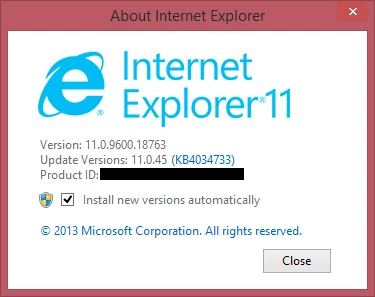
I have attached the screenshot as well as some of the PDF Forms downloaded from MCA website for your reference. Please see all the screenshots including Windows version, Adobe versions, Java Version. Internet Explorer Version with all relevant forms attacked.
Any help or info will be much appreciated. Please help me, its urgent.
__
Thanks & Regards
Faisal Khan
Screenshots are post here:
As you can see in "Fill & Sign Tools" the option to "Place Signature" is greyed out (unable to click on it) in Adobe Reader 11 (Version : 11.0.10).
As you can see in "Fill & Sign Tools" the option to "Place Signature" is greyed out (unable to click on it) in Adobe Reader 11 (Version : 11.0.10).
In the below screenshot, the option of "Digitally Sign" is also greyed out (unable to click on it) in Adobe Acrobat Pro DC (Version : 17.012.20098).
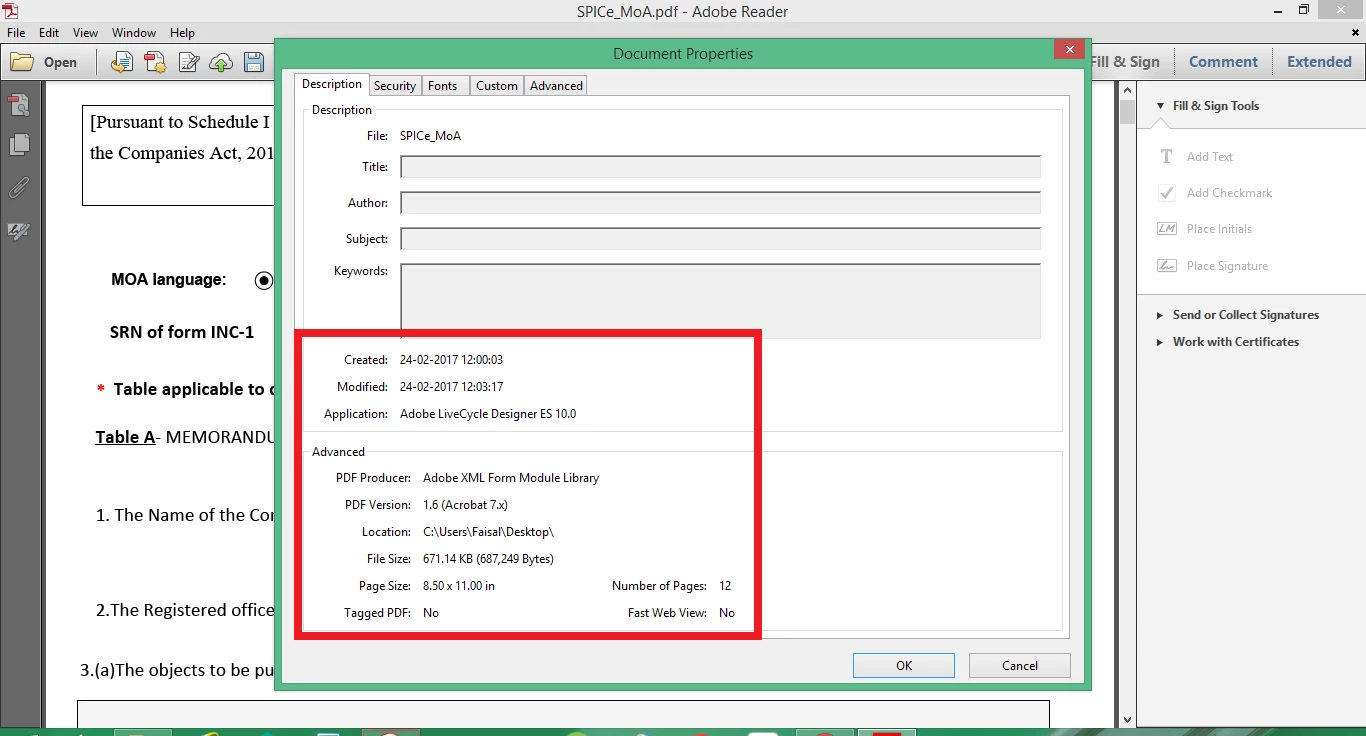
SPICe_MoA PDF Properties Details:
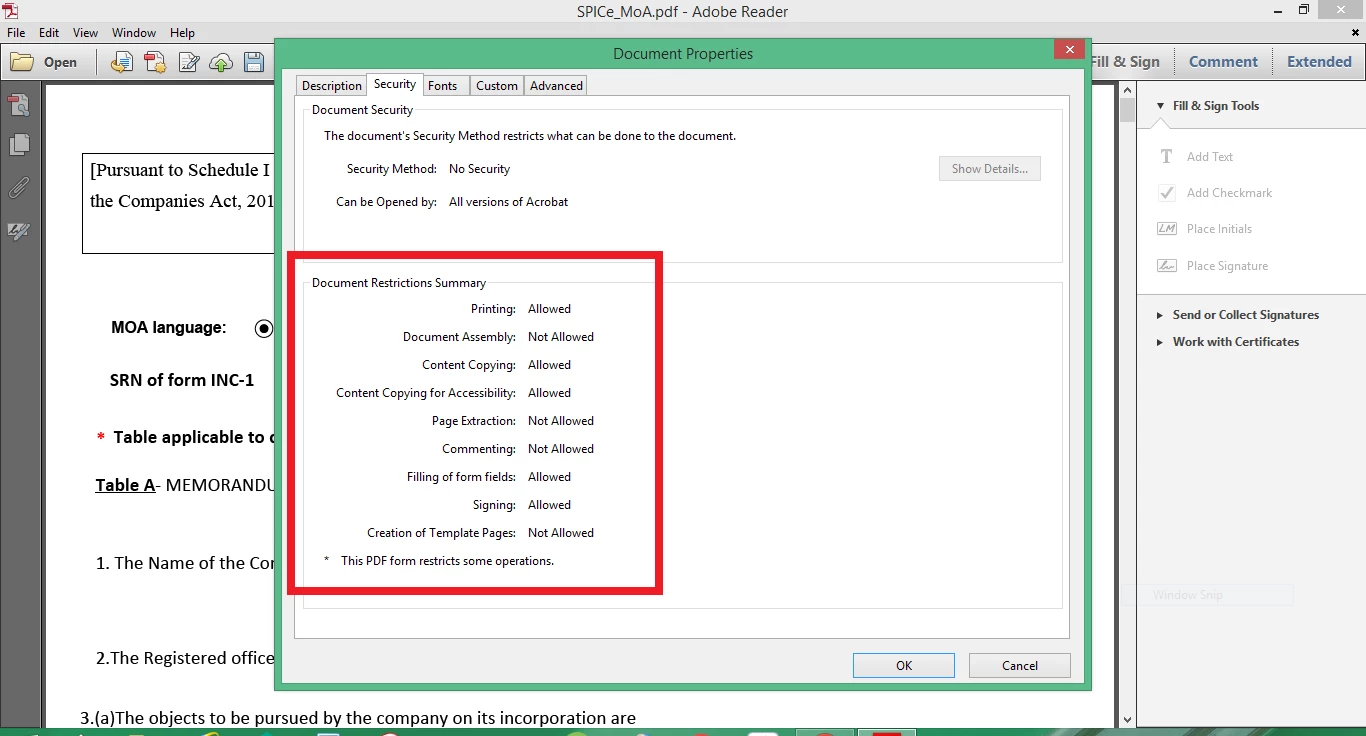
SPICe_MoA PDF Security Details:
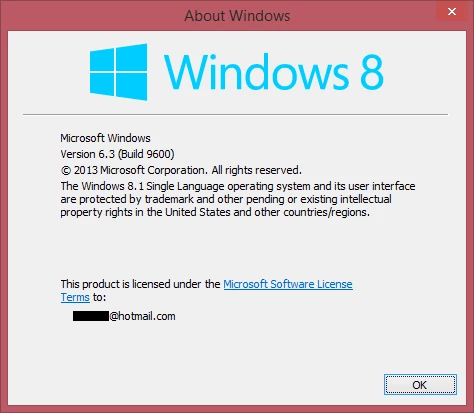
This is my Windows version, just in case if you need to know.
This is my Java version, just in case if you need to know.

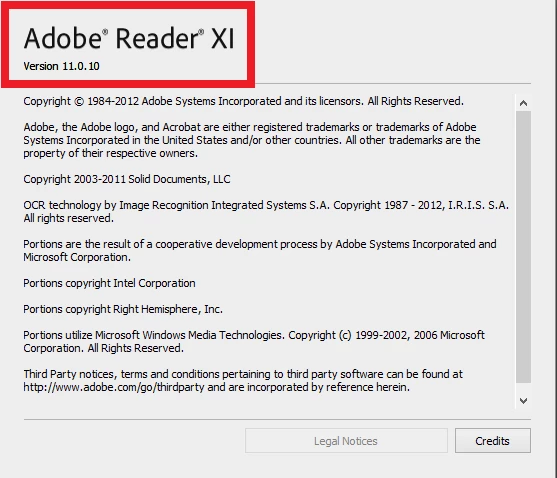
This is my Adobe Reader 11 Non-DC ( Version : 11.0.10 ), just in case if you need to know.
This is my Internet Explorer Version, just in case if you need to know.
Here are the link to download all the PDF Forms, I'm unable to sign:
Folder having all the files:
PDF Forms/Files unable to Sign Digitally - Google Drive
Direct download link of files without zip:
Form_INC-33.pdf - Google Drive
Direct download link of files with zip:
http://www.mca.gov.in/MCA21/dca/downloadeforms/eformTemplates/NCA/SPICe.zip
http://www.mca.gov.in/MCA21/dca/downloadeforms/eformTemplates/NCA/SPICe_MoA.zip
http://www.mca.gov.in/MCA21/dca/downloadeforms/eformTemplates/NCA/SPICe_AoA.zip
 AdChoices