Answered
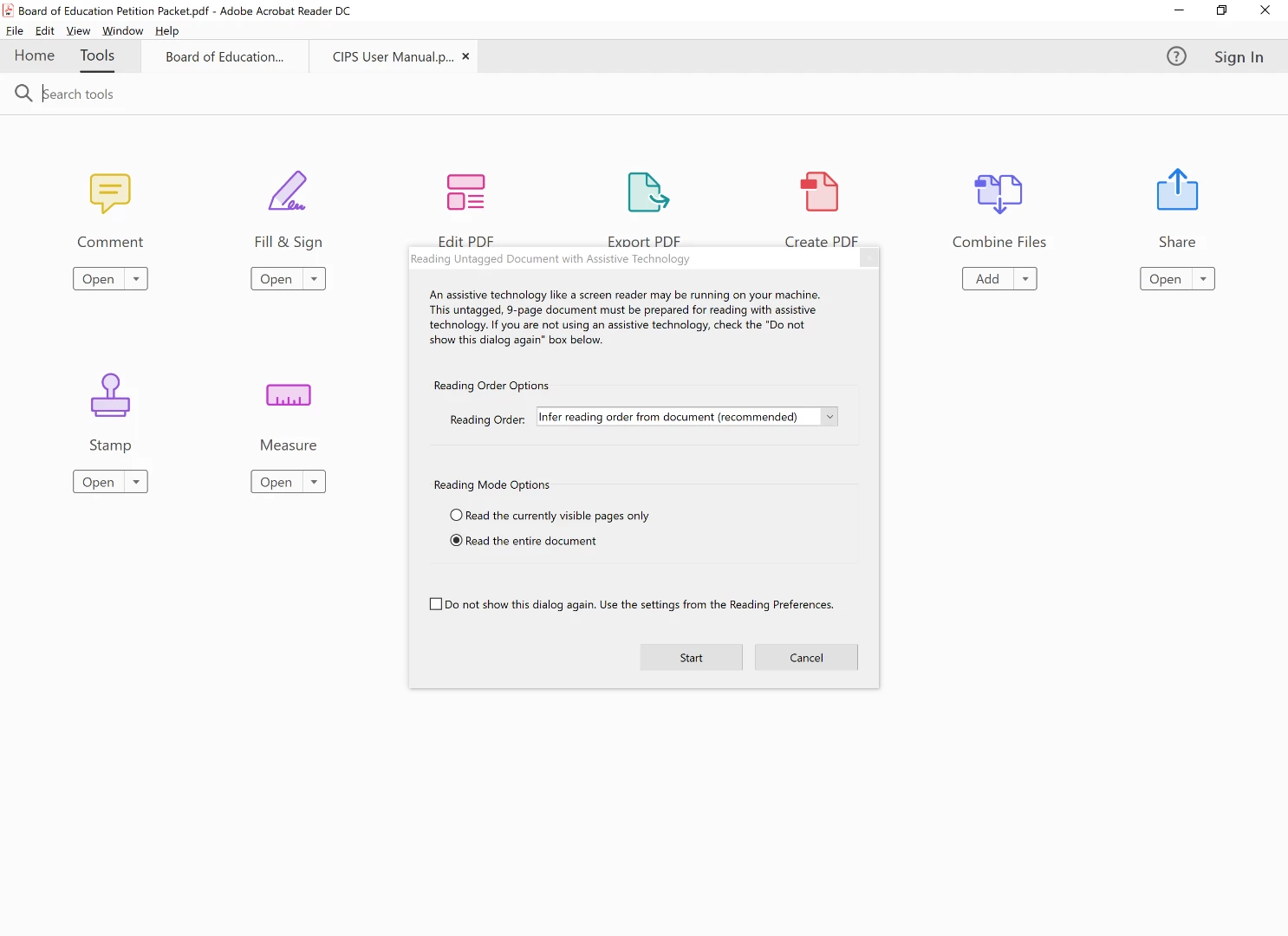
Started getting this dialog box. Other functions of the reader aren't working

Hello Alanj,
We're sorry for the trouble you had, please select 'Read the currently visible pages only' from the pop-up and then choose 'Do not show this dialog....'>Click OK>Restart application and check.
You may also disable the option from Adobe Reader Preferences settings:
Make sure that you have the latest version of Adobe Reader installed, check for any pending updates from help>check for updates, reboot the machine after updating Adobe Reader.
Let us know if you experience any issue.
Thanks,
Anand Sri.
Already have an account? Login
Enter your E-mail address. We'll send you an e-mail with instructions to reset your password.
 AdChoices