Participant
January 15, 2017
Answered

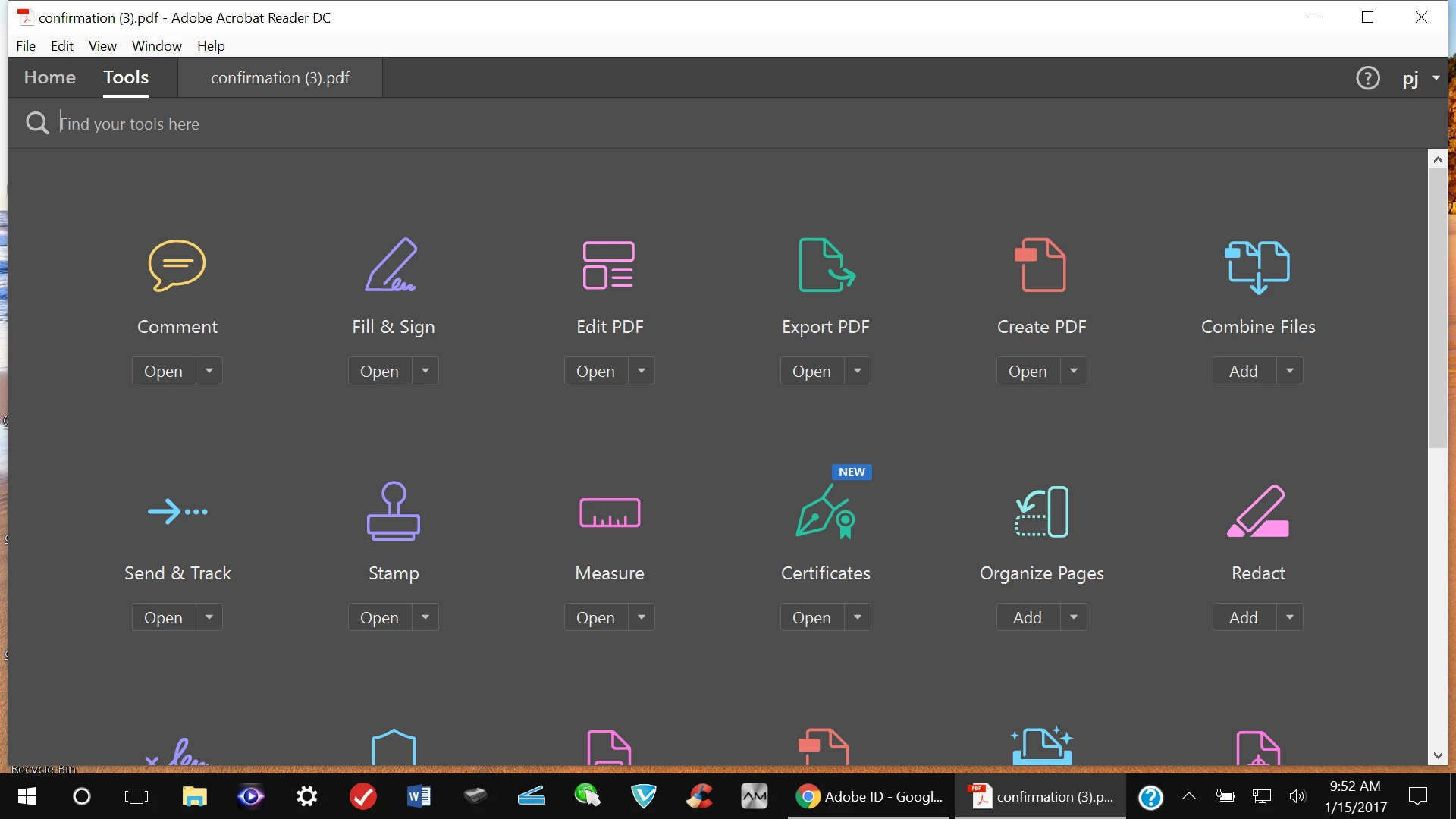
Steps to change color back to default White?
  • January 15, 2017
  • 1 reply
  • 489 views

    This topic has been closed for replies.
    Correct answer sb116

    Hi Paidinfull777,

    Please follow the steps below  for the same:

    • Open the application
    • Go to View menu
    • Choose the option "Display Theme" and choose the color "Light Grey"

    This will turn the application theme color as you desire.

    Let me know how it goes.

    Thanks,

    Supriya

    1 reply

    sb116Community ManagerCorrect answer
    Community Manager
    January 16, 2017

    Hi Paidinfull777,

    Please follow the steps below  for the same:

    • Open the application
    • Go to View menu
    • Choose the option "Display Theme" and choose the color "Light Grey"

    This will turn the application theme color as you desire.

    Let me know how it goes.

    Thanks,

    Supriya
