
Text in web-app-produced PDFs mashed together
Multiple users at my company are experiencing an issue when trying to open PDFs in a web browser whereby the text in some lines are all displaying mashed up into a one-character width. So instead of a line of text spread out character after character, all characters in that line are printing one on top of the other. Not sure if it matters, but the documents in question are forms, laid out in what might be a table. It is inconsistent. Sometimes you open a form and the display shows mashed up. Then you click Print and the Print Preview looks normal. But the actual print-out prints mashed up. Other times it is the opposite. Sometimes if you close the PDF and re-open it resolves.
We are using Windows 7, Chrome and IE11. It may be happening more in Chrome than in IE11. I tried deselecting "use local fonts" in Reader DC > Preferences. No change. Chrome and IE are fully updated and it is still happening, as is Adobe Reader. Help?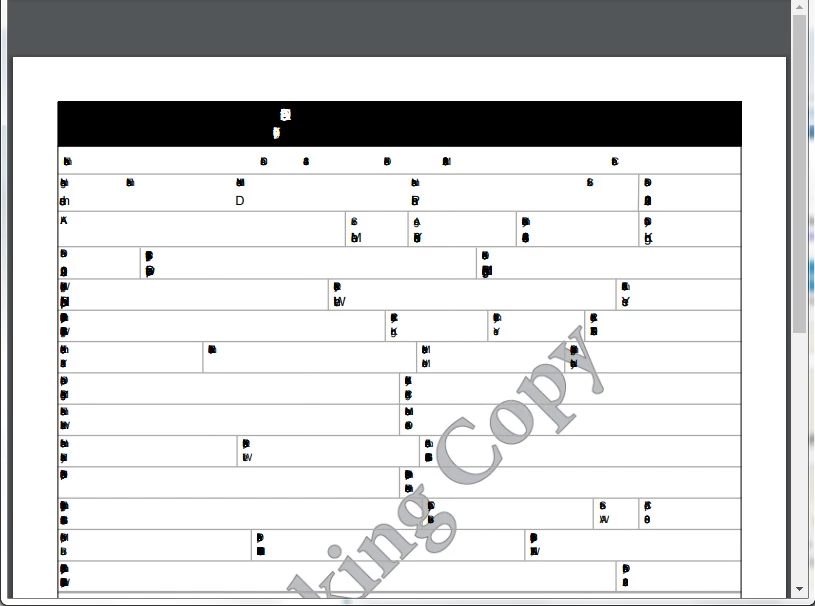
 AdChoices