

Question
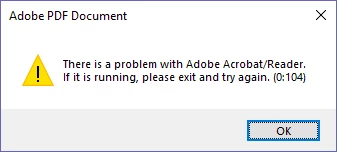
There is a problem with Acrobat/Reader. Error (0:104)
We have an issue with several users and PCs when they click a URL link to a PDF document they will get this error in IE:
There is a problem with Acrobat/Reader. If it is running, please exit and try again. (0:104)
OS: Windows 10 Ent. x64
Browser: IE
Adobe Reader Version: DC v19.x
Scenario:
- Opening PDFs directly in Adobe Reader works fine.
- Opening URLs in non IE browsers works fine.
- Disabling the Adobe add-in in IE opens the PDF OK (Although externally in Reader, and not in the browser as desired).
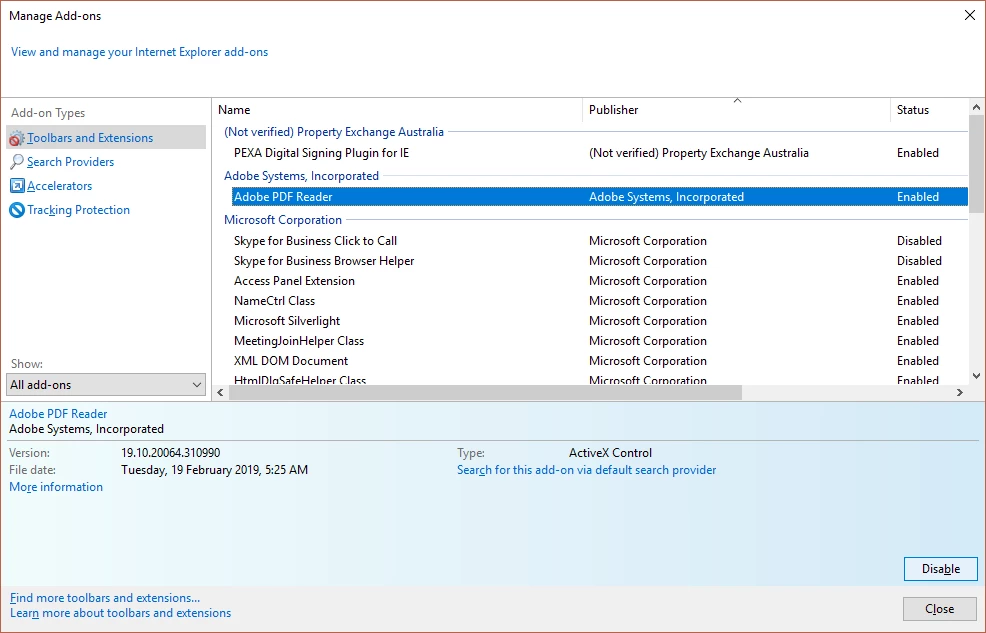
- Setting the 'open in browser' option to use another program (ie PDFDocs) works OK.
- Adding the URL host to the 'Privelidged Locations' in the Reader preferences under Security (Enhanced) allows the PDF to open in the browser as expected.
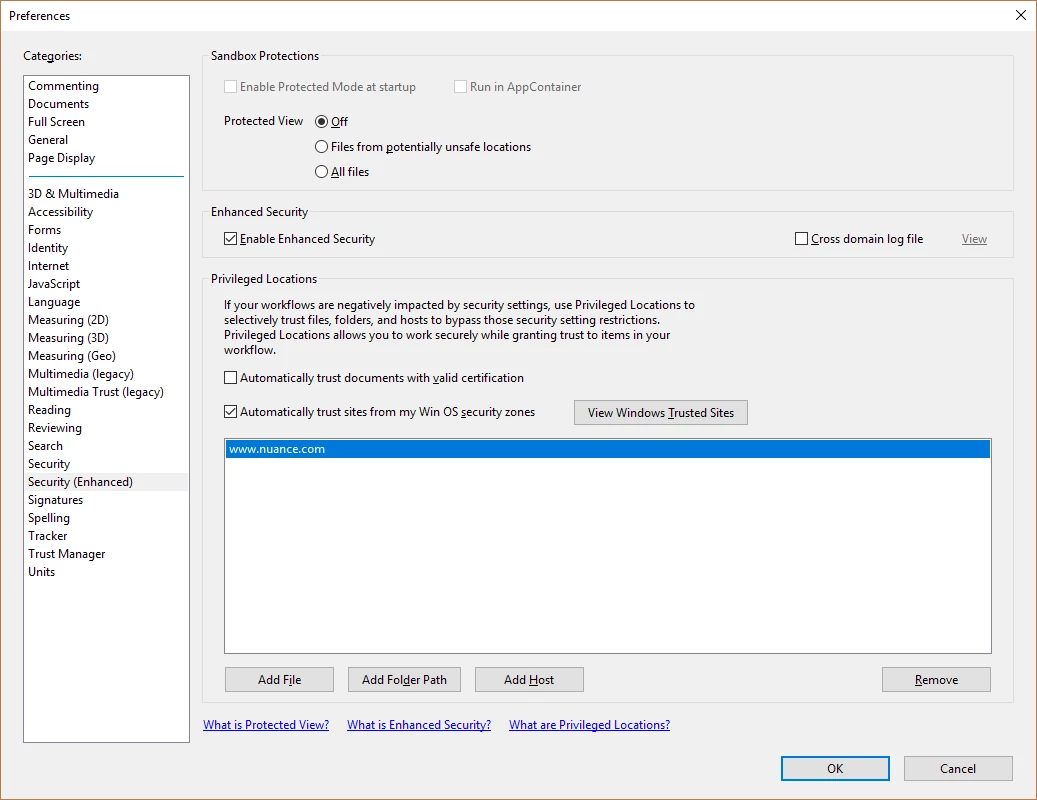
- Changing other Security settings in reader does not fix the issue.
- Uninstalling/Resinstalling Reader does not fix the issue.
- Running a Repair installation of Reader does not fix the issue.
- Clearing the Users Adobe preferences (C:\Users\Appdata...) does not fix the issue.
- Using the Adobe Acrobat Cleaner utilty (AdobeAcroCleaner_DC2015.exe) does not fix the issue.
- As far as I know, none of our group poliy settings for Adobe reader have changed in a long time.
- I'm not certain, but this seems to only appeared since updating from DC v18 to v19
This is getting very annoying for multiple users. Somebody smarter than me please give us a solution.


 AdChoices