dzgnr89
Inspiring
April 5, 2017
Answered

There was an error processing a page. There was a problem reading this document (14) .

  • April 5, 2017
  • 2 replies
  • 7859 views

Ii am trying to open one (which is downloded) pdf document.which giving me the following error

There was an error processing a page. There was a problem reading this document (14) .

I am using Adobe acrobat reader XI and adobe acrobat pro XI. However, the pdf opens completely fine in Google Chrome and Mozilla Firefox browsers. It also opens fine in my Android phone in the free Adobe acrobat reader app.

Whats should I do to fix this error?
    This topic has been closed for replies.
    Correct answer Tariq Ahmad

    https://forums.adobe.com/people/Tariq+Dar  wrote

    Can you share the link with me, i would like to check that at my end?

    -Tariq Dar

    Yes, sure.

    http://longfiles.com/wz8lfz1lzr45/Graphic_Standards_Field_Guide_to_Hardscape.pdf.html


    As mentioned earlier the file seems corrupted.

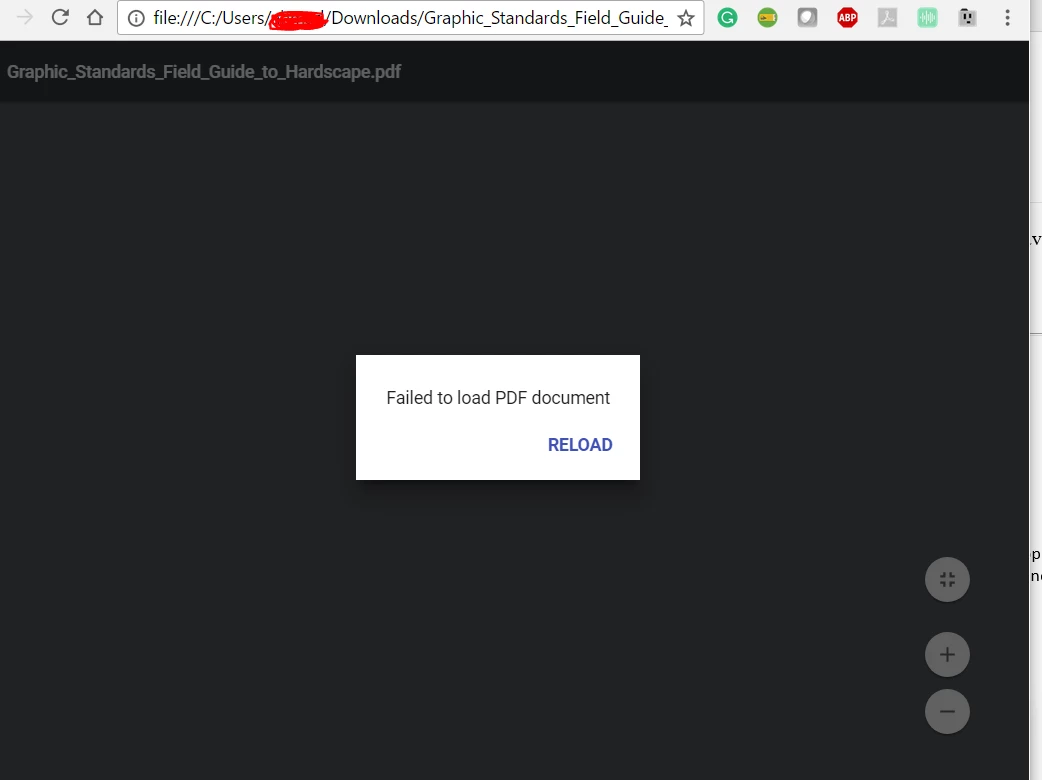
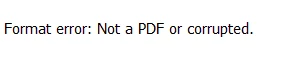
    I tried other applications to view the document I got the same result. I even tried to open in Google Chrome which use their built-in feature to view pdf I got the similar issue:

    If the file is corrupted Acrobat/Reader is trying to recover the file during load time. And once the file is non-recoverable you may get such errors.

    Sadly there is not much that can be done in this case.

    -Tariq Dar.

    2 replies

    Participating Frequently
    June 24, 2020

    I'm getting the error 14 message, I'm in an online learning class, no one else is having any trouble loading or viewing the document. 

    Community Manager
    April 5, 2017

    Hi arjun2,

    You may try to download the file again using another browser.

    Most likely the document is corrupted Problem reading this document (14) (Installation & updates)

    Let us know if that helps.

    -Tariq Dar.

    dzgnr89
    dzgnr89Author
    Inspiring
    April 5, 2017

    I tried downloading the pdf again, the problem still persists. The method given in your link to "save as" doesn't work as  I get the same error which prevents me from saving the file again.

    Community Manager
    April 5, 2017

    Can you share the link with me, i would like to check that at my end?

    -Tariq Dar