
Inspiring
April 28, 2022
Question

Tickbox not working on iPad

  • April 28, 2022
  • 1 reply
  • 444 views

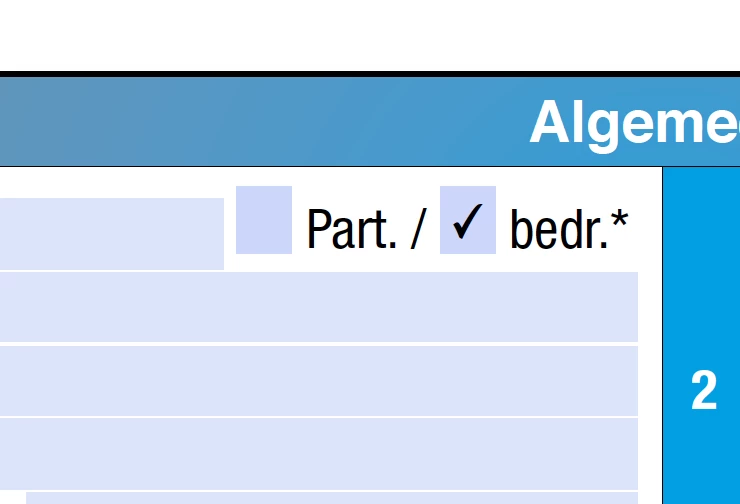
Can anybody tell me why the tickbox in a form i made in InDesign will not work (interactive pdf) on my customers iPad.
It does work on my Powerbook but i havend got a iPad to check it myself. Never had a need for one.
We are trying te set it to only "klick" apost to "release and klick" and see if that'll work.
Latest version Reader working so....

Anyone any idea please give us a helping hand. Thanx.
Albert
This topic has been closed for replies.

1 reply

jane-e
Community Expert
Community Expert
May 30, 2022


@BERT0D4C wrote on April 28:

Can anybody tell me why the tickbox in a form i made in InDesign will not work (interactive pdf) on my customers iPad.


Hi Albert,


One thing you didn't tell us is what the iPad customers are using to view the PDF. Adobe Acrobat Reader (free) is not the only PDF viewer, and it has to be installed from the App Store. If not, the iPad will use a default viewer. 


Can you ask them if they installed Adobe Acrobat Reader and if they are using it to view the PDFs? Not all viewers are good with form fields.


Apologies for the month-long delay in seeing your post.


Jane


BERT0D4CAuthor
Inspiring
May 31, 2022

Hi Jane, Thanks for the help. Turns out that they didn't install the lateset version of Acrobat as i requested. After my visite the problem was solved. Now the only problem is saving and other fetures that are only working in a payed version. That will be solved aswell. Thanks again. Groetjes Albert.

jane-e
Community Expert
Community Expert
May 31, 2022

You're welcome, Albert, and I'm glad it's sorted for you now.


Jane