
Question
Unable to customize quick tools in Adobe Acrobat Reader DC using Mac
I know that for customizing the toolbar you need to right click on the Quick Tools menu bar and select Customize Quick Tools from the drop-down menu (it is clearly explained here).
I am using Adobe Acrobat Reader DC in a Macbook Pro and I do not have the option Customize Quick Tools available in the mentioned drop-down menu. This feature is very useful for me and I would appreciate any advice for how to fix it.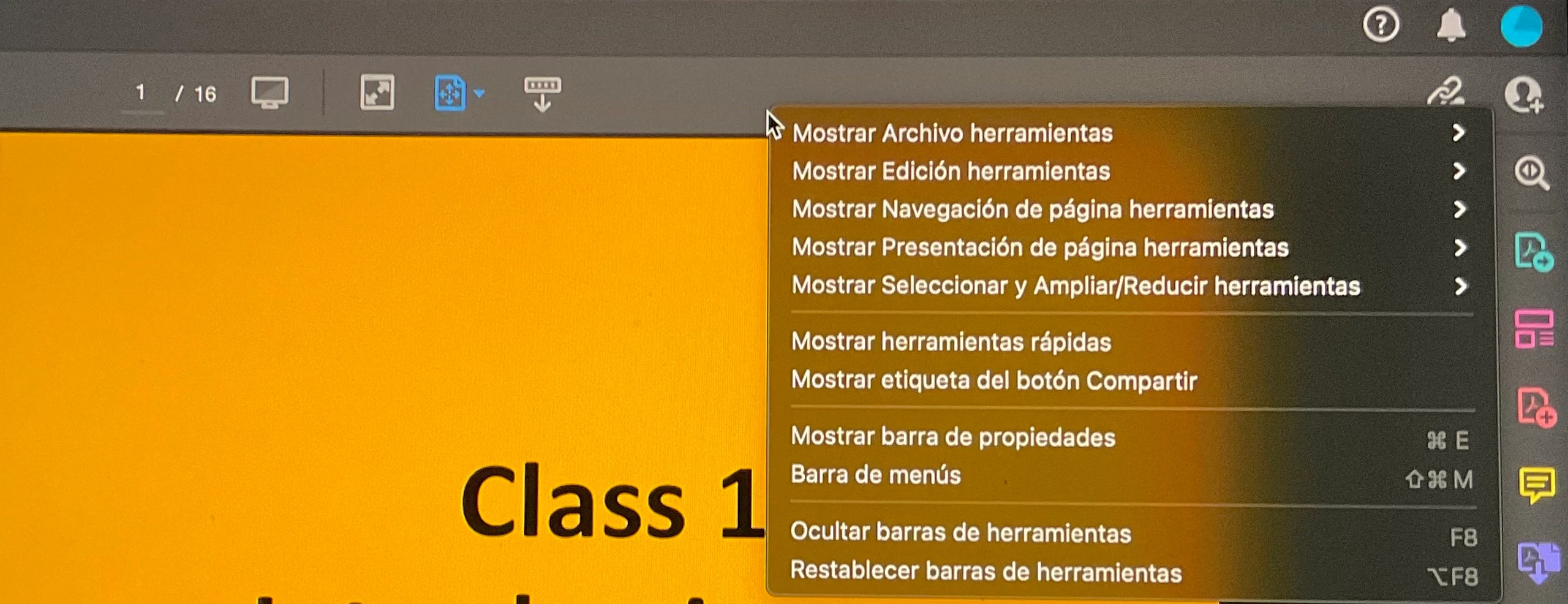


 AdChoices