
Participant
November 1, 2018
Answered

Unable to save documents

  • November 1, 2018
  • 2 replies
  • 848 views

I'm trying to save documents on my computer, but when I click "Save" or "Save as", this happens:
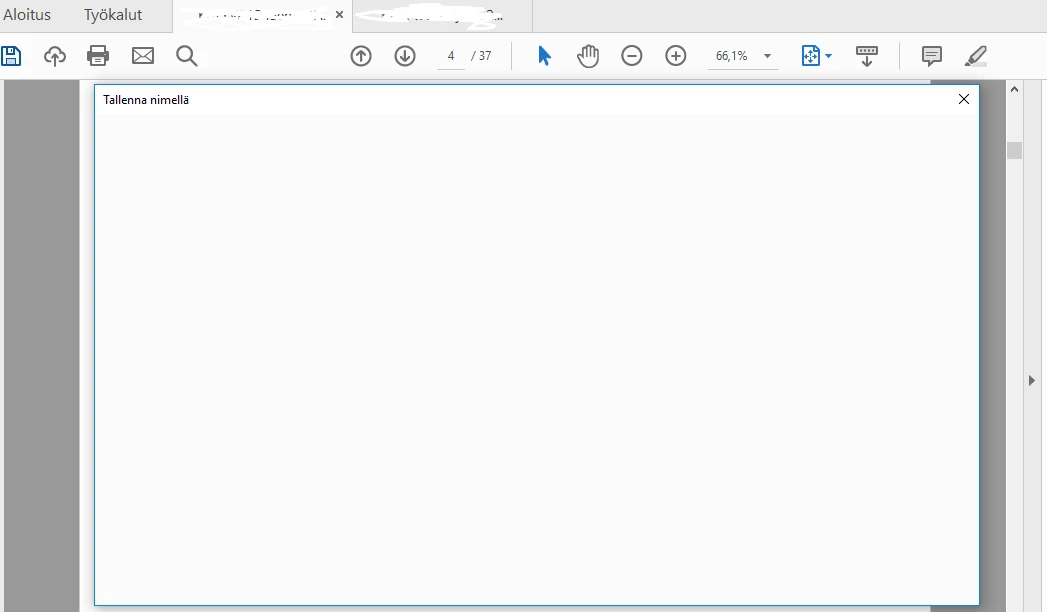
the window remains blank. I haven't tried restarting the program since I have important notes unsaved should I just consider them gone?

    This topic has been closed for replies.
    Correct answer ~graffiti

    Try going to Edit>Preferences>General>Basic tools and deselect the boxes that say "Show online storage when opening files" and "Show online storage when saving files". See if that helps.

    2 replies

    Participant
    October 28, 2021

    Hi , i also facing same issue, already tried "Show online storage when saving files" but still same. Any others solution ? 

    Participant
    August 15, 2023

    I'm experiencing the same issues

    So frustrating...


    Participant
    January 24, 2024

    Same here!  The above fix didn't fix it.

    ~graffiti
    ~graffitiCorrect answer
    Legend
    November 1, 2018

    Try going to Edit>Preferences>General>Basic tools and deselect the boxes that say "Show online storage when opening files" and "Show online storage when saving files". See if that helps.