
Question
Using the selection tool on text results in colorful mess
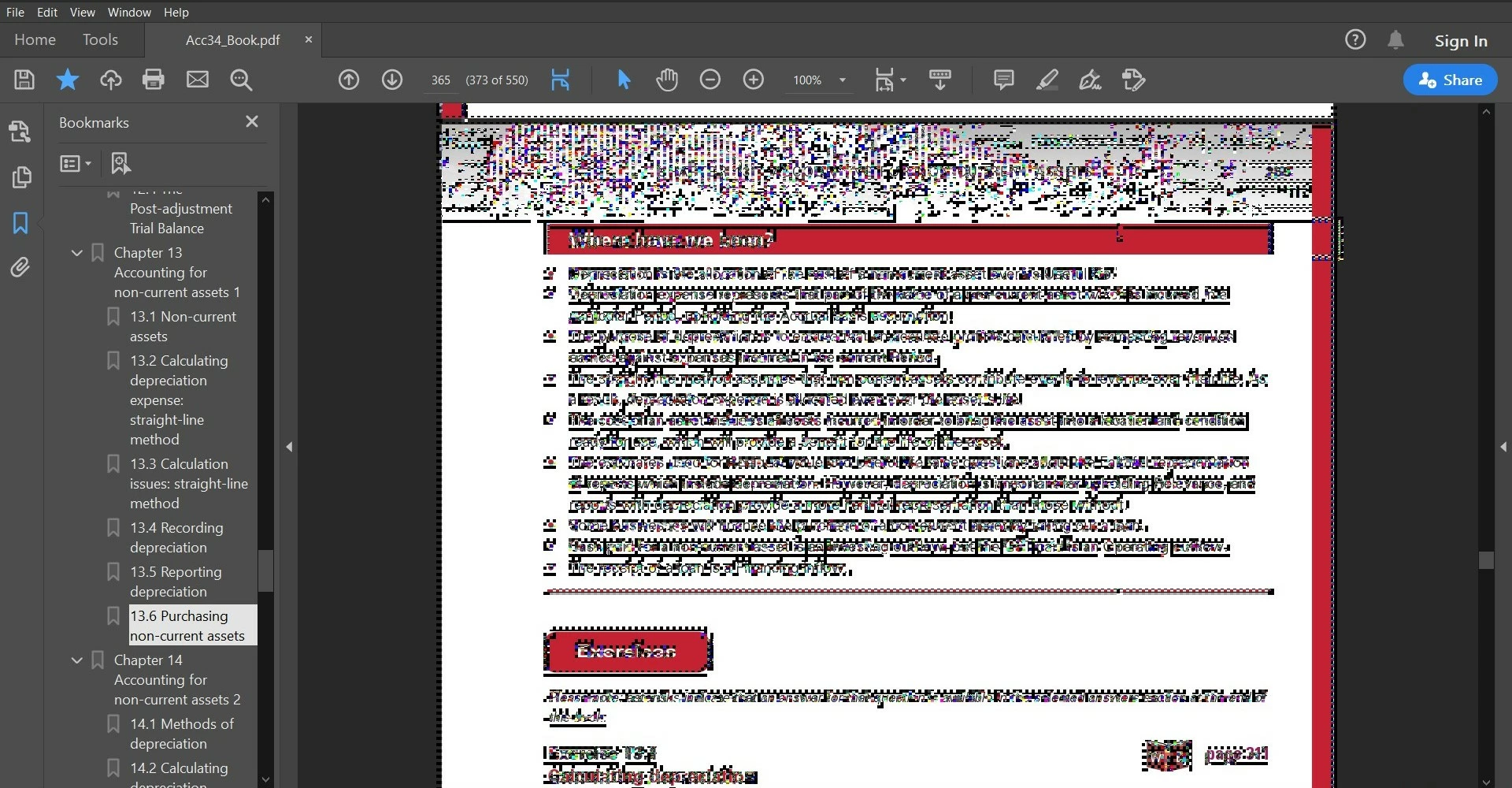
Version: Adobe Acrobat Reader DC 20.009.20067
Whenever you use the selection tool and highlight, select or click on text, this happens. This occurs for different fonts on different PDF files (my textbooks).
Another example:
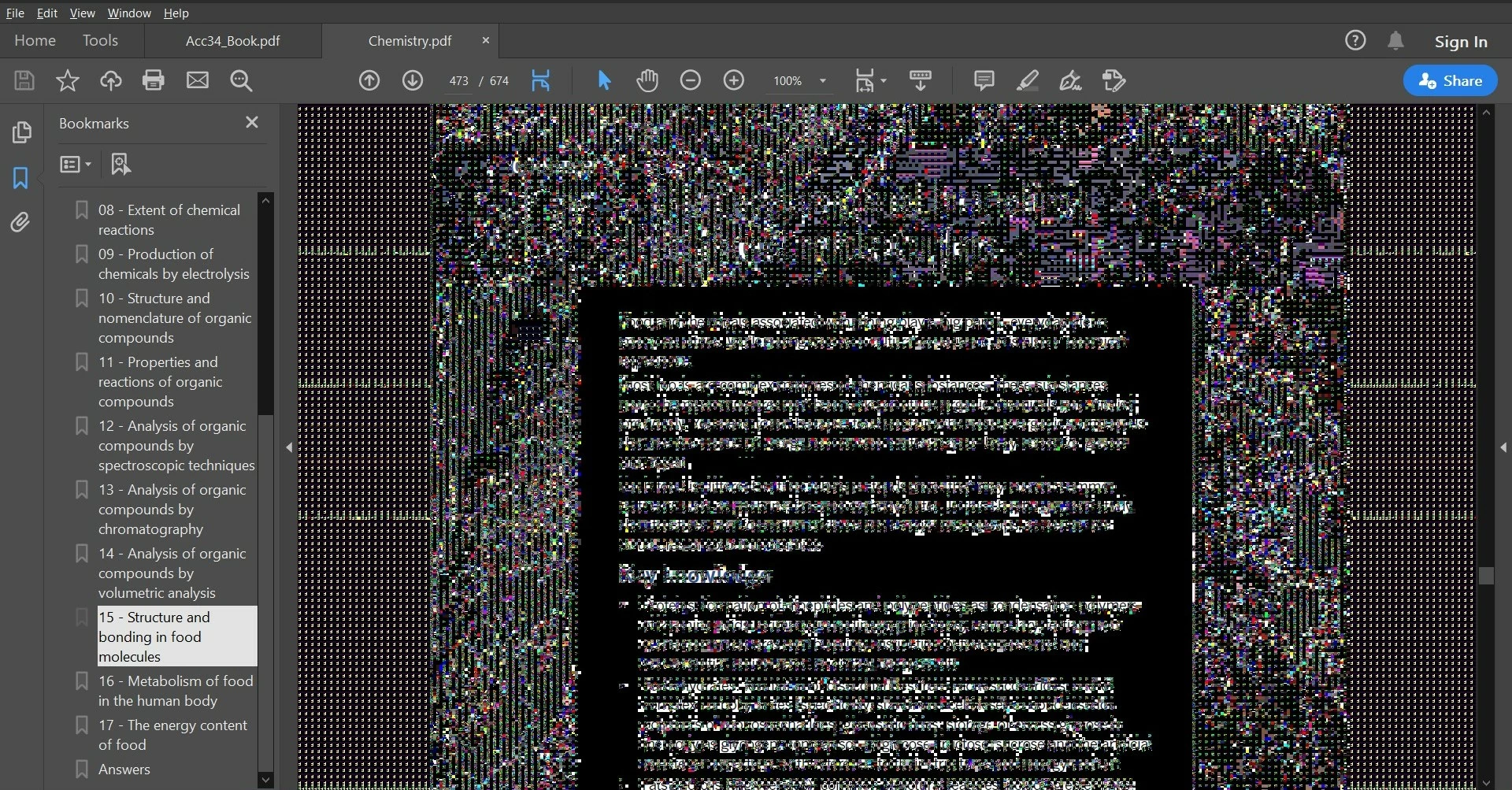
Highlighting text will 'clear' some of the pixels:
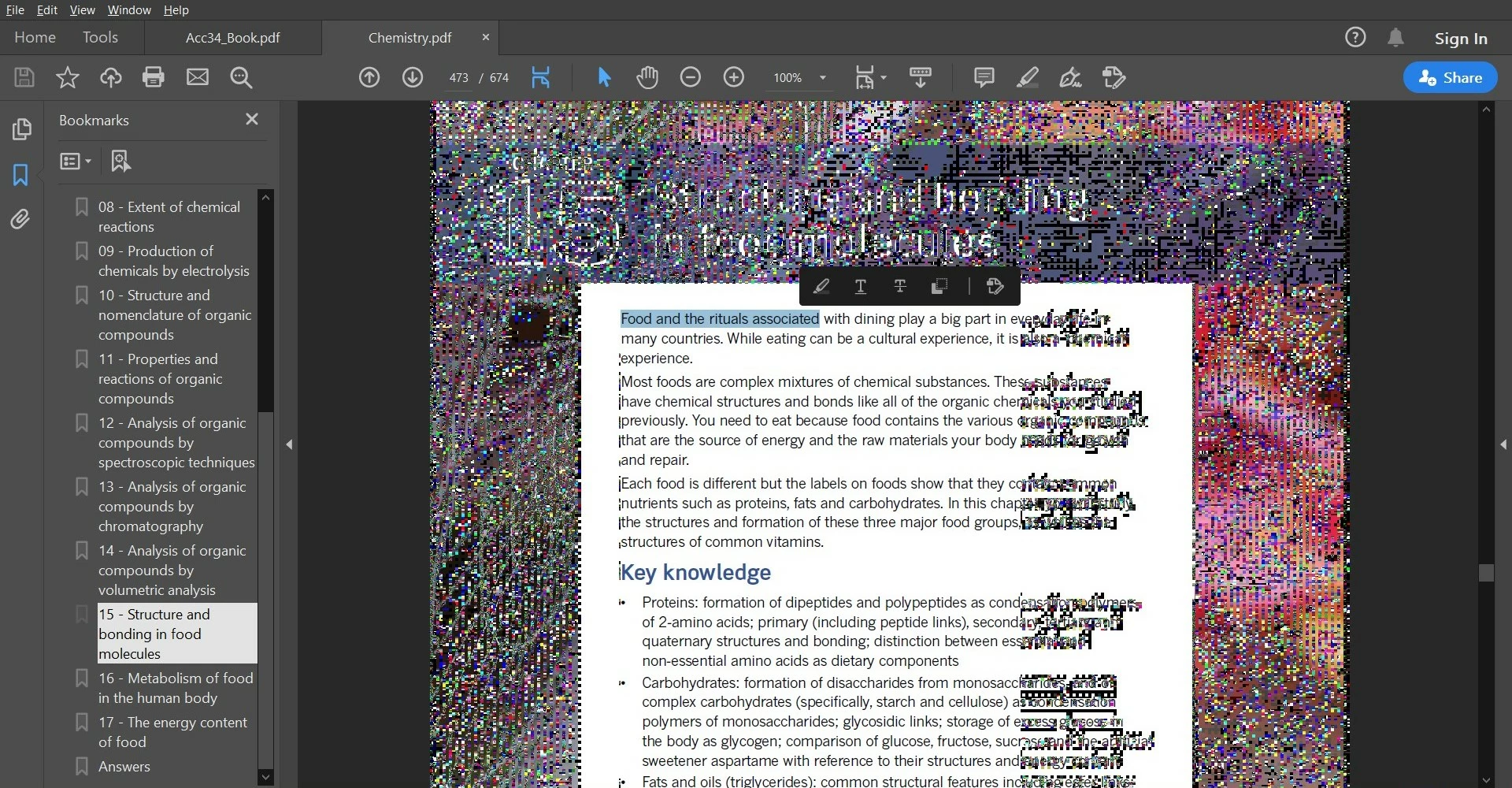
All of the messy pixels can be cleared by going into the "Home" view.
It could be an issue with my graphics card (Integrated AMD Radeon graphics).
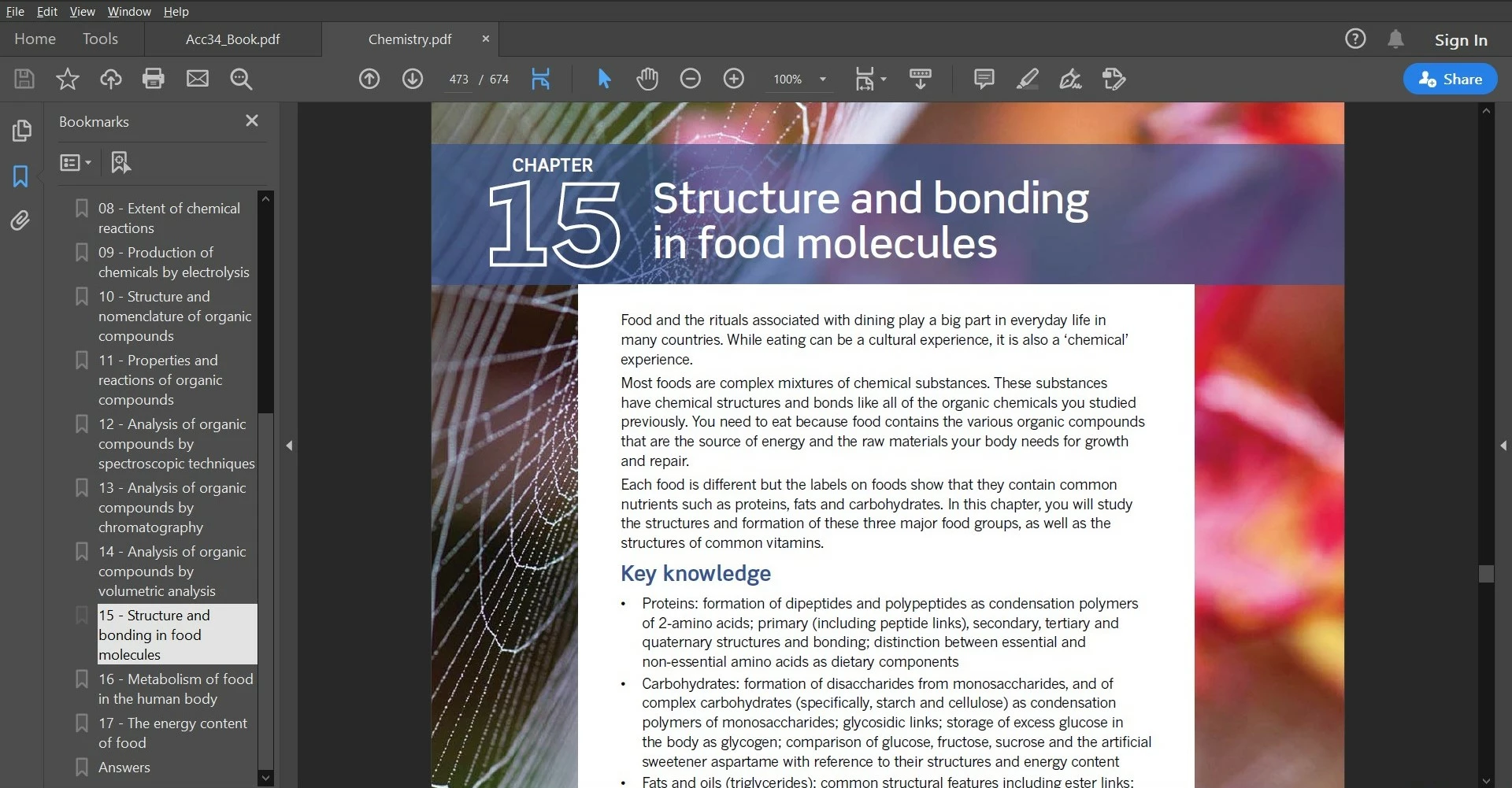
What my textbook should look like:
 AdChoices