
LBD_Initiatives
Participant
September 24, 2018
Answered

Want to highlight texts but not able to save the PDF file

  • September 24, 2018
  • 2 replies
  • 5173 views

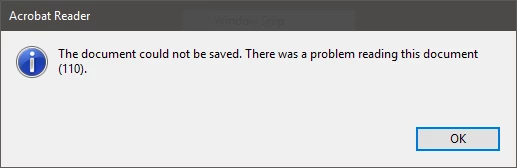
I am not able to save a particular PDF file in any case. I encountered this problem when I had tried to save that PDF file after highlighting some of its texts. I further found that this PDF file cannot be saved even in a different name at some other location. Every time I try to save the file it shows "Reading Error (110)" as described in the attached image file.

It would be great if this problem can be resolved as this PDF file is a necessary textbook of one of the subjects that I need to study and in order to make efficient use of time, I want some of its texts to be highlighted for future use of this textbook PDF.

Thank you.
    This topic has been closed for replies.
    Correct answer AnandSri

    Hello LBD_Initiatives,

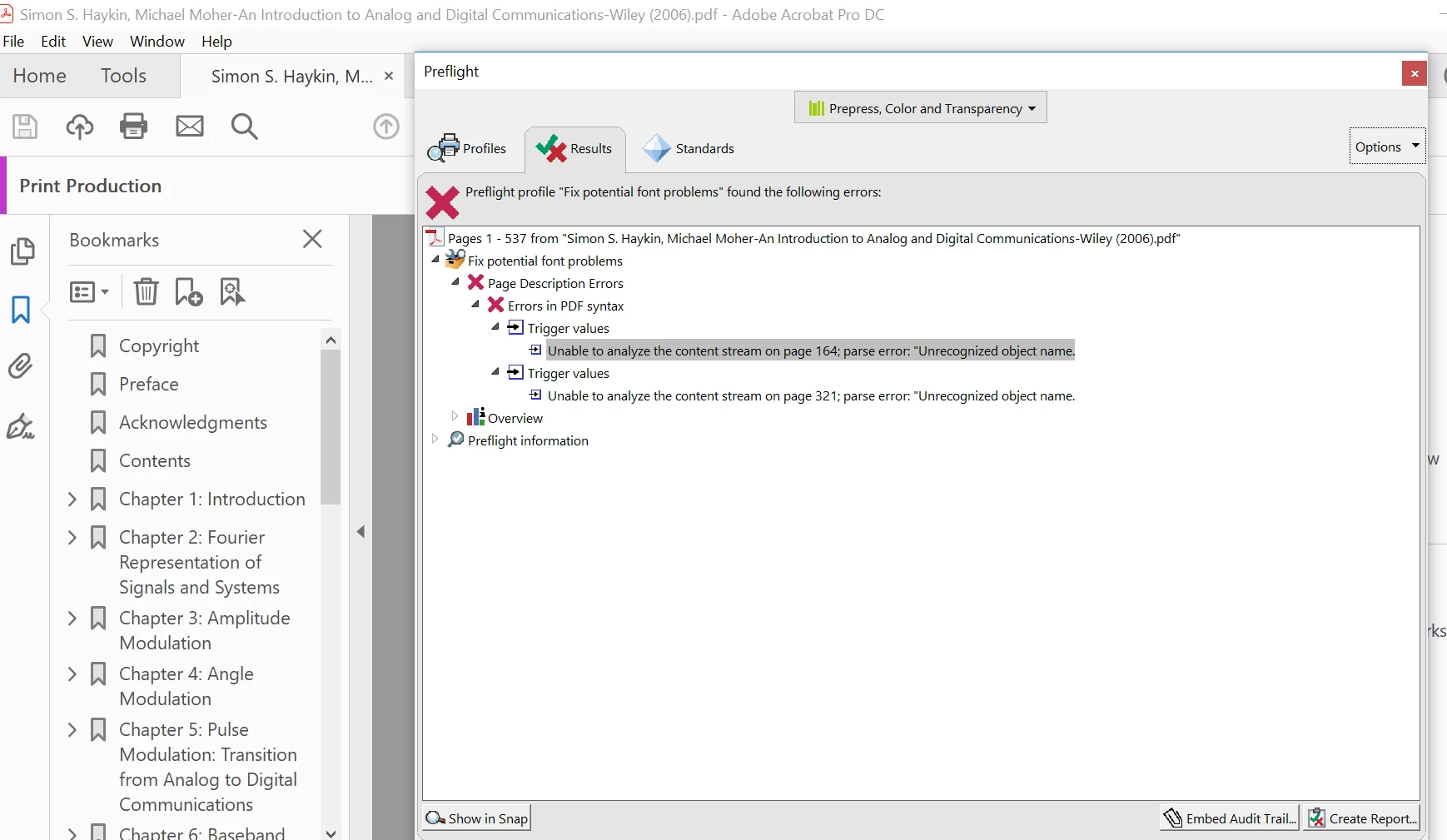
    I am sorry for the delayed response and inconvenience caused, the issue seems to be with the PDF file as the problem is with the PDF file structure and syntax.

    You may have to contact the author of the PDF or the PDF producer and ask them to check the PDF structure and its syntax during producing the PDF to rectify the issue as there isn't much can be done on the PDF file produced by a third party application.

    Feel free to update this discussion for any further assistance.

    Thanks,

    Anand Sri.

    2 replies

    davidt79617461
    Participant
    November 1, 2018

    I had the same issue. The best solution I could come up with was to export the highlights and comments on the pdf to a data file and re-import them when I needed them. You can do this from the comment tool on the right sidebar selecting options and clicking "export all to data file". and you import them again from the same place. This is doesn't really fix the problem but it's a good temporary fix especially if you already got a lot of highlighting done before you realized you couldn't save.

    AnandSri
    Community Manager
    Community Manager
    September 24, 2018

    Hello LBD_Initiatives,

    We're sorry for the trouble you had with Adobe Reader. This error message is a generic message and there could be a number of reasons for it.

    If you have Acrobat Pro installed on your machine you may use some predefined test using the Preflight tool on this file. Try saving the file with different name and check if that helps.

    You can also refer and try the suggestion from the following Adobe discussion there was an error processing a page. there was a problem reading this document (110)?

    If you want us to test the file at our end, and if you can share the file with us, please use Adobe Send feature, login to https://cloud.acrobat.com/send using your Adobe ID(email) and password, upload the file, share the link to files via private message only, How Do I Send Private Message

    Make sure that you have the latest version of Adobe Reader installed if you are viewing the file in Adobe Reader. Check for the latest update from help>check for update. Reboot the machine after updating Adobe Reader.

    Let us know how it goes and share your observation.

    Thanks,

    Anand Sri.

    LBD_Initiatives
    Participant
    September 25, 2018

    Thank you for your kind response.

    Below is the shared PDF file that I am having trouble with.

    I hope it can be fixed.

    Shared Files - Acrobat.com

    AnandSri
    Community Manager
    AnandSriCommunity ManagerCorrect answer
    Community Manager
    November 22, 2018

    Hello LBD_Initiatives,

    I am sorry for the delayed response and inconvenience caused, the issue seems to be with the PDF file as the problem is with the PDF file structure and syntax.

    You may have to contact the author of the PDF or the PDF producer and ask them to check the PDF structure and its syntax during producing the PDF to rectify the issue as there isn't much can be done on the PDF file produced by a third party application.

    Feel free to update this discussion for any further assistance.

    Thanks,

    Anand Sri.