This topic has been closed for replies.

2 replies

Amal.
Community Manager
Community Manager
April 8, 2020

Hi there 


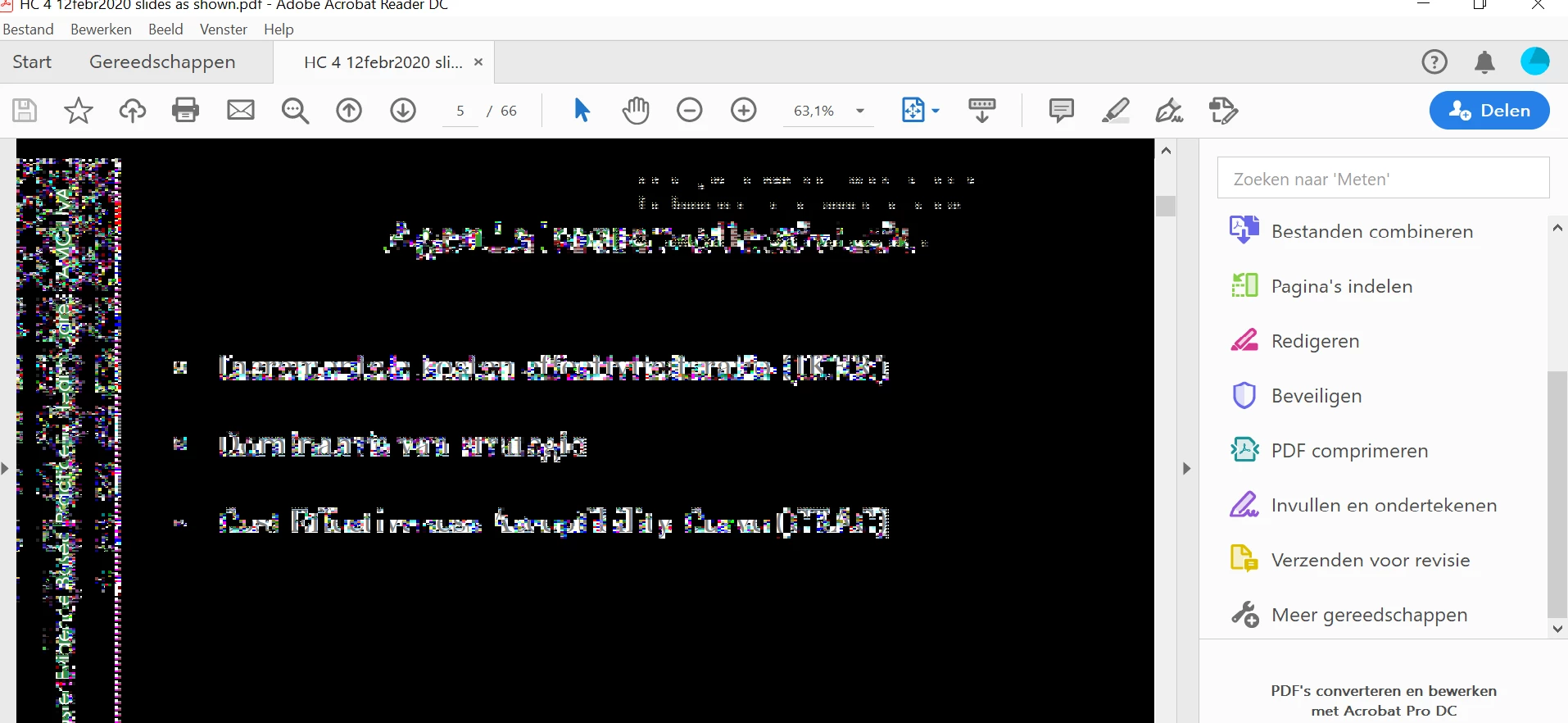
Please refer to the reply by MarkInFL  about the fix of the issue in a similar discussion (https://community.adobe.com/t5/acrobat-reader/screen-turns-to-black-and-white-dots-using-adobe-acrob...)


Regards

Amal

Amal.
Community Manager
Community Manager
March 2, 2020

Hi Siska


We are sorry for the delay in response and the trouble caused.


Please refer to a similar discussion (https://community.adobe.com/t5/acrobat/can-t-read-pdf-in-acrobat-reader/m-p/10957597?page=1#M243288) and see if that helps.


Let us know how it goes


Regards

Amal

Amal.
Community Manager
Community Manager
March 20, 2020

Hi there, 


If the issue is still unresolved, please try the following steps and see if that helps:


Please try to update the application to the new version 20.006.20042 released recently. Go to Help > Check for Updates. Also, share the video card driver version and try to update the video drivers and firmware.


If it still doesn't work please share the sample files and the log files with us for testing.

For windows please use the process monitor tool to collect the logs (https://docs.microsoft.com/en-us/sysinternals/downloads/procmon) run the tool and generate the issue and collect the logs to share.


Regards

Amal