Participant
December 4, 2019
Question

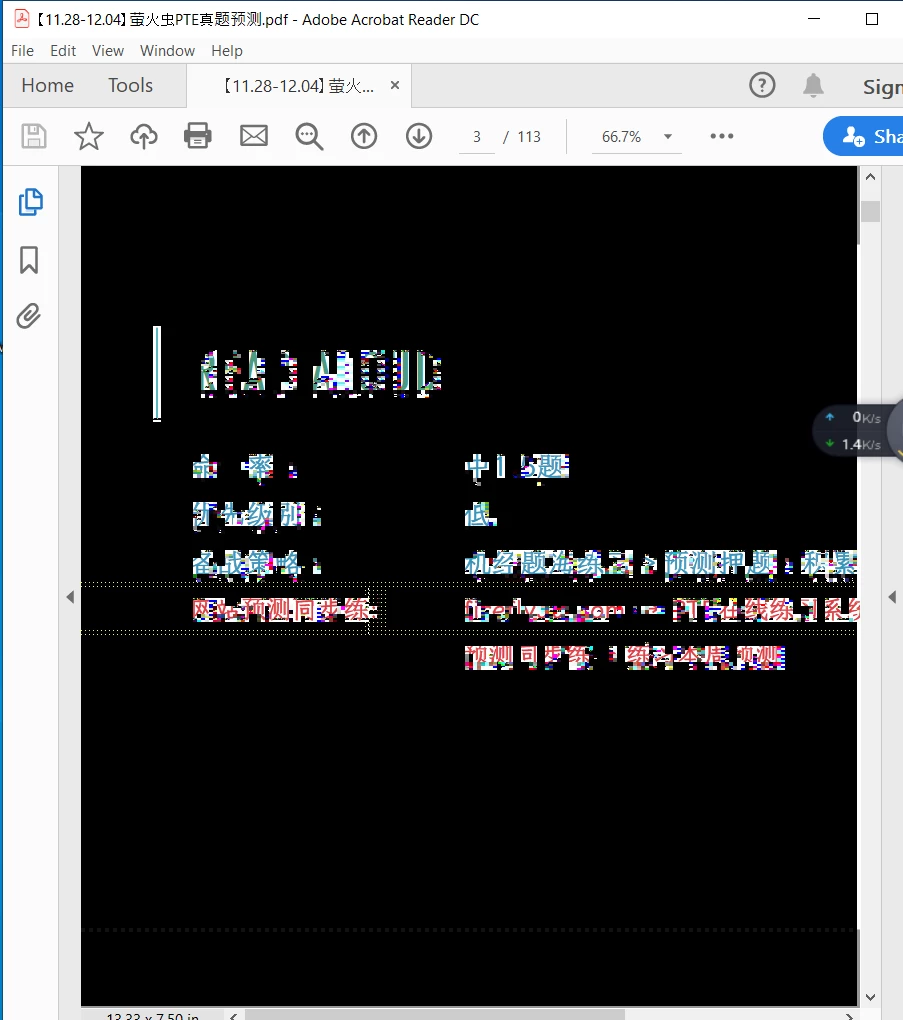
When I used select tool or fill & sign function, all the pages of document turn black .

  • December 4, 2019
  • 2 replies
  • 562 views

I tried uninstall and reinstall for a few time, the problem still persist. 


I checked all the graphic setting about the adobe DC viewer and they are in the factory setting.


One thing worth a little bit more noticable is when I changed to hand tool and started scrolling down to the next page, the viewer works well. 


Have anyone seen this situation before?


Appreciate for any help!!
This topic has been closed for replies.

2 replies

ls_rbls
Community Expert
Community Expert
December 5, 2019

In which operating system is this happening?

Participant
December 5, 2019

For my instance. Windows 10.

Participant
December 4, 2019

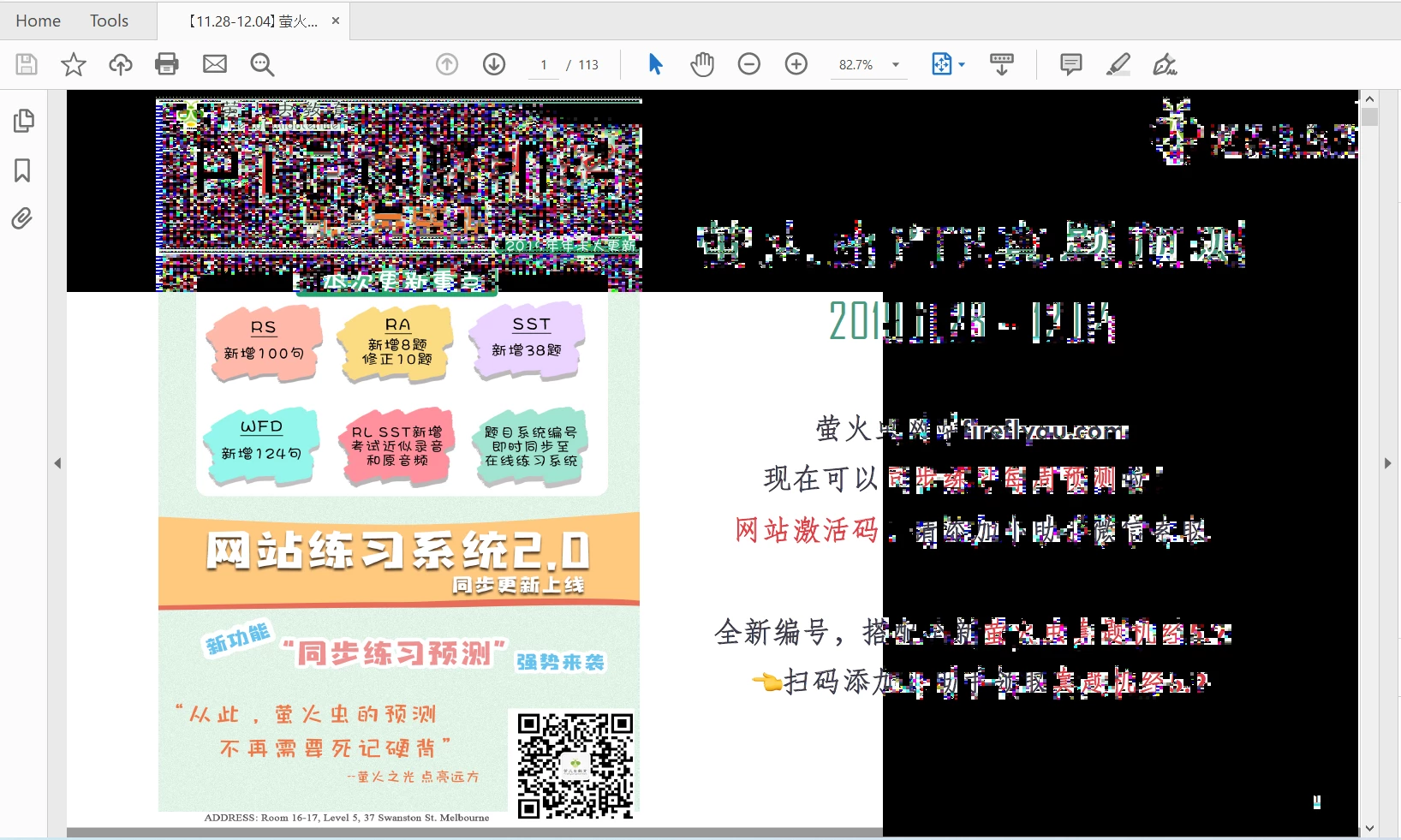
I would be very interested in learning more about this issue as well. I have a brand new Acer Aspire and I have almost the exact same issues when trying to open a document to view/edit.


Example: 

Participant
December 5, 2019

Problem solved by last night for few hours struggled. The main reason I found was the automatic update for War Thunder (A PC game) has triggered this error. I suspect it may change some graphic setting on the background which can cause the improper viewing in DC viewer. Everything was back to normal after I uninstalled the game.


So far, I don't think it is an issue on Pdf viewer setting. Please try to suspect more on automatic update for other program.