Answered
when running the program Pop-up windows appear
Pop-up windows appear every time you run a program.
If you update and reboot, it's the same thing. How do you fix it?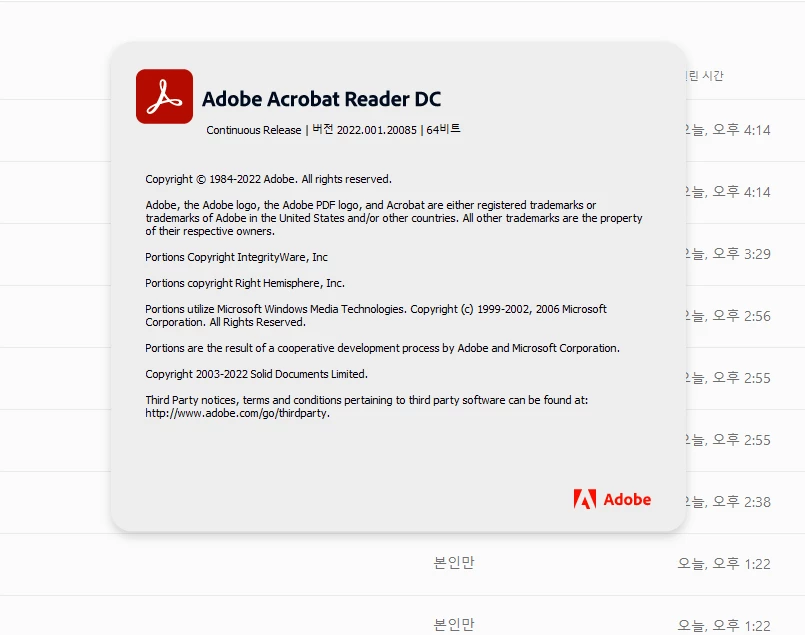

Pop-up windows appear every time you run a program.
If you update and reboot, it's the same thing. How do you fix it?
Already have an account? Login
Enter your E-mail address. We'll send you an e-mail with instructions to reset your password.



 AdChoices