Participant
November 6, 2019
Question

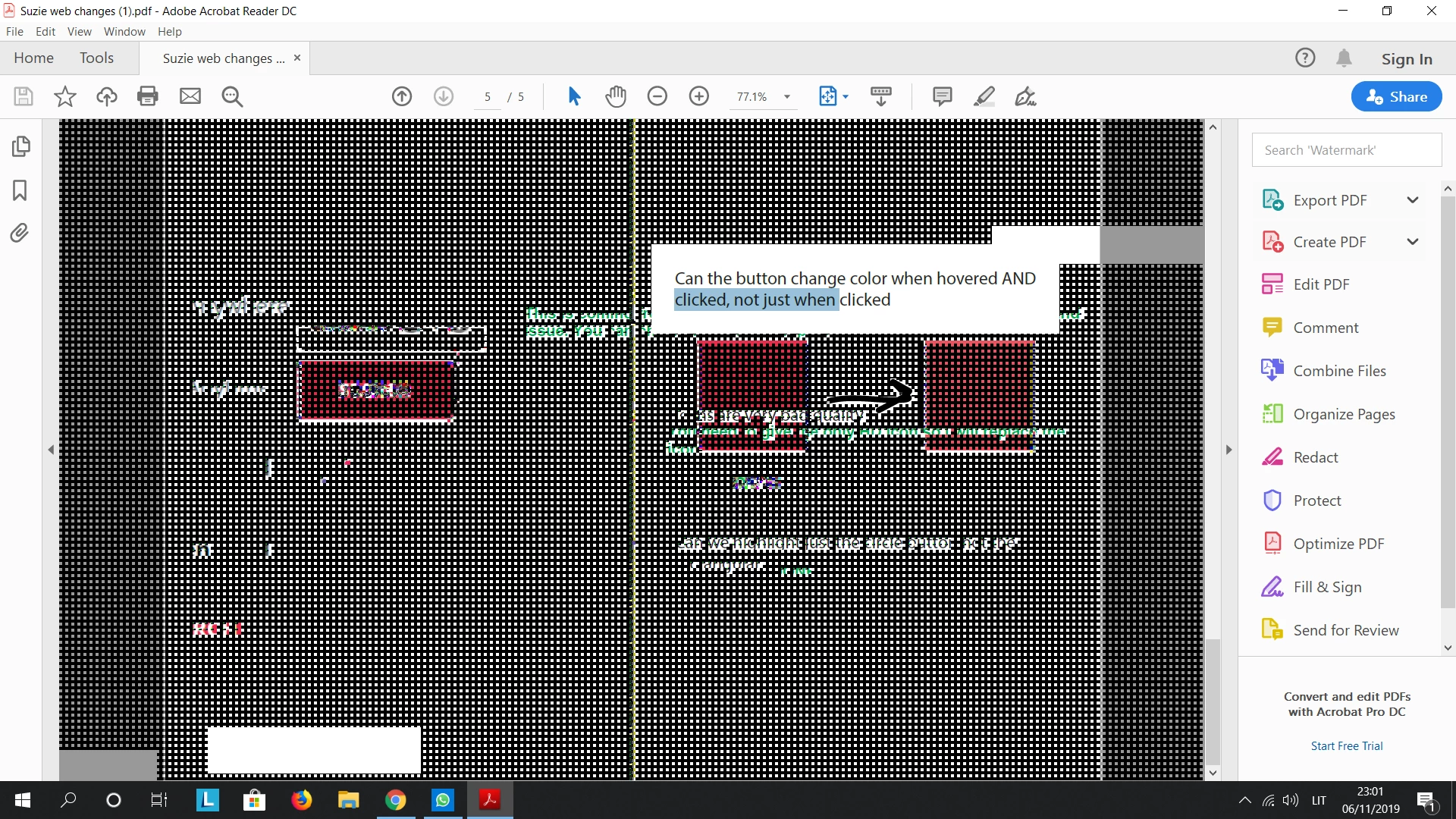
When trying to copy text screen goes white and black dots (his happens only with adobe )

  • November 6, 2019
  • 1 reply
  • 1858 views

Please see screenshot attached 

This topic has been closed for replies.

1 reply

Amal.
Community Manager
Community Manager
November 12, 2019

Hi there,


We are sorry for the trouble. Would you mind sharing more information about the issue you are facing:


We are here for help, just need more information.


Regards

Amal

Participant
November 12, 2019

Hello there,


I have the latest version of adobe reader. 


Yes, the problem persists with any pdf file that I use. I've checked my computer drivers and there is no issues there as well.


Please see the video attached. 

Amal.
Community Manager
Community Manager
November 13, 2019

Hi there,


Thanks for sharing the video recording, it makes it much easier to understand the issue. 


We need some more information for a better understanding:


Please try the following preference settings and see if that works:


Go to Edit > Preferences > General  > Scale for screen resolution > Toggle between Auto Detect  and No scaling option.


Edit > Preferences > Page Display > Resolution > Toggle between system settings and custom resolution. 


Also, if you have a dual graphic card try to change the settings there and make sure you have all the mandatory and optional updates for windows and the Video driver and firmware.


Let us know how it goes.


Regards

Amal