Participant
August 7, 2019
Question

Who can tell me how to handle this?
  • August 7, 2019
  • 1 reply
  • 464 views

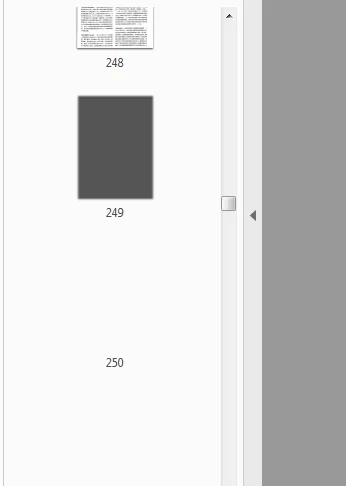
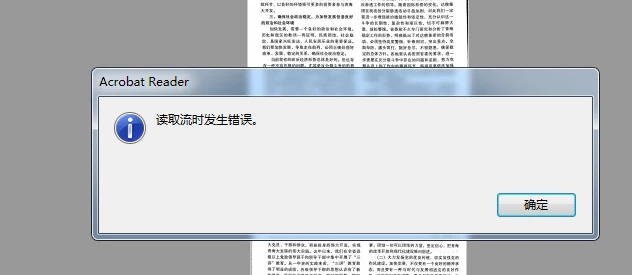
When it comes 249 page, reader can't read it.And pop up this error message.When I use other pdf reader, It doesn't appear this error

    This topic has been closed for replies.

    1 reply

    try67
    Community Expert
    Community Expert
    August 7, 2019

    Looks like the page is corrupt. Would be helpful if you could translate the error message for us...

    wt2015Author
    Participant
    August 8, 2019

    I think it should be translated to "Error reading stream", Do you understand?

    AkanchhaS8194121
    Legend
    August 8, 2019

    Thanks!

    Are you experiencing this issue with a specific PDF or whenever reading a multi-page PDF, it starts giving the same error?

    • Make sure that you have the latest version of Adobe Reader installed, check for any pending updates of Adobe Reader from help>check for updates, reboot the machine after updating Adobe Reader and check.

    • If you have the latest version of Adobe Reader installed, please navigate to Adobe Reader's Preferences from Edit>Preferences>Security(Enhanced)>disable "Enable Protected Mode at Startup" and "Enable Enhanced Security">OK>Reboot Reader>Re-open file.

    Note: Changing the above security settings could pose security risks. We suggest you to turn it back On once you are done with testing.

    Let us know the result.

    Thanks,
    Akanchha