
Participant
April 18, 2018
Question

Why are my files stored in the cloud not visible?

  • April 18, 2018
  • 1 reply
  • 2246 views

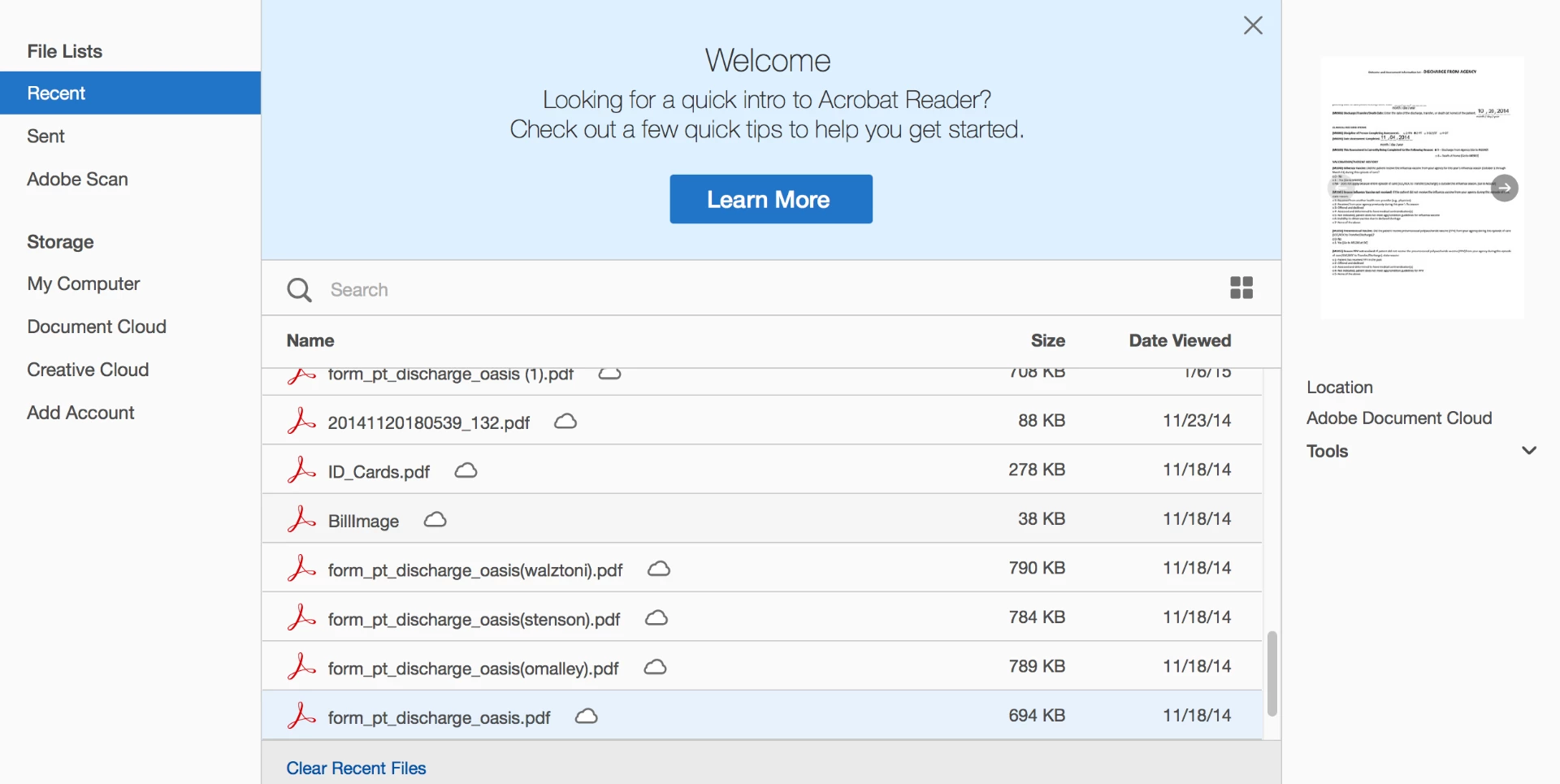
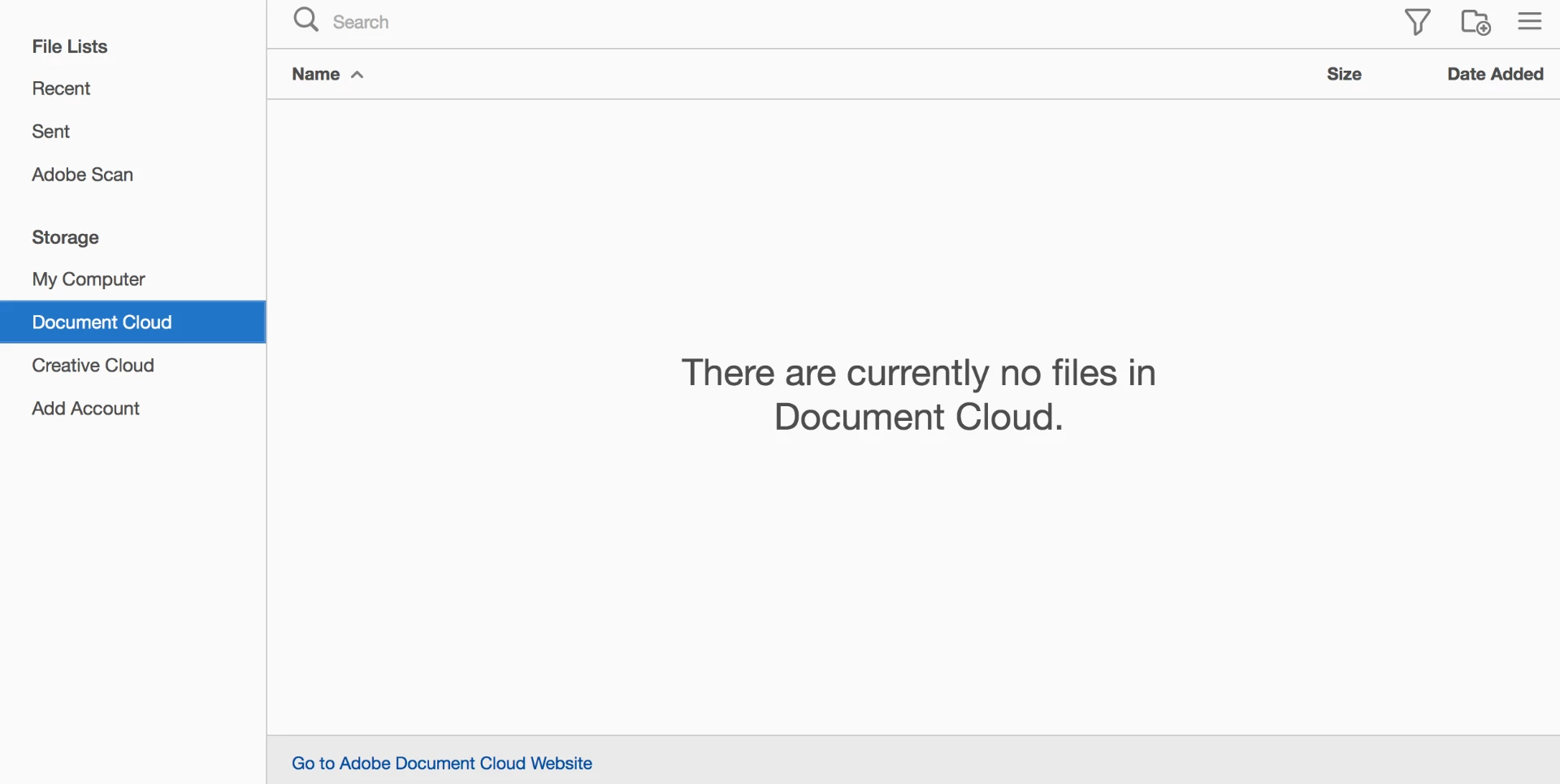
I have files in my "Recently viewed" list that show that they are saved to the Adobe Document Cloud. However, when I click on the "Document Cloud" link, it says There are currently no files in Document Cloud. I would like to remove these files from the cloud. I know I could just delete them from the recent list, but if I do this, I believe they will still be in the cloud somewhere. Can anyone help with this?
This topic has been closed for replies.

1 reply

Meenakshi_Negi
Legend
April 19, 2018

Hi Anthonyy,

As you can see the Document Cloud files in the recent list, it is not necessary that those files still exist in the Document Cloud.

If you have already deleted the files from Document Cloud, try to open the files you see in the recent list.

Check if those files open or not.

The recent list shows you all the files you have opened in the recent time.

It will show the files even after you have deleted the file. However, once you try to open that file from the recent list, it will not open and will remove from the recent list as well.

Hope that answers your query.

Let us know if you need any help.

Regards,

Meenakshi

Participant
April 19, 2018

Thank you for your response, Meenakshi.

When I open the files from the recent list, the files are downloaded from the Adobe Cloud, and I am able to access them (see below screenshots). This is how I know that they are saved in the cloud somewhere, but they just do not appear to be in my "document cloud storage folder". Once again, I want to completely remove these files from the cloud, so that they are not accessible from the recent files list.

Meenakshi_Negi
Legend
April 20, 2018

Please open this link https://cloud.acrobat.com/recent and sign in with the same Adobe ID that you are using in Adobe Reader application.

Once you are signed in, go to Files > Document Cloud.

Check if you can locate the files there.

If yes, you can delete the files permanently from there.

Also, try to repair the desktop application.

Launch the application and go to Help > Repair installation.

Then reboot the machine. Check if you can find the PDF under Home > Document Cloud.

Let us know how it goes.

Regards,

Meenakshi