
why do I need IE to be open so that my sharepoint account work ?
Hi all. hope some one can help me with this..Here's my probleme...
I access my MS sharepoint folder with the option (Add sharepoint account) with adobe reader DC and it worked!! BUT!! If I want to use it with adobe reader I need to open Internet explorer in order to see my files on sharepoint. I tryed this before creating this post...
1- errase ALL credetial manager in windows
2- deleted all browser data history,saved password.ect
3- update windows lates version and all Adobe product and browser.
4- give access to sharepoint library to the user
then ...
5- connected to office 365 sharepoint in all browser and use the option ( always stay connected ) and ( saved pasword )
6- add the account in adobe ... and this happen..
I created the account then click on it .. I see this error ( sorry it's in french )
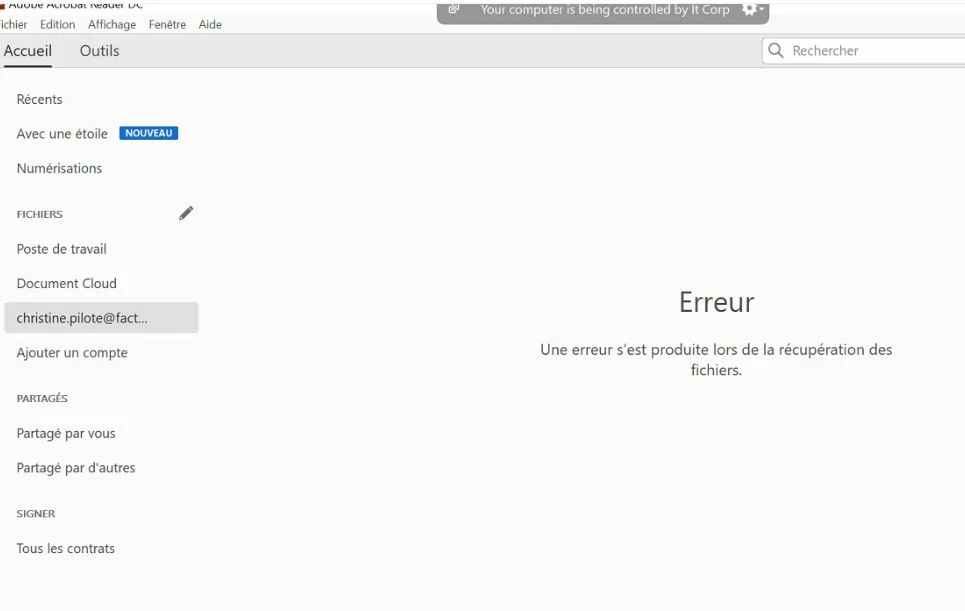
then I open Internet explorer...
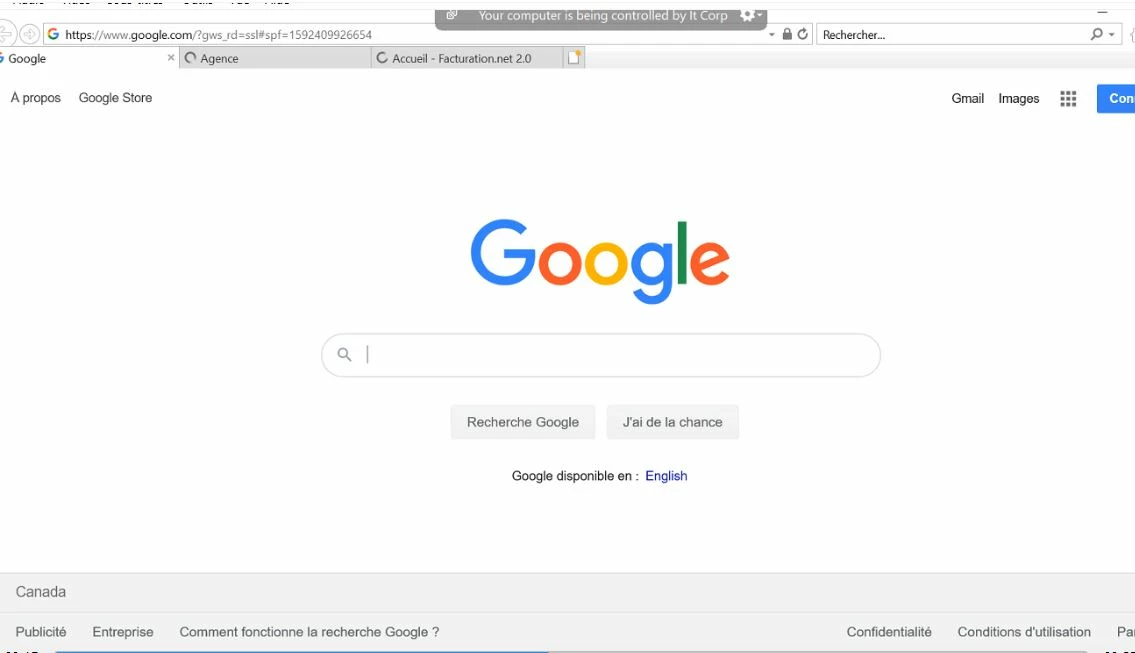
and then click again on the account in adobe reader dc... then I see my sharepoint folder ....
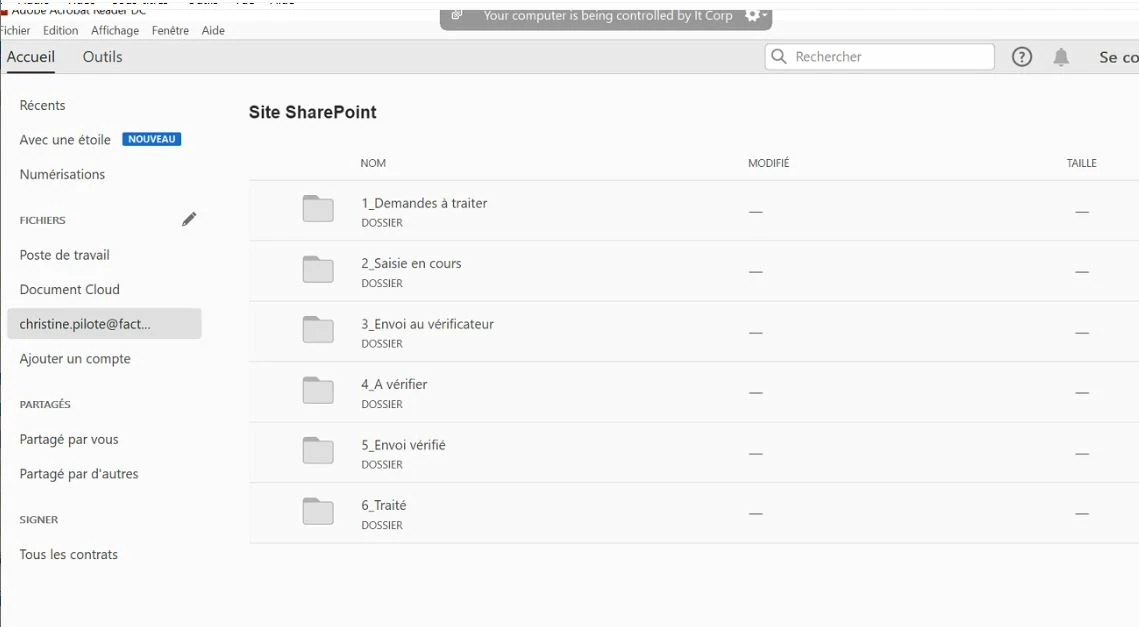
thanks for your help.
Rock


 AdChoices