


Why is the view different when viewing different pdf documents?
Greetings!
I have downloaded a large number of bank statements as PDF's. I need to open and print them so that I can begin doing my taxes.
The vast majority of these documents open with a page that looks like this:
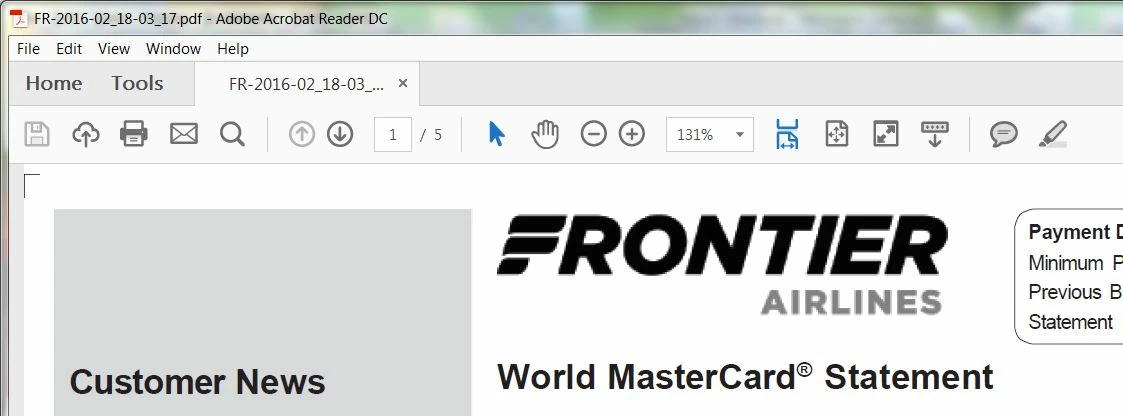
Note that there is a menu bar, and a tool-bar type item below where it says "Home" and "Tools"
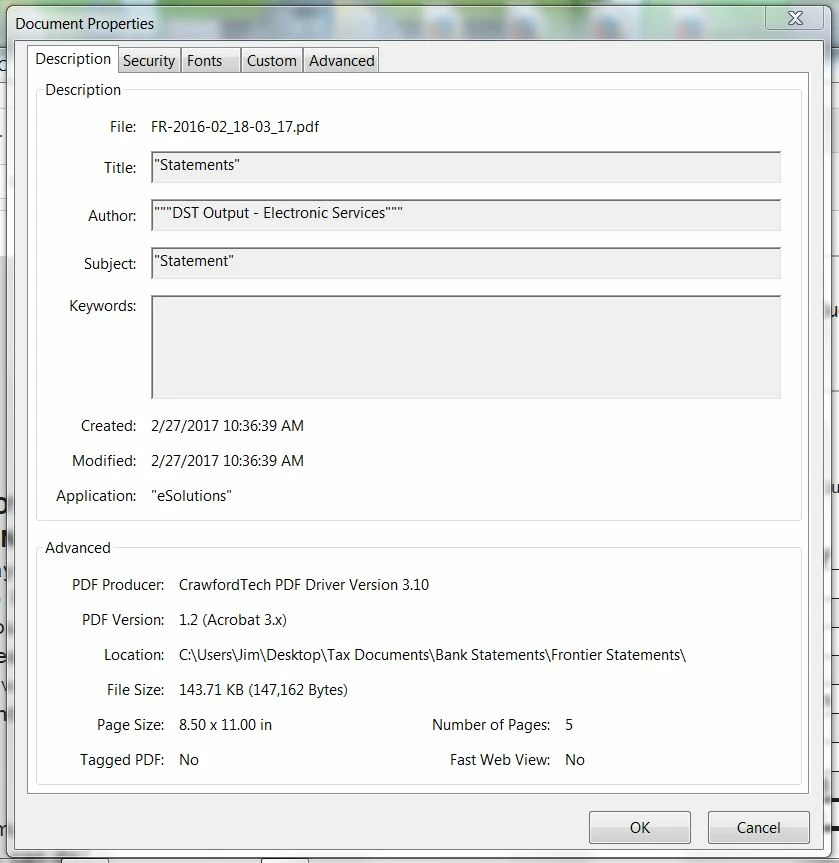
Here are the "Document Properties" for this document: (the rest of the tabs are substantially similar.
===============================================================================
However, certain PDF files open in a completely different view.
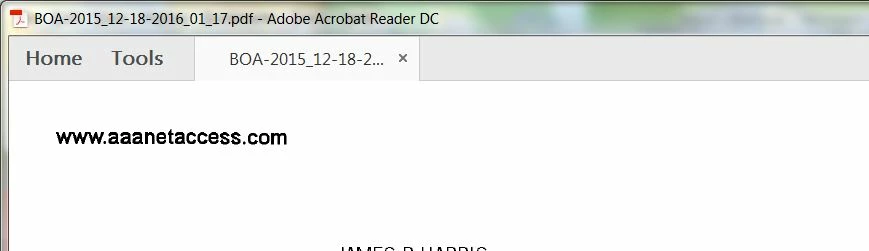
Note that there is no menu bar, and no "tool-bar" item in the snippet shown above. Instead there is a "floating" tool-bar item that appears near the bottom of the page.
Here are the document properties for this document:
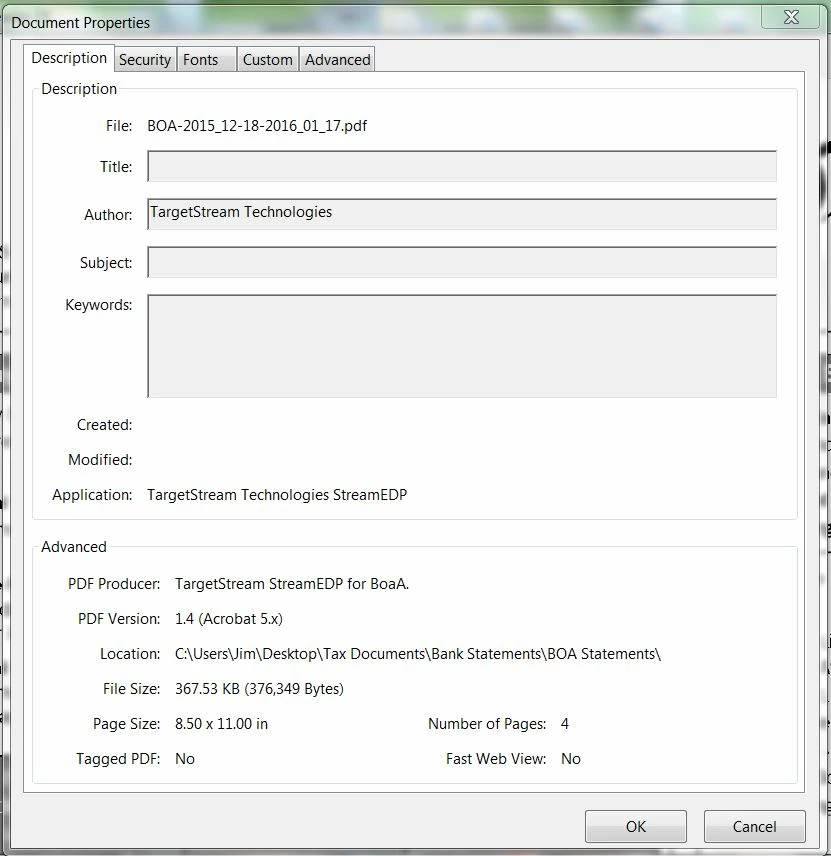
I am using the exact same reader, (as shown in the window's title). None of these files are password protected. All of them should be "plain vanilla" generic PDF's, though they come from different sources.
My questions:
1. Why do I get different views when viewing PDF files from different sources?
2. What can I do to make ALL PDF documents appear as in the first snippet, which is my desired display default.
Thanks in advance for all your help!
Jim (JR)
Message was edited by: Jim Harris Added property-sheet views
 AdChoices