

August 24, 2016
Question

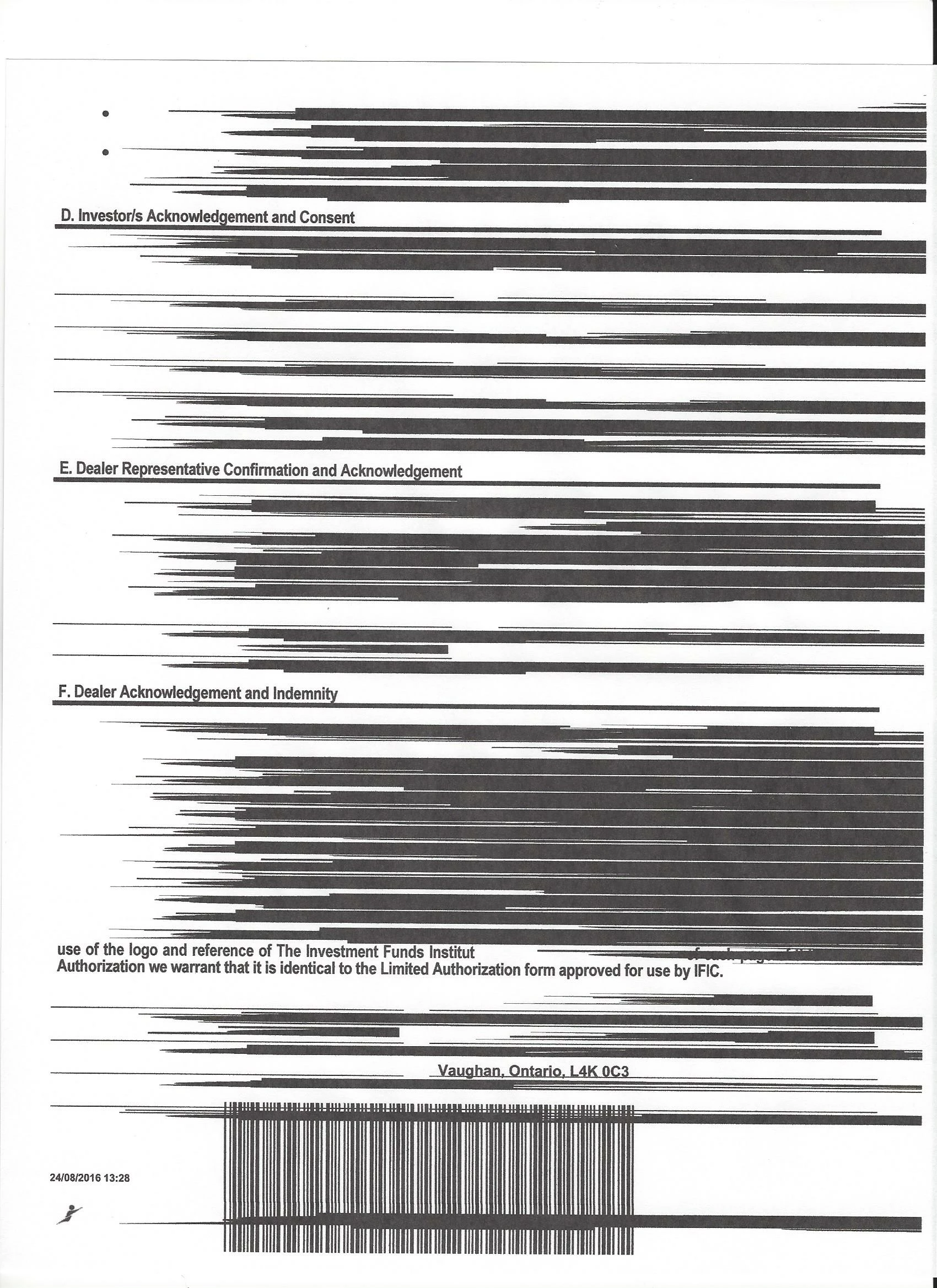
Black Lines printing through fields - help!

  • August 24, 2016
  • 3 replies
  • 1439 views

I am getting this when I try to print anything with a pre-populated field.  Help!  I have uninstalled and reinstalled.  It does work with I print as an image.
This topic has been closed for replies.

3 replies

Participant
September 6, 2016

I have the exact same issue - we're using Windows 10 and a secured PDF.  When we print in B&W or color, the content of the fields is replaced with black lines like in the graphic shown.

Meenakshi_Negi
Legend
August 25, 2016

Moving this to Printing & Prepress

Meenakshi_Negi
Legend
August 25, 2016

Hi stewardswayfinancial

Try referring the troubleshooting steps provided in this KB doc: Troubleshoot PDF printing in Acrobat and Reader and check if it resolves the issue.

Could you please share dot version of Adobe Reader application and OS you are using.

Are you experiencing this issue with a particular PDF? Try to replicate the issue with other PDF's.

Let us know how it goes.

Regards,

Meenakshi

September 6, 2016

hello meenakshin83966505​,

Thank you for your response.  It is Adobe DC and its Windows 10 Home.

I have gone through the various steps in the Troubleshooting guide to no avail.

Although, when I get to the section called  "Checking printing files (preflight inspection) for syntax-related issues (problems in programming code)", I try to open the Print Production tools (to get to preflight), and I just get redirected to this page: https://acrobat.adobe.com/ca/en/landing/acrobat-pro-ipm-pricing.html  

So I am not sure why this is happening!!

Thanks for any insight you can give.

September 6, 2016

Oh... I am just realizing that Print Production Tools is a Pro app....am I right?

If that is the case, is there no way to solve my issue without purchasing Acrobat?
